
YouTube specs
バナーとアバターのためのYouTubeチャンネルアート写真
Photo size & upload specs
- Pixel dimensions
- a file that renders at 98×98 px
- Aspect ratio
- 1:1 (Studio crop square)
- File size cap
- 15 MB maximum
- Ideal upload
- a sharp square. 800×800 is the Official Artist Channel rule, not this one
- Formats
- JPG, GIF, BMP, or PNG (no animated GIFs)
- Crop safe area
- YouTube Studio gives you a crop square before you publish. Keep the face inside that square with a little headroom. The branding article does not publish a circle-mask diagram.
YouTube Help, “Manage your channel branding,” checked 2026-10-19, does not publish 800×800 or a 4 MB profile cap. “Set your artist avatar” asks Official Artist Channels for 800×800 at 1:1. The banner is separate: minimum 2048×1152, recommended 2560×1440, 6 MB or smaller.
YouTubeのクリエイターはアバターで認知されます。同じ写真がバナー、アバター、そして数千ものサムネイルに表示され、認知がすべての勝負どころです。
HeadshotCamは、自撮り1枚からクリエイター水準のポートレートを生成します。クリーンモダン、コンテンツクリエイター、ブランドストラテジストのスタイルと無地の背景を選べば、シャープなアバターと、横長のバナー向け写真の両方が手に入ります。
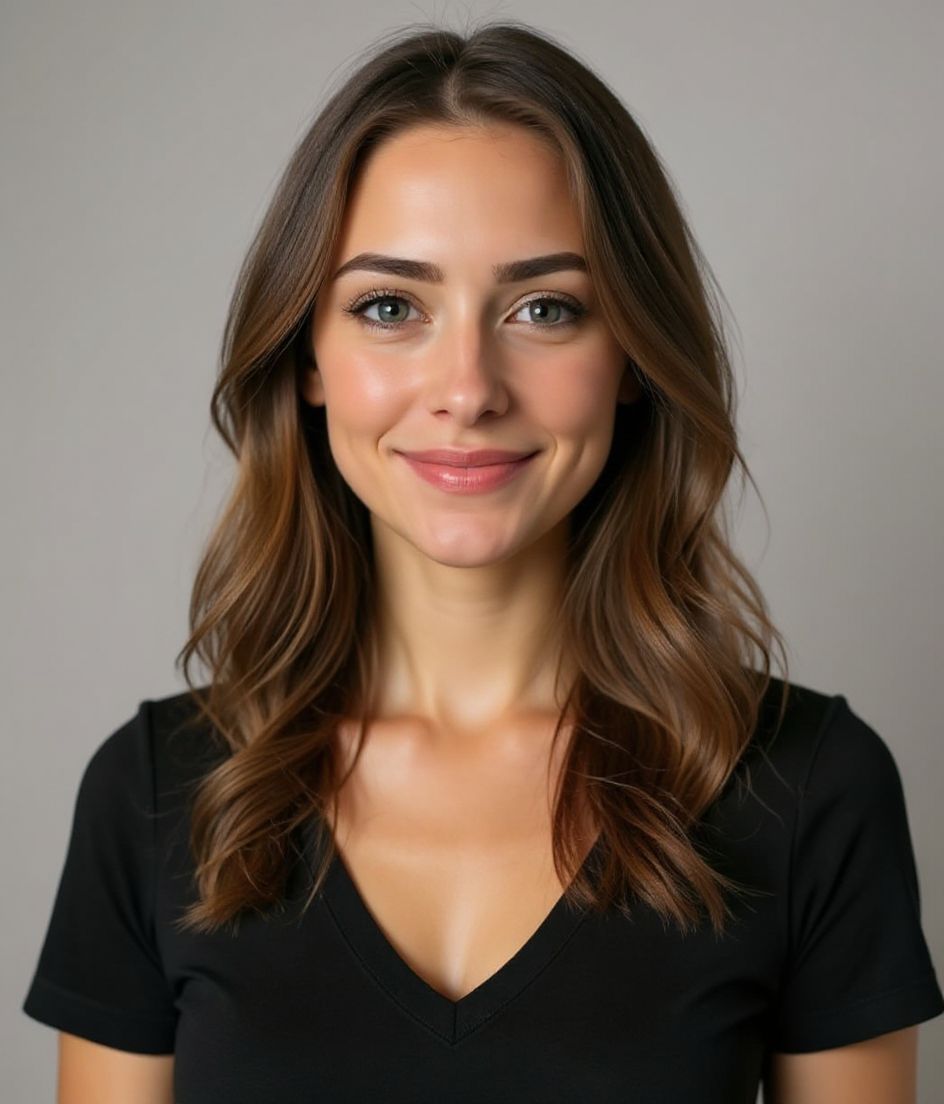
Built for YouTubeチャンネルアート写真
a file that renders at 98×98 px — sized for YouTube
Upload 1:1 (Studio crop square), a sharp square. 800×800 is the Official Artist Channel rule, not this one ideal, 15 mb maximum. JPG, GIF, BMP, or PNG (no animated GIFs) — no awkward zoom, no clipped chin.
Crop-safe framing
YouTube Studio gives you a crop square before you publish. Keep the face inside that square with a little headroom. The branding article does not publish a circle-mask diagram.
言葉で編集
「メガネを外す」「ネイビーのブレザー」「背景を明るく」と入力するだけ。AIがあなたの顔はそのままに、細部だけを更新します。
高解像度・透かしなし
印刷品質のファイルをダウンロード。小さなロゴも、隅の「作成済み」スタンプもありません。
Best styles
Our picks for YouTubeチャンネルアート写真.
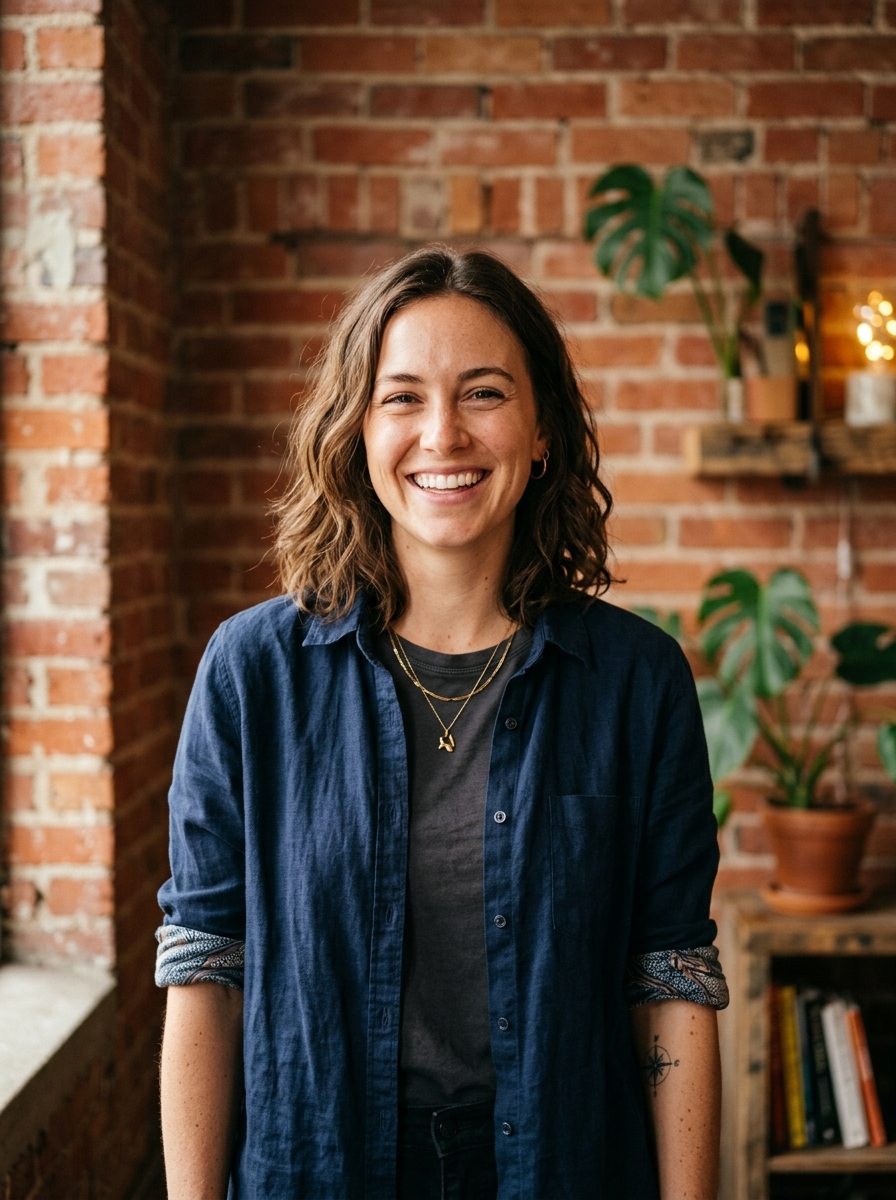
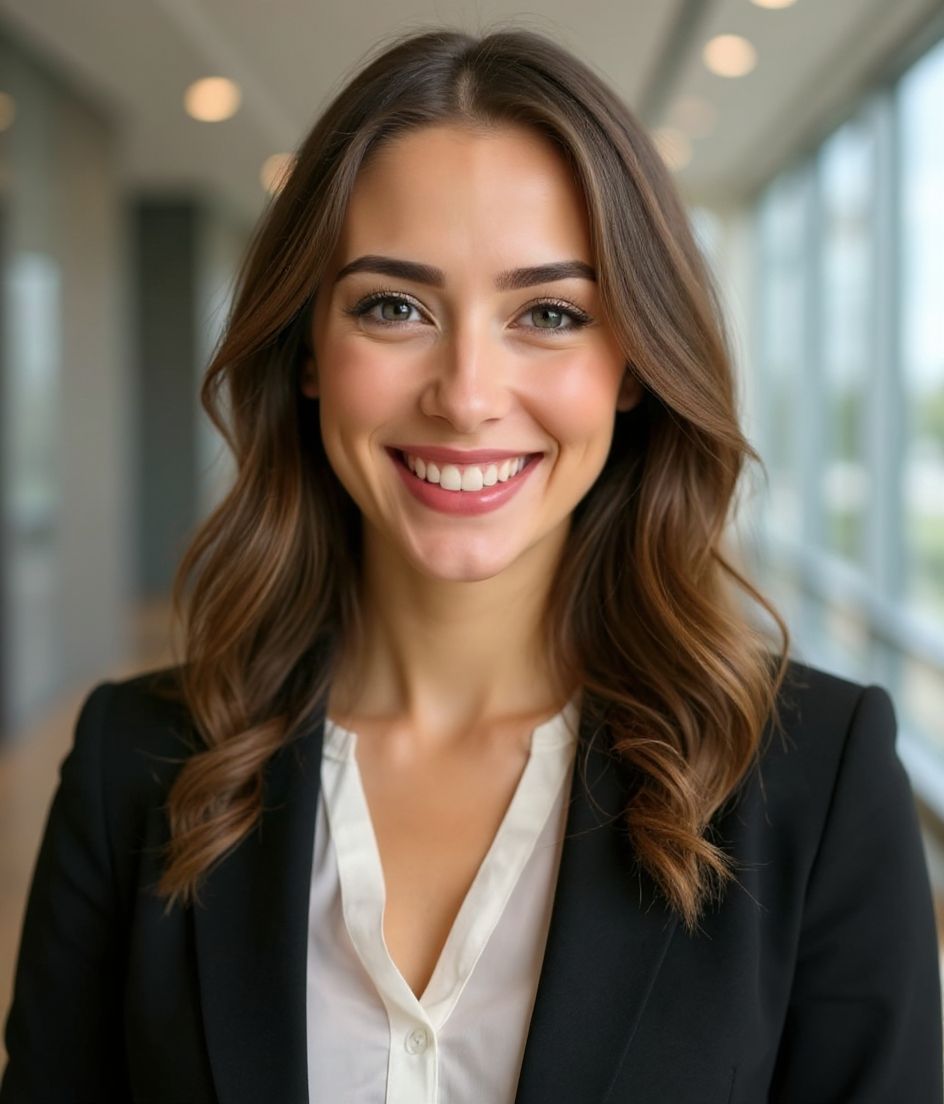
コツ
- 1 アバター用はしっかり寄せたトリミング、バナー用は横長のトリミングで。同じ自撮りから2枚生成しましょう。
- 2 髪と対比する無地の背景を。小さなサムネイルでも顔をシャープに保てます。
- 3 識別しやすい、少し誇張した服装を。視聴者がすぐにあなたを見分けられるようになります。
- 4 バナー、アバター、動画サムネイルの間で揃えましょう。
よくある質問
What size should my YouTube photo be?
YouTube expects a file that renders at 98×98 px at 1:1 (Studio crop square), 15 mb maximum, in JPG, GIF, BMP, or PNG (no animated GIFs). Practical upload: a sharp square. 800×800 is the Official Artist Channel rule, not this one. YouTube Help, “Manage your channel branding,” checked 2026-10-19, does not publish 800×800 or a 4 MB profile cap. “Set your artist avatar” asks Official Artist Channels for 800×800 at 1:1. The banner is separate: minimum 2048×1152, recommended 2560×1440, 6 MB or smaller.
How should I frame a YouTube photo?
YouTube Studio gives you a crop square before you publish. Keep the face inside that square with a little headroom. The branding article does not publish a circle-mask diagram.
YouTubeで通用しますか?
はい。出力はあなた本人のリアルな写し姿で、イラストやフィルターではありません。FoundationsまたはCorporateのスタイルを選べば、通常のスタジオ撮影のように見えます。
顔をまったく同じに保てますか?
はい。顔、髪、肌の色はそのまま固定されます。変わるのは服装、ライティング、背景だけです。
生成はどのくらい速いですか?
ほとんどのヘッドショットは5〜15秒で完成します。何度も試して、「言葉で編集」で微調整しても、すべて1分以内で済みます。
関連
ヘッドショットを作成
スタジオ不要。セルフィー1枚から数秒でプロ仕様。iOS / Android で無料ダウンロード。
iOS / Android で無料ダウンロード
- 無料ダウンロード
- セルフィー1枚
- 5〜15秒
- 透かしなし
スキャンしてダウンロード
スマホのカメラをコードに向けてください

