
YouTube specs
Ein YouTube-Kanalbild-Foto für das Banner und den Avatar
Photo size & upload specs
- Pixel dimensions
- a file that renders at 98×98 px
- Aspect ratio
- 1:1 (Studio crop square)
- File size cap
- 15 MB maximum
- Ideal upload
- a sharp square. 800×800 is the Official Artist Channel rule, not this one
- Formats
- JPG, GIF, BMP, or PNG (no animated GIFs)
- Crop safe area
- YouTube Studio gives you a crop square before you publish. Keep the face inside that square with a little headroom. The branding article does not publish a circle-mask diagram.
YouTube Help, “Manage your channel branding,” checked 2026-10-19, does not publish 800×800 or a 4 MB profile cap. “Set your artist avatar” asks Official Artist Channels for 800×800 at 1:1. The banner is separate: minimum 2048×1152, recommended 2560×1440, 6 MB or smaller.
YouTube-Creator werden am Avatar erkannt. Dasselbe Foto erscheint auf dem Banner, im Avatar und auf tausend Thumbnails — Wiedererkennung ist das ganze Spiel.
HeadshotCam nimmt ein einziges Selfie und liefert dir ein Porträt in Creator-Qualität. Wähle Clean-Modern-, Content-Creator- oder Brand-Strategist-Stile, einen einfarbigen Hintergrund, und du hast einen scharfen Avatar plus ein breites, banner-fertiges Foto.
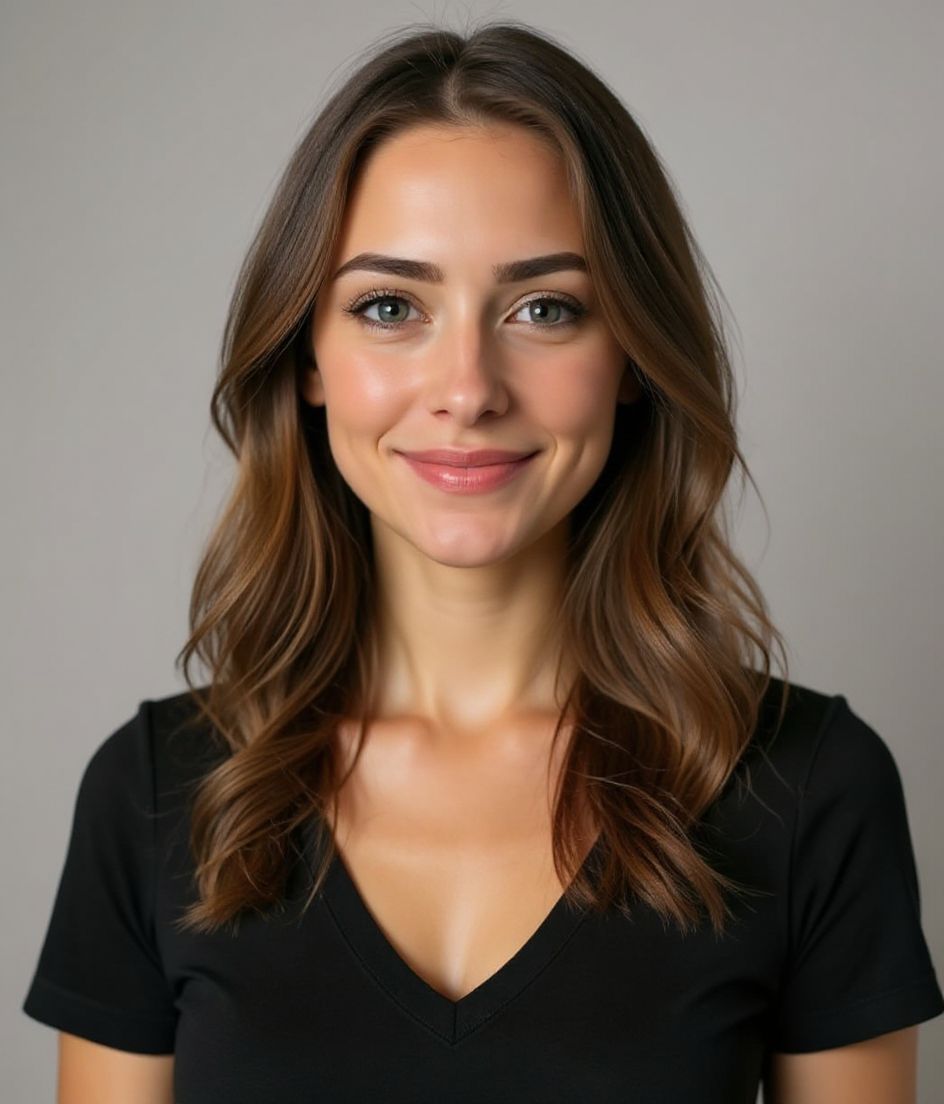
Built for YouTube-Kanalbild-Foto
a file that renders at 98×98 px — sized for YouTube
Upload 1:1 (Studio crop square), a sharp square. 800×800 is the Official Artist Channel rule, not this one ideal, 15 mb maximum. JPG, GIF, BMP, or PNG (no animated GIFs) — no awkward zoom, no clipped chin.
Crop-safe framing
YouTube Studio gives you a crop square before you publish. Keep the face inside that square with a little headroom. The branding article does not publish a circle-mask diagram.
Mit Worten bearbeiten
Tippe "Brille entfernen", "marineblauer Blazer" oder "hellerer Hintergrund" — die KI passt das Detail an, während dein Gesicht gleich bleibt.
Hochauflösend, kein Wasserzeichen
Lade Dateien in Druckqualität herunter — keine winzigen Logos, keine "Made with"-Stempel in der Ecke.
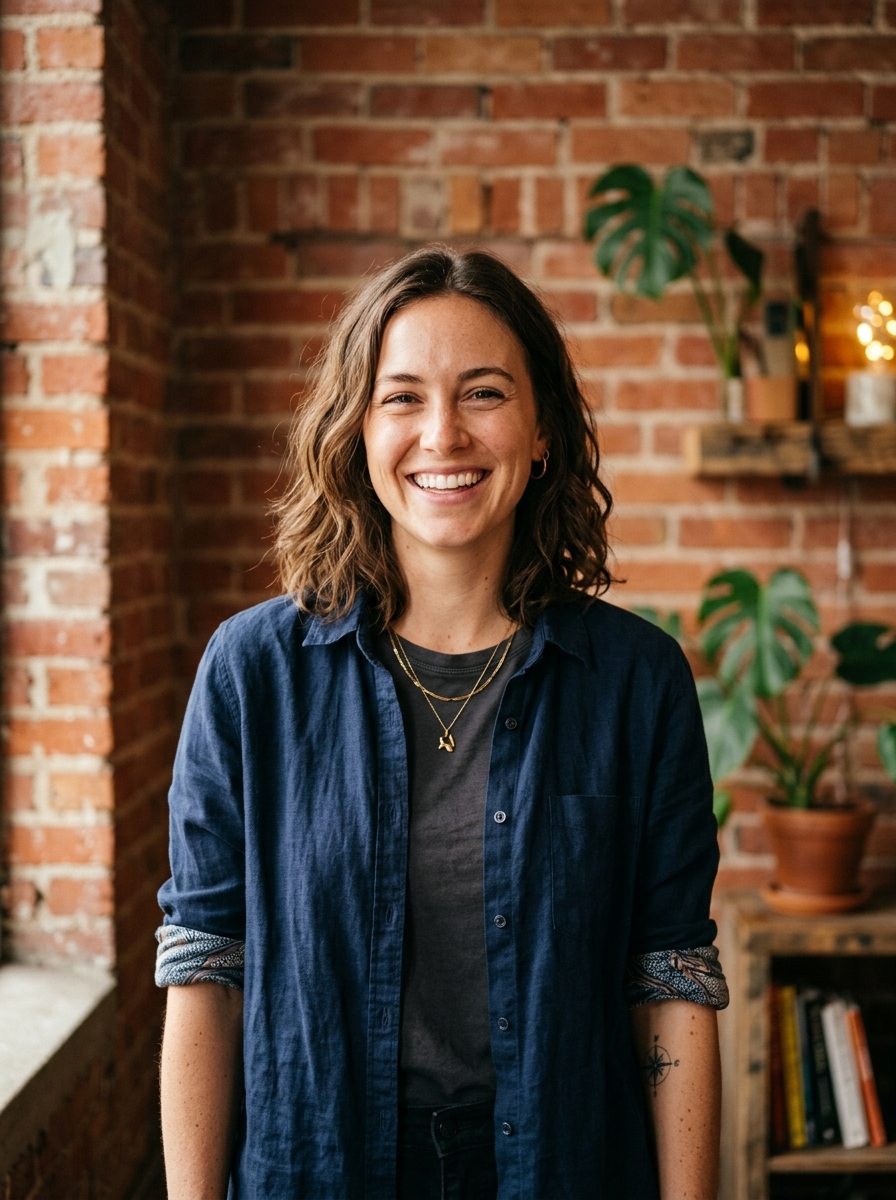
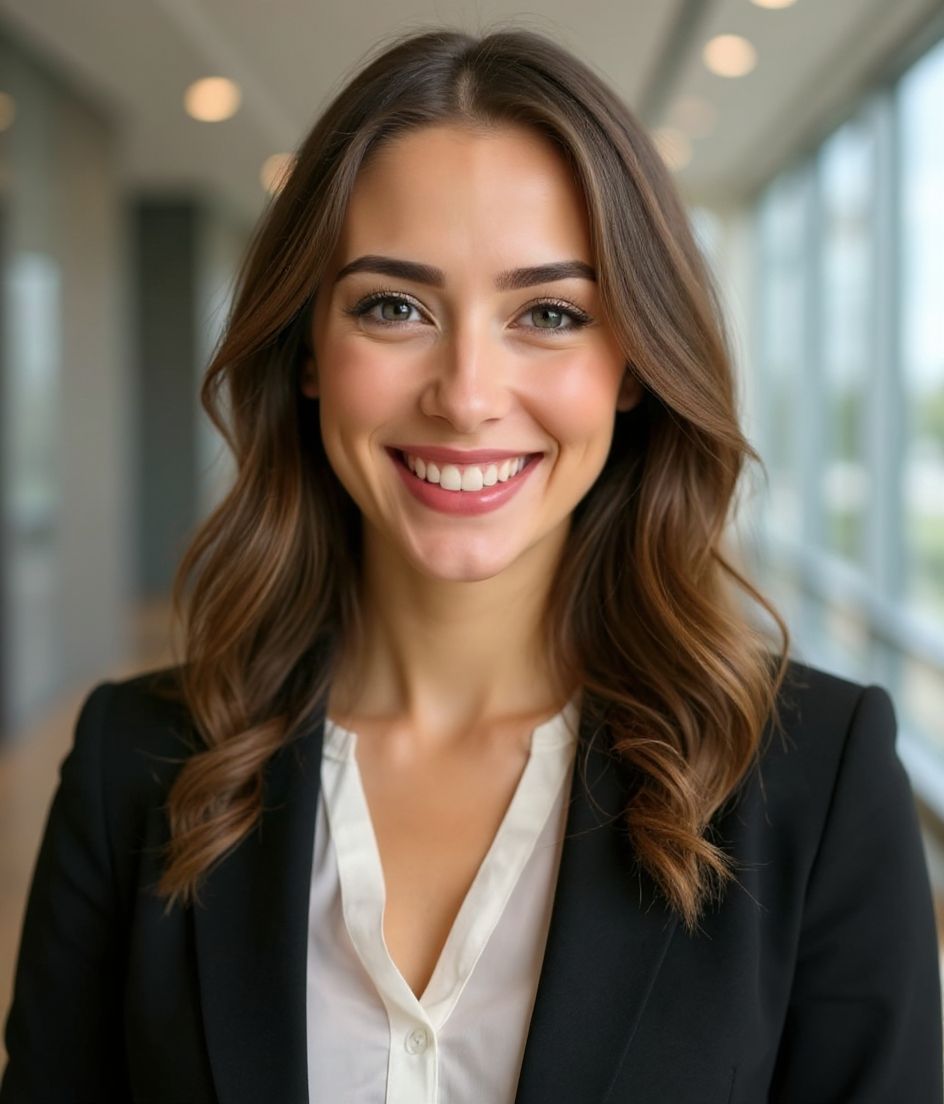
Best styles
Our picks for YouTube-Kanalbild-Foto.
Tipps
- 1 Enger Zuschnitt für den Avatar. Breiter Zuschnitt für das Banner. Generiere beide aus demselben Selfie.
- 2 Einfarbiger Hintergrund, der zu deinen Haaren kontrastiert — so bleibt das Gesicht auf kleinen Thumbnails scharf.
- 3 Wiedererkennbares, leicht übertriebenes Outfit — Zuschauer lernen, dich schnell zu erkennen.
- 4 Stimme es über Banner, Avatar und deine Video-Thumbnails ab.
FAQs
What size should my YouTube photo be?
YouTube expects a file that renders at 98×98 px at 1:1 (Studio crop square), 15 mb maximum, in JPG, GIF, BMP, or PNG (no animated GIFs). Practical upload: a sharp square. 800×800 is the Official Artist Channel rule, not this one. YouTube Help, “Manage your channel branding,” checked 2026-10-19, does not publish 800×800 or a 4 MB profile cap. “Set your artist avatar” asks Official Artist Channels for 800×800 at 1:1. The banner is separate: minimum 2048×1152, recommended 2560×1440, 6 MB or smaller.
How should I frame a YouTube photo?
YouTube Studio gives you a crop square before you publish. Keep the face inside that square with a little headroom. The branding article does not publish a circle-mask diagram.
Funktioniert es auf YouTube?
Ja. Das Ergebnis ist ein realistisches Abbild von dir, kein Cartoon und kein Filter. Wähle einen Foundations- oder Corporate-Stil, und das Foto wirkt wie ein ganz normales Studio-Shooting.
Kann ich mein Gesicht exakt gleich lassen?
Ja — dein Gesicht, deine Haare und dein Hautton bleiben unverändert. Nur Kleidung, Beleuchtung und Hintergrund ändern sich.
Wie schnell ist die Generierung?
Die meisten Headshots sind in 5 bis 15 Sekunden fertig. Du kannst iterieren und dann mit "Mit Worten bearbeiten" Feinheiten anpassen, alles in unter einer Minute.
Ähnliches
Erstellen Sie Ihren Headshot
Ohne Studio. Profi-Headshots in Sekunden aus einem Selfie. App kostenlos für iOS und Android.
Kostenloser Download für iOS & Android
- Kostenloser Download
- 1 Selfie
- 5–15 Sekunden
- Kein Wasserzeichen
Zum Download scannen
Handy-Kamera auf einen Code richten

