
YouTube specs
ภาพอาร์ตช่อง YouTube สำหรับแบนเนอร์และอวตาร
Photo size & upload specs
- Pixel dimensions
- a file that renders at 98×98 px
- Aspect ratio
- 1:1 (Studio crop square)
- File size cap
- 15 MB maximum
- Ideal upload
- a sharp square. 800×800 is the Official Artist Channel rule, not this one
- Formats
- JPG, GIF, BMP, or PNG (no animated GIFs)
- Crop safe area
- YouTube Studio gives you a crop square before you publish. Keep the face inside that square with a little headroom. The branding article does not publish a circle-mask diagram.
YouTube Help, “Manage your channel branding,” checked 2026-10-19, does not publish 800×800 or a 4 MB profile cap. “Set your artist avatar” asks Official Artist Channels for 800×800 at 1:1. The banner is separate: minimum 2048×1152, recommended 2560×1440, 6 MB or smaller.
ครีเอเตอร์ YouTube ถูกจดจำผ่านอวตาร ภาพเดียวกันปรากฏบนแบนเนอร์ อวตาร และภาพปกวิดีโออีกนับพัน — การจดจำคือเกมทั้งหมด
HeadshotCam รับเซลฟี่เพียงรูปเดียวแล้วเปลี่ยนให้เป็นภาพโปรไฟล์ระดับครีเอเตอร์ เลือกสไตล์ clean-modern, content-creator หรือ brand-strategist พื้นหลังสีพื้น แล้วคุณก็จะได้อวตารที่คมชัด พร้อมภาพแนวกว้างที่พร้อมใช้ทำแบนเนอร์
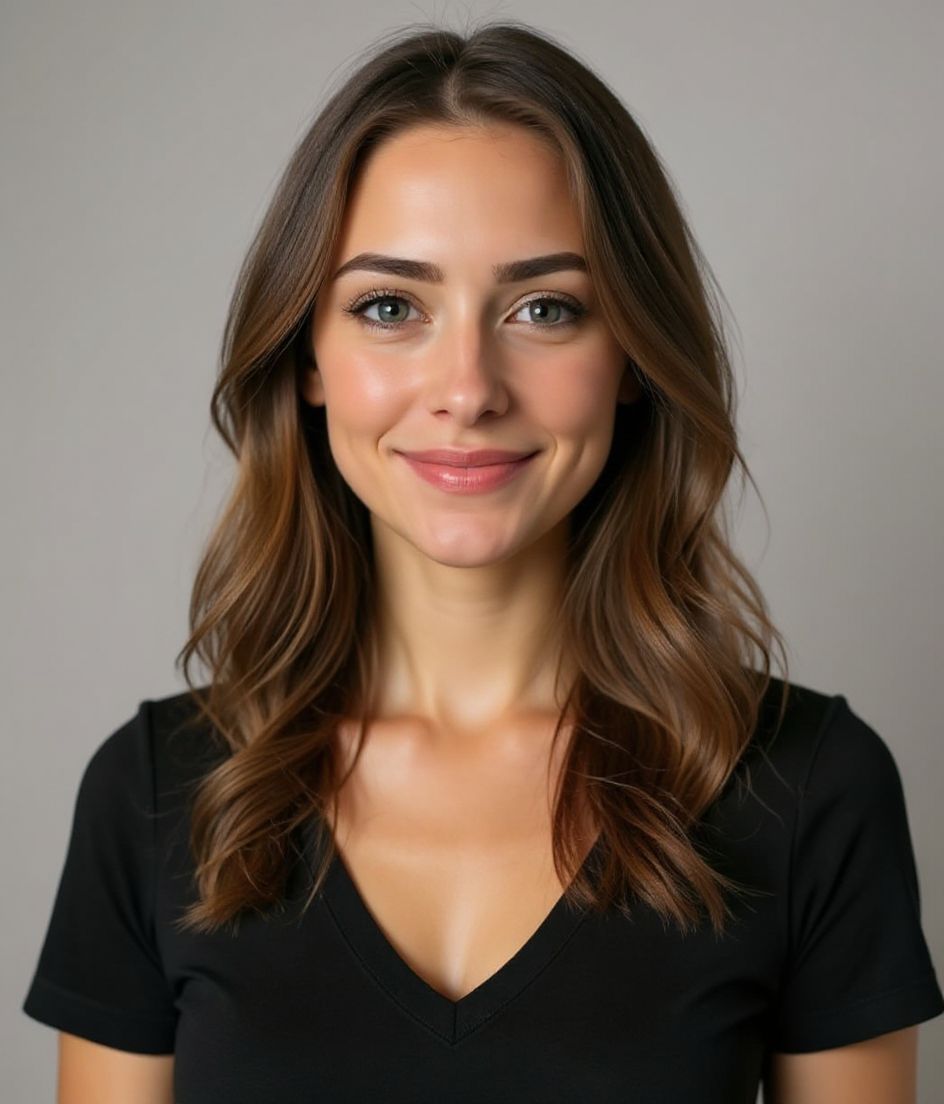
Built for ภาพอาร์ตช่อง YouTube
a file that renders at 98×98 px — sized for YouTube
Upload 1:1 (Studio crop square), a sharp square. 800×800 is the Official Artist Channel rule, not this one ideal, 15 mb maximum. JPG, GIF, BMP, or PNG (no animated GIFs) — no awkward zoom, no clipped chin.
Crop-safe framing
YouTube Studio gives you a crop square before you publish. Keep the face inside that square with a little headroom. The branding article does not publish a circle-mask diagram.
แก้ไขด้วยคำพูด
พิมพ์ "ถอดแว่น", "เสื้อเบลเซอร์สีกรมท่า" หรือ "พื้นหลังสว่างขึ้น" — AI จะปรับรายละเอียดให้ ในขณะที่ใบหน้าของคุณยังคงเหมือนเดิม
ความละเอียดสูง ไม่มีลายน้ำ
ดาวน์โหลดไฟล์คุณภาพระดับงานพิมพ์ — ไม่มีโลโก้เล็ก ๆ ไม่มีตรา "made with" ที่มุมภาพ
Best styles
Our picks for ภาพอาร์ตช่อง YouTube.
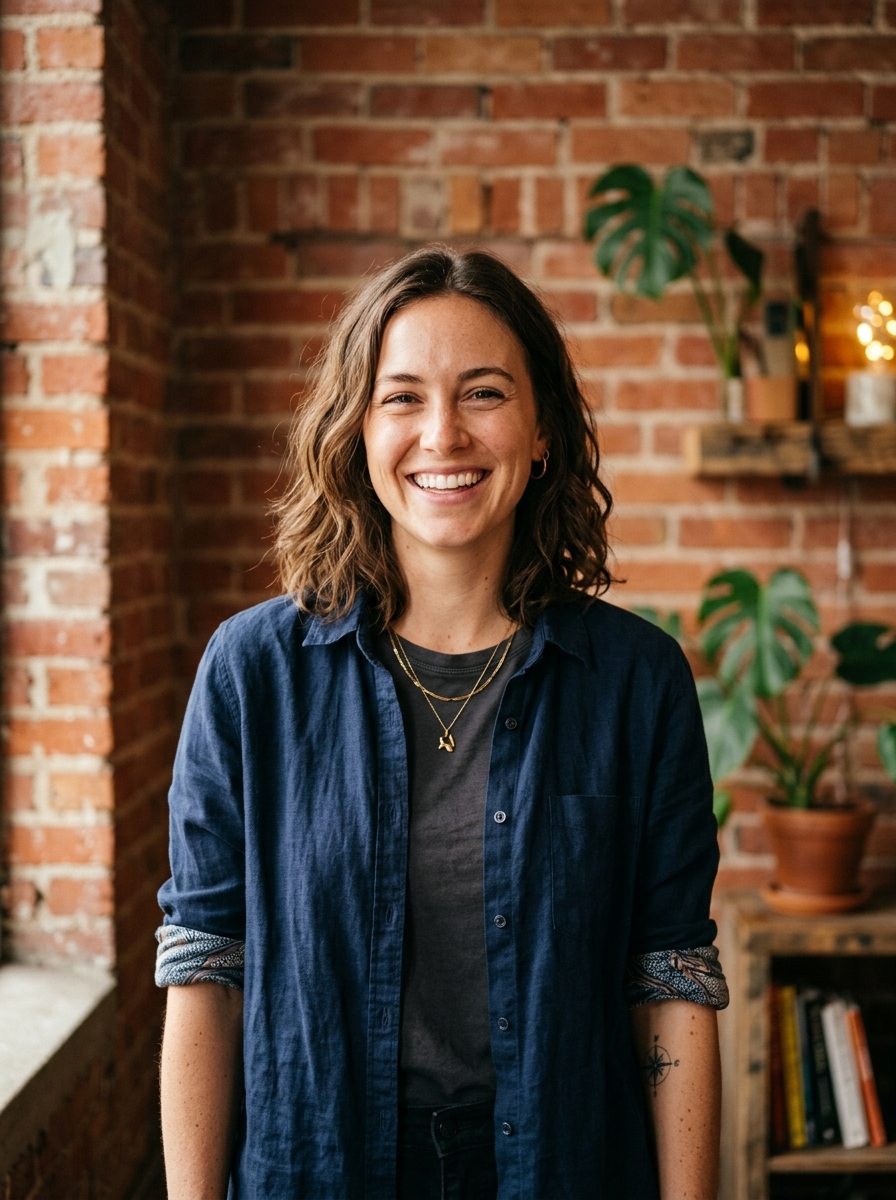

เคล็ดลับ
- 1 ครอปแบบกระชับสำหรับอวตาร ครอปแบบกว้างสำหรับแบนเนอร์ สร้างสองภาพจากเซลฟี่รูปเดียว
- 2 พื้นหลังสีพื้นที่ตัดกับสีผมของคุณ — ช่วยให้ใบหน้าคมชัดบนภาพปกขนาดเล็ก
- 3 ชุดที่จดจำได้และดูโดดเด่นเล็กน้อย — ผู้ชมจะเรียนรู้ที่จะสังเกตคุณได้เร็ว
- 4 ใช้ให้ตรงกันทั้งแบนเนอร์ อวตาร และภาพปกวิดีโอของคุณ
คำถามที่พบบ่อย
What size should my YouTube photo be?
YouTube expects a file that renders at 98×98 px at 1:1 (Studio crop square), 15 mb maximum, in JPG, GIF, BMP, or PNG (no animated GIFs). Practical upload: a sharp square. 800×800 is the Official Artist Channel rule, not this one. YouTube Help, “Manage your channel branding,” checked 2026-10-19, does not publish 800×800 or a 4 MB profile cap. “Set your artist avatar” asks Official Artist Channels for 800×800 at 1:1. The banner is separate: minimum 2048×1152, recommended 2560×1440, 6 MB or smaller.
How should I frame a YouTube photo?
YouTube Studio gives you a crop square before you publish. Keep the face inside that square with a little headroom. The branding article does not publish a circle-mask diagram.
จะใช้ผ่านบน YouTube ได้ไหม?
ได้ ผลลัพธ์เป็นภาพเหมือนจริงของคุณ ไม่ใช่การ์ตูนหรือฟิลเตอร์ เลือกสไตล์ Foundations หรือ Corporate แล้วภาพจะดูเหมือนการถ่ายในสตูดิโอตามปกติ
ฉันเก็บใบหน้าให้เหมือนเดิมเป๊ะได้ไหม?
ได้ — ใบหน้า ทรงผม และสีผิวของคุณถูกล็อกไว้ มีแค่เสื้อผ้า แสง และพื้นหลังเท่านั้นที่เปลี่ยน
สร้างภาพเร็วแค่ไหน?
ภาพโปรไฟล์ส่วนใหญ่พร้อมใน 5 ถึง 15 วินาที คุณสามารถลองปรับซ้ำ แล้วใช้ "แก้ไขด้วยคำพูด" เพื่อปรับแต่ง ทั้งหมดในเวลาไม่ถึงหนึ่งนาที
ที่เกี่ยวข้อง
สร้างภาพหัวของคุณ
ไม่ต้องสตูดิโอ ภาพมืออาชีพในไม่กี่วินาทีจากเซลฟี่รูปเดียว แอปดาวน์โหลดฟรีบน iOS และ Android
ดาวน์โหลดฟรีบน iOS และ Android
- ดาวน์โหลดฟรี
- เซลฟี่ 1 รูป
- 5–15 วินาที
- ไม่มีลายน้ำ
สแกนเพื่อดาวน์โหลด
หันกล้องมือถือไปที่โค้ด

