
YouTube specs
Zdjęcie do grafiki kanału na YouTube na baner i awatar
Photo size & upload specs
- Pixel dimensions
- a file that renders at 98×98 px
- Aspect ratio
- 1:1 (Studio crop square)
- File size cap
- 15 MB maximum
- Ideal upload
- a sharp square. 800×800 is the Official Artist Channel rule, not this one
- Formats
- JPG, GIF, BMP, or PNG (no animated GIFs)
- Crop safe area
- YouTube Studio gives you a crop square before you publish. Keep the face inside that square with a little headroom. The branding article does not publish a circle-mask diagram.
YouTube Help, “Manage your channel branding,” checked 2026-10-19, does not publish 800×800 or a 4 MB profile cap. “Set your artist avatar” asks Official Artist Channels for 800×800 at 1:1. The banner is separate: minimum 2048×1152, recommended 2560×1440, 6 MB or smaller.
Twórcy na YouTube są rozpoznawani po awatarze. To samo zdjęcie pojawia się na banerze, awatarze i w tysiącu miniatur — rozpoznawalność to cała gra.
HeadshotCam bierze jedno selfie i tworzy portret klasy twórcy. Wybierz styl clean-modern, content-creator lub brand-strategist, tło w jednolitym kolorze i masz ostry awatar plus szerokie zdjęcie gotowe na baner.
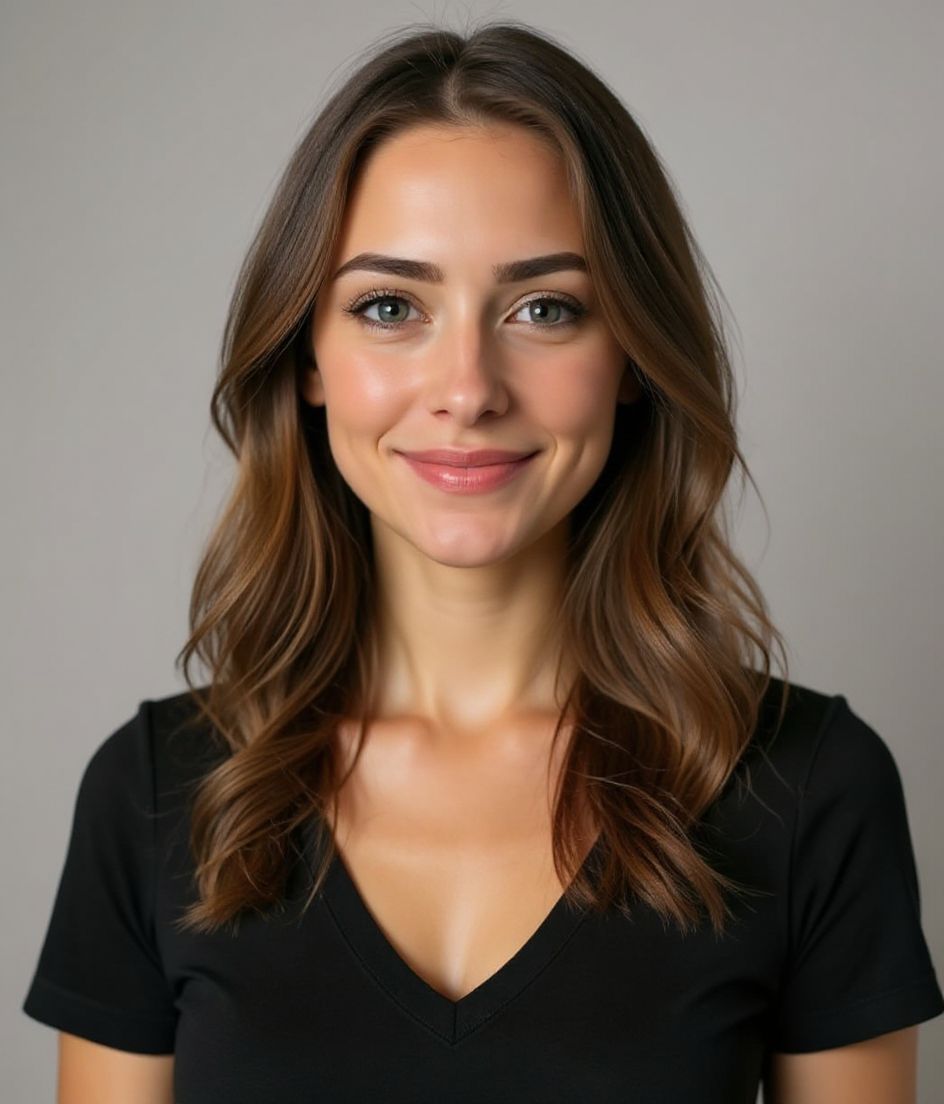
Built for Zdjęcie do grafiki kanału na YouTube
a file that renders at 98×98 px — sized for YouTube
Upload 1:1 (Studio crop square), a sharp square. 800×800 is the Official Artist Channel rule, not this one ideal, 15 mb maximum. JPG, GIF, BMP, or PNG (no animated GIFs) — no awkward zoom, no clipped chin.
Crop-safe framing
YouTube Studio gives you a crop square before you publish. Keep the face inside that square with a little headroom. The branding article does not publish a circle-mask diagram.
Edytuj słowami
Wpisz „usuń okulary", „granatowa marynarka" lub „jaśniejsze tło" — AI zmieni szczegół, a Twoja twarz zostaje taka sama.
Wysoka rozdzielczość, bez znaku wodnego
Pobierz pliki w jakości do druku — żadnych małych logo, żadnych pieczątek „made with" w rogu.
Best styles
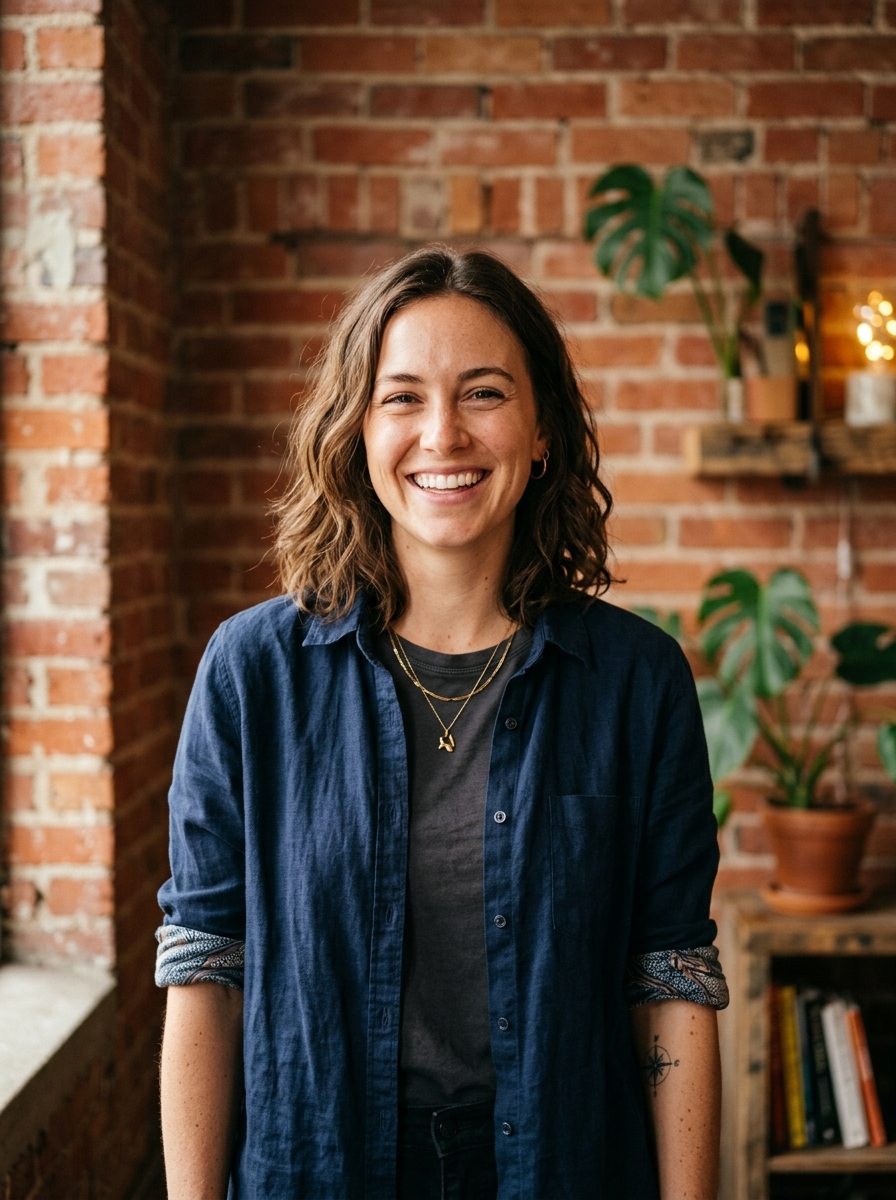
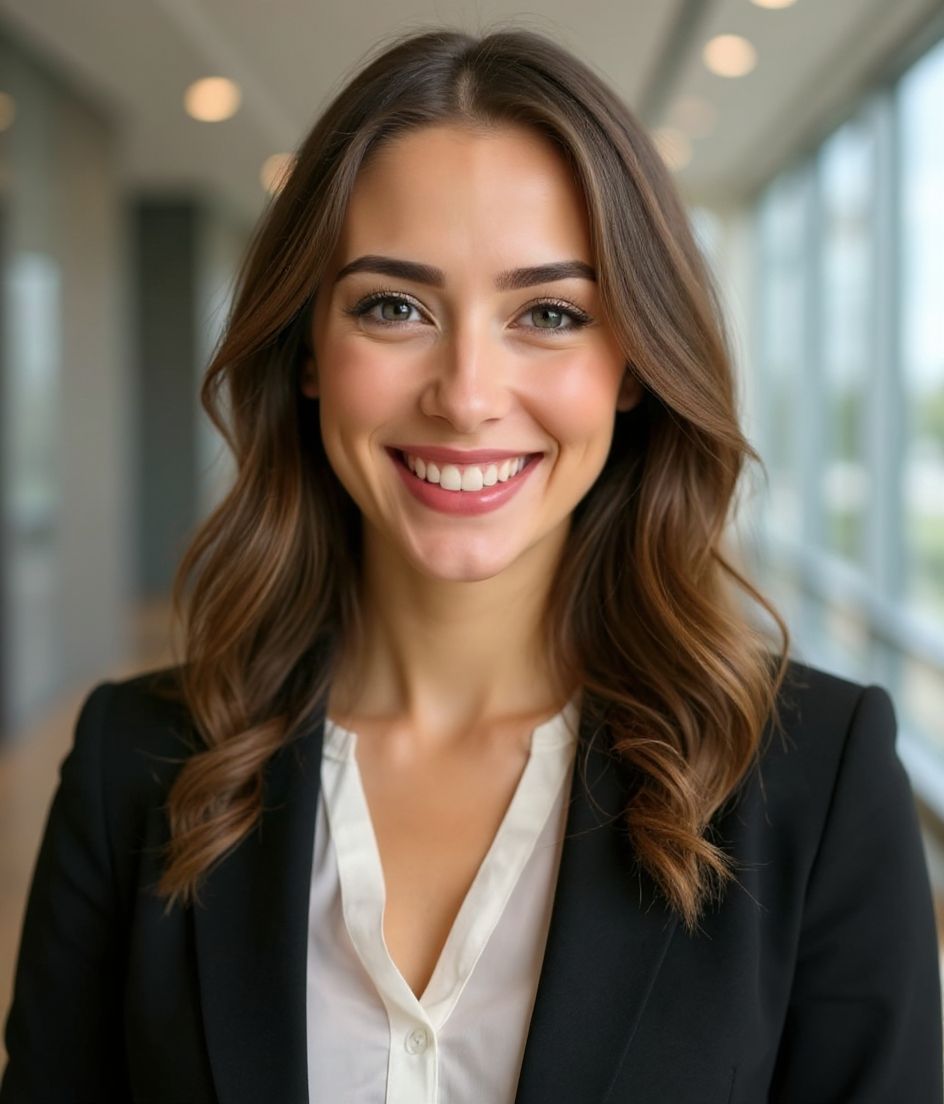
Our picks for Zdjęcie do grafiki kanału na YouTube.
Wskazówki
- 1 Ciasny kadr na awatar. Szeroki kadr na baner. Wygeneruj dwa z tego samego selfie.
- 2 Tło w jednolitym kolorze kontrastujące z włosami — utrzymuje ostrość twarzy na małych miniaturach.
- 3 Rozpoznawalny, lekko przerysowany strój — widzowie szybko uczą się Cię wypatrywać.
- 4 Dopasuj na banerze, awatarze i w miniaturach swoich filmów.
FAQ
What size should my YouTube photo be?
YouTube expects a file that renders at 98×98 px at 1:1 (Studio crop square), 15 mb maximum, in JPG, GIF, BMP, or PNG (no animated GIFs). Practical upload: a sharp square. 800×800 is the Official Artist Channel rule, not this one. YouTube Help, “Manage your channel branding,” checked 2026-10-19, does not publish 800×800 or a 4 MB profile cap. “Set your artist avatar” asks Official Artist Channels for 800×800 at 1:1. The banner is separate: minimum 2048×1152, recommended 2560×1440, 6 MB or smaller.
How should I frame a YouTube photo?
YouTube Studio gives you a crop square before you publish. Keep the face inside that square with a little headroom. The branding article does not publish a circle-mask diagram.
Czy przejdzie na YouTube?
Tak. Efekt to realistyczne podobieństwo Ciebie, a nie kreskówka czy filtr. Wybierz styl Foundations lub Corporate, a zdjęcie wygląda jak zwykła sesja studyjna.
Czy mogę zachować twarz dokładnie taką samą?
Tak — Twoja twarz, włosy i odcień skóry pozostają zablokowane. Zmieniają się tylko ubranie, oświetlenie i tło.
Jak szybko powstaje zdjęcie?
Większość zdjęć jest gotowa w 5 do 15 sekund. Możesz iterować, a potem „Edytuj słowami" dla poprawek — wszystko w niecałą minutę.
Powiązane
Stwórz swój headshot
Pomiń studio. Profesjonalne portrety w kilka sekund z jednego selfie. Aplikacja darmowa na iOS i Androida.
Darmowe pobranie na iOS i Androida
- Darmowe pobranie
- 1 selfie
- 5–15 sekund
- Bez znaku wodnego
Zeskanuj, aby pobrać
Skieruj aparat telefonu na kod

