
YouTube specs
बैनर और अवतार के लिए एक YouTube चैनल आर्ट फ़ोटो
Photo size & upload specs
- Pixel dimensions
- a file that renders at 98×98 px
- Aspect ratio
- 1:1 (Studio crop square)
- File size cap
- 15 MB maximum
- Ideal upload
- a sharp square. 800×800 is the Official Artist Channel rule, not this one
- Formats
- JPG, GIF, BMP, or PNG (no animated GIFs)
- Crop safe area
- YouTube Studio gives you a crop square before you publish. Keep the face inside that square with a little headroom. The branding article does not publish a circle-mask diagram.
YouTube Help, “Manage your channel branding,” checked 2026-10-19, does not publish 800×800 or a 4 MB profile cap. “Set your artist avatar” asks Official Artist Channels for 800×800 at 1:1. The banner is separate: minimum 2048×1152, recommended 2560×1440, 6 MB or smaller.
YouTube क्रिएटर अवतार से पहचाने जाते हैं। वही फ़ोटो बैनर, अवतार और हज़ारों थंबनेल पर दिखती है — पहचान ही पूरा खेल है।
HeadshotCam एक सेल्फ़ी लेता है और आपको क्रिएटर-स्तर का पोर्ट्रेट देता है। clean-modern, content-creator या brand-strategist स्टाइल और सादे रंग का बैकग्राउंड चुनें, और आपके पास एक तीक्ष्ण अवतार साथ ही एक चौड़ी बैनर-तैयार फ़ोटो होगी।
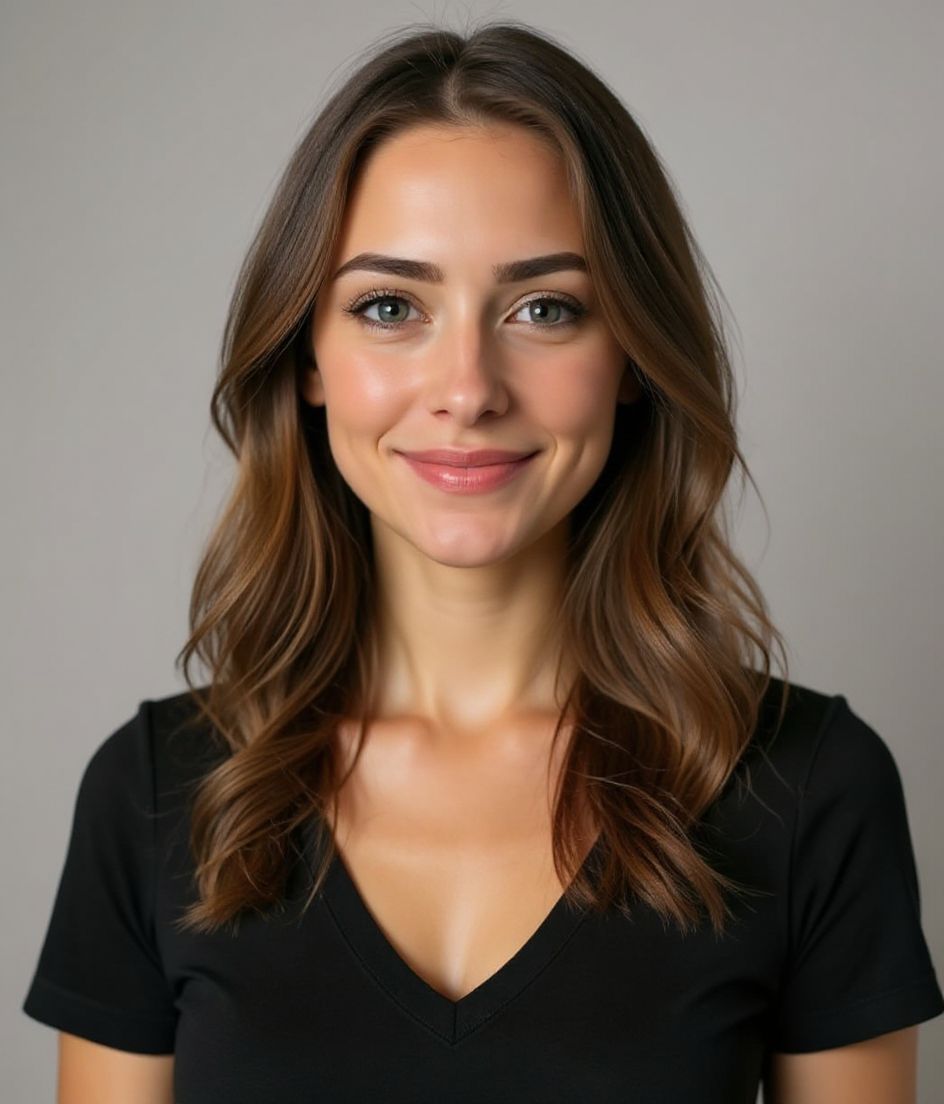
Built for YouTube चैनल आर्ट फ़ोटो
a file that renders at 98×98 px — sized for YouTube
Upload 1:1 (Studio crop square), a sharp square. 800×800 is the Official Artist Channel rule, not this one ideal, 15 mb maximum. JPG, GIF, BMP, or PNG (no animated GIFs) — no awkward zoom, no clipped chin.
Crop-safe framing
YouTube Studio gives you a crop square before you publish. Keep the face inside that square with a little headroom. The branding article does not publish a circle-mask diagram.
शब्दों से एडिट करें
"चश्मा हटाओ", "नेवी ब्लेज़र" या "हल्का बैकग्राउंड" टाइप करें — AI उस डिटेल को अपडेट करता है जबकि आपका चेहरा वैसा ही रहता है।
हाई-रेज़, कोई वॉटरमार्क नहीं
प्रिंट-क्वालिटी फ़ाइलें डाउनलोड करें — न कोई छोटा लोगो, न कोने में "made with" का ठप्पा।
Best styles
Our picks for YouTube चैनल आर्ट फ़ोटो.
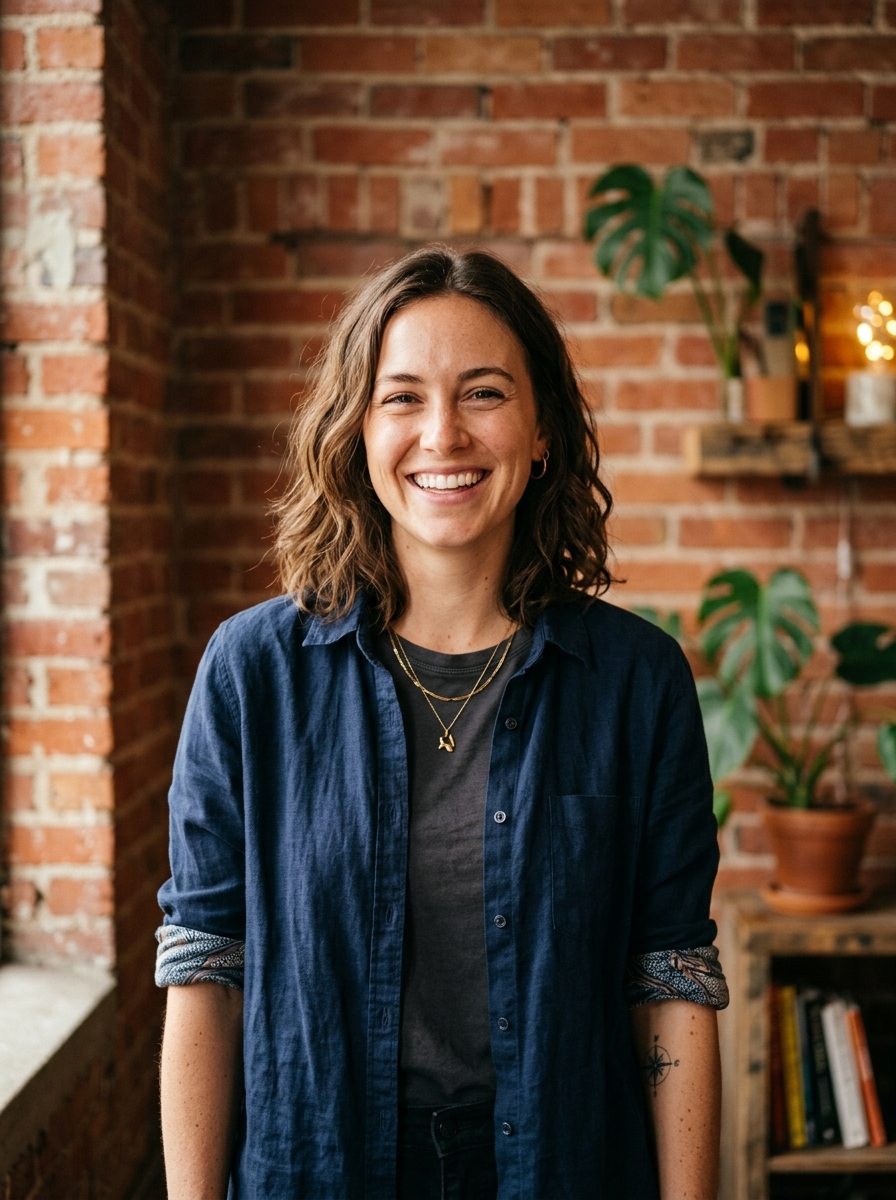
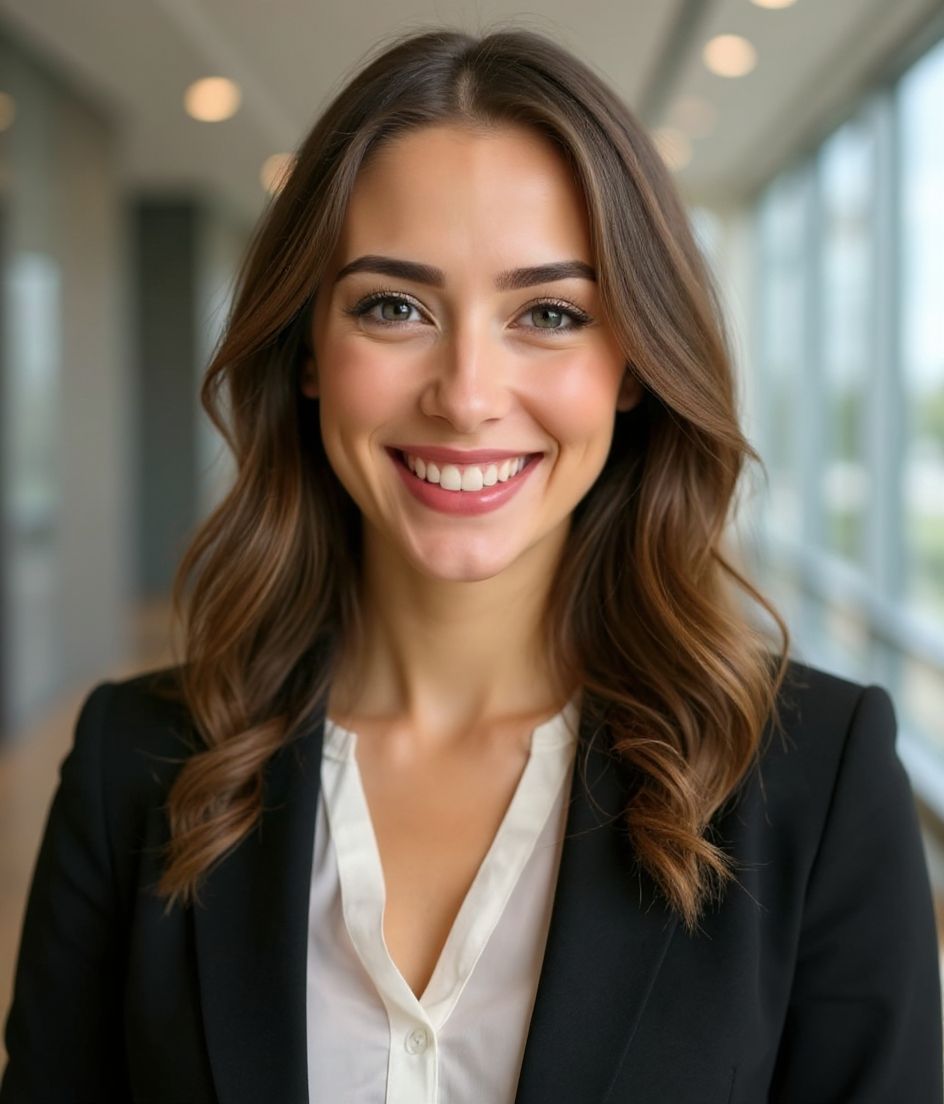
टिप्स
- 1 अवतार के लिए कसा हुआ क्रॉप। बैनर के लिए चौड़ा क्रॉप। एक ही सेल्फ़ी से दोनों जनरेट करें।
- 2 सादे रंग का बैकग्राउंड जो आपके बालों से कंट्रास्ट करे — छोटे थंबनेल पर चेहरा तीक्ष्ण रखता है।
- 3 पहचानने योग्य, थोड़ा बढ़ा-चढ़ाकर पहनावा — दर्शक आपको तेज़ी से पहचानना सीख जाते हैं।
- 4 बैनर, अवतार और अपने वीडियो थंबनेल में एक जैसा रखें।
FAQs
What size should my YouTube photo be?
YouTube expects a file that renders at 98×98 px at 1:1 (Studio crop square), 15 mb maximum, in JPG, GIF, BMP, or PNG (no animated GIFs). Practical upload: a sharp square. 800×800 is the Official Artist Channel rule, not this one. YouTube Help, “Manage your channel branding,” checked 2026-10-19, does not publish 800×800 or a 4 MB profile cap. “Set your artist avatar” asks Official Artist Channels for 800×800 at 1:1. The banner is separate: minimum 2048×1152, recommended 2560×1440, 6 MB or smaller.
How should I frame a YouTube photo?
YouTube Studio gives you a crop square before you publish. Keep the face inside that square with a little headroom. The branding article does not publish a circle-mask diagram.
क्या यह youtube पर चल जाएगी?
हाँ। आउटपुट आपकी असली शक्ल जैसा होता है, कोई कार्टून या फ़िल्टर नहीं। Foundations या Corporate स्टाइल चुनें और फ़ोटो एक सामान्य स्टूडियो शूट जैसी दिखती है।
क्या मैं अपना चेहरा बिल्कुल वैसा ही रख सकता हूँ?
हाँ — आपका चेहरा, बाल और त्वचा का रंग लॉक रहते हैं। केवल कपड़े, लाइटिंग और बैकग्राउंड बदलते हैं।
जनरेशन कितनी तेज़ है?
ज़्यादातर हेडशॉट 5 से 15 सेकंड में तैयार हो जाते हैं। आप दोहरा सकते हैं, फिर "शब्दों से एडिट करें" से बदलाव कर सकते हैं, सब एक मिनट से भी कम में।
संबंधित
अपना हेडशॉट बनाएँ
स्टूडियो छोड़ें। एक सेल्फ़ी से सेकंडों में प्रो हेडशॉट। iOS और Android पर मुफ़्त डाउनलोड।
iOS और Android पर मुफ़्त डाउनलोड
- मुफ़्त डाउनलोड
- 1 सेल्फ़ी
- 5–15 सेकंड
- बिना वॉटरमार्क
डाउनलोड के लिए स्कैन करें
फ़ोन कैमरा कोड पर लगाएँ

