
TikTok specs
एक TikTok प्रोफ़ाइल फ़ोटो जो For You फ़ीड में उभरकर दिखे
Photo size & upload specs
- Pixel dimensions
- 20×20 minimum
- Aspect ratio
- 1:1 (square)
- File size cap
- No file-size cap published
- Ideal upload
- 1024×1024
- Formats
- App picker (types not listed)
- Circle-crop safe area
- Super-tight center crop. The For You comment avatar is ruthless — put the face in the middle with minimal empty background.
TikTok Help, checked 2026-10-14, publishes a 20×20 floor and says a profile video hides the photo. It does not publish a pixel maximum or a file-size cap. 1024×1024 is a practical sharp square, not an official cap.
TikTok एक फ़ीड-और-कमेंट प्लेटफ़ॉर्म है। आपका अवतार हर कमेंट, हर शेयर, हर डुएट के बगल में दिखता है — For You फ़ीड में पहचान जुड़ती जाती है।
HeadshotCam एक सेल्फ़ी लेता है और आपको TikTok के लिए तैयार पोर्ट्रेट देता है। content-creator, brand-strategist या clean-modern स्टाइल और सादे रंग का बैकग्राउंड चुनें, और आपके पास एक तीक्ष्ण अवतार होगा।
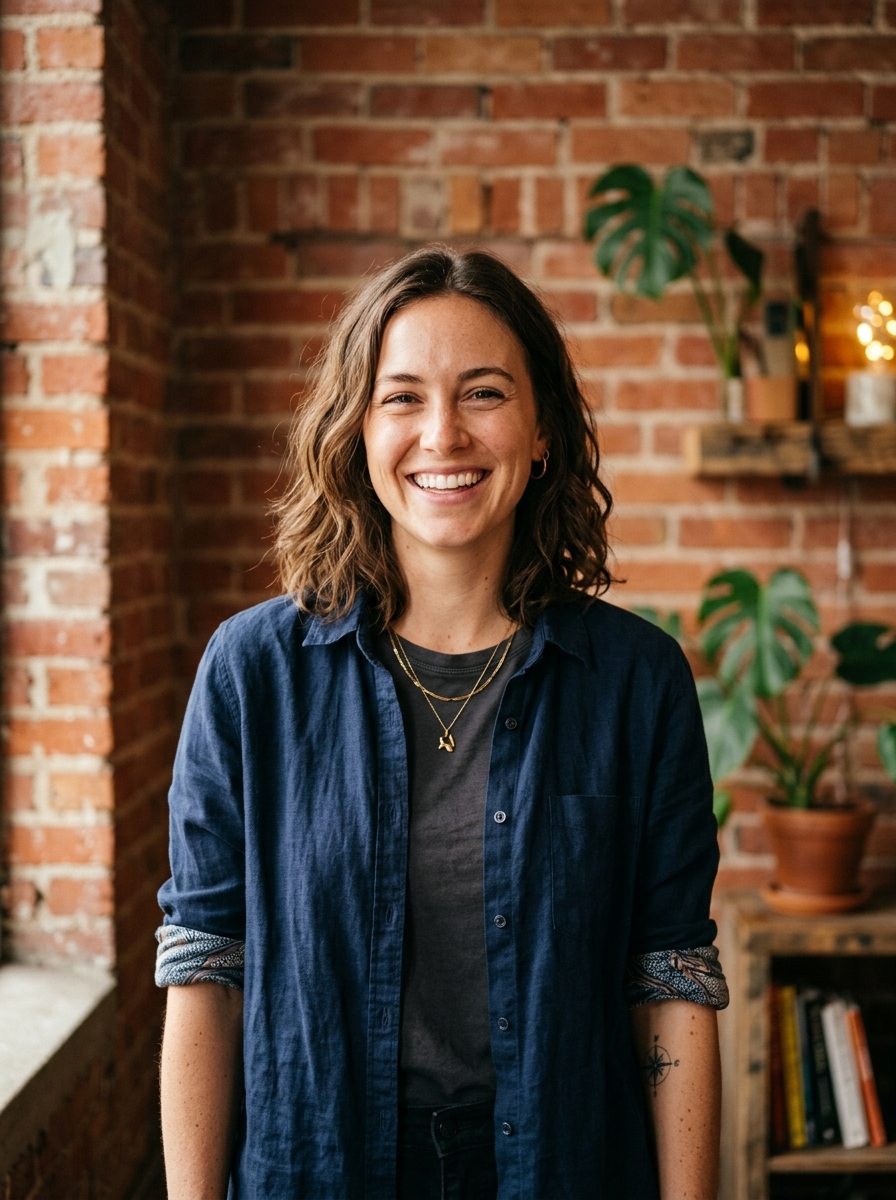
Built for TikTok प्रोफ़ाइल फ़ोटो
20×20 minimum — sized for TikTok
Upload 1:1 (square), 1024×1024 ideal, no file-size cap published. App picker (types not listed) — no awkward zoom, no clipped chin.
Circle-crop safe framing
Super-tight center crop. The For You comment avatar is ruthless — put the face in the middle with minimal empty background.
शब्दों से एडिट करें
"चश्मा हटाओ", "नेवी ब्लेज़र" या "हल्का बैकग्राउंड" टाइप करें — AI उस डिटेल को अपडेट करता है जबकि आपका चेहरा वैसा ही रहता है।
हाई-रेज़, कोई वॉटरमार्क नहीं
प्रिंट-क्वालिटी फ़ाइलें डाउनलोड करें — न कोई छोटा लोगो, न कोने में "made with" का ठप्पा।
Best styles
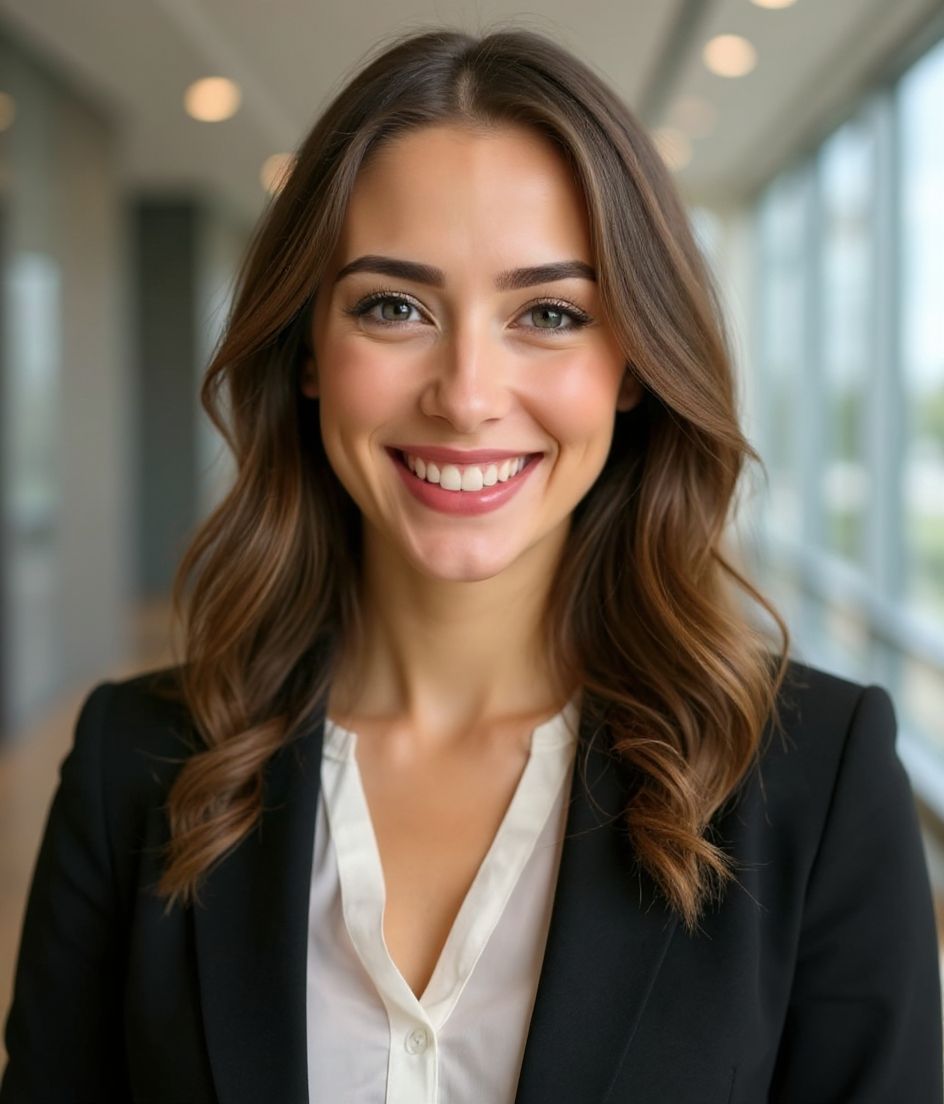
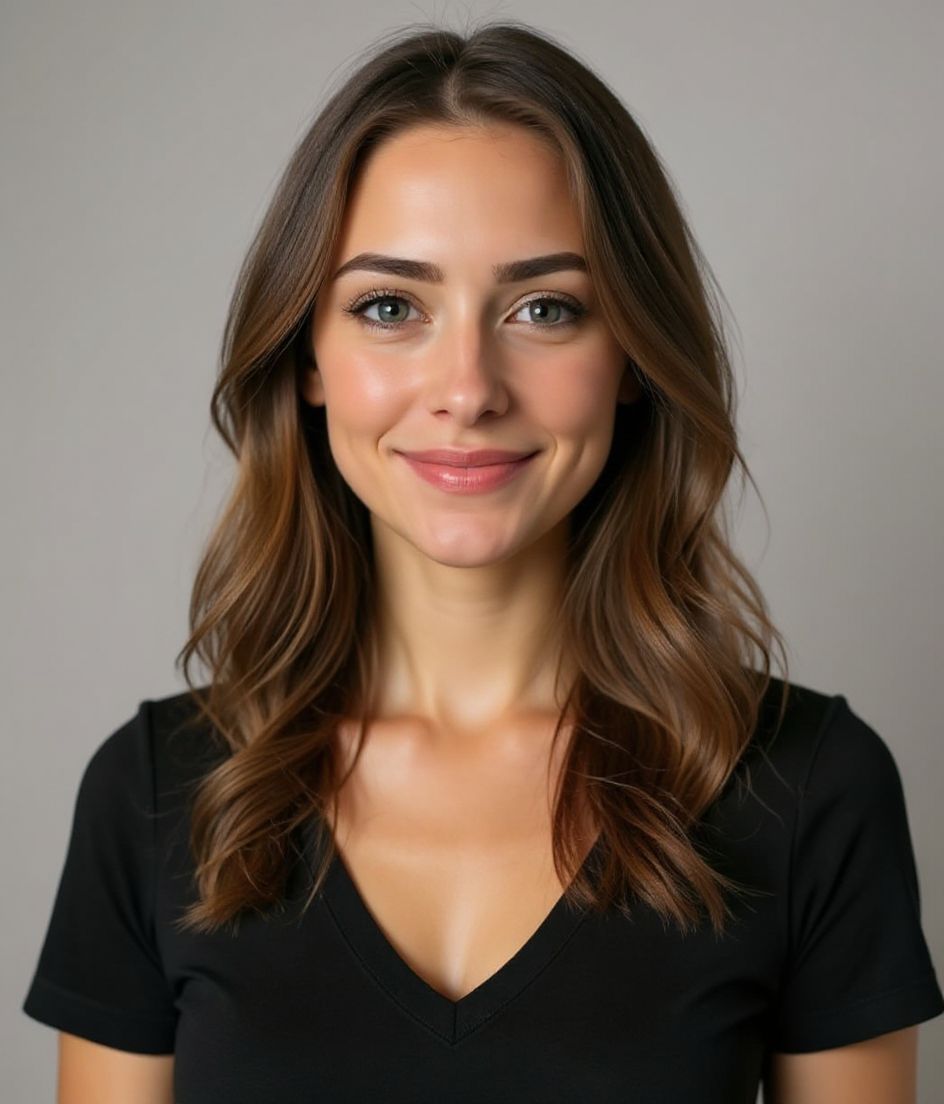
Our picks for TikTok प्रोफ़ाइल फ़ोटो.
टिप्स
- 1 कसा हुआ क्रॉप। TikTok पर अवतार बहुत छोटे होते हैं।
- 2 चमकीला, कंट्रास्टिंग बैकग्राउंड। गति से भरे फ़ीड में अलग दिखें।
- 3 TikTok, Instagram और YouTube में एक जैसा रखें। क्रॉस-प्लेटफ़ॉर्म पहचान जुड़ती जाती है।
- 4 पिवट करने पर रिफ़्रेश करें — बाकी समय इसे चलने दें।
FAQs
What size should my TikTok photo be?
TikTok expects 20×20 minimum at 1:1 (square), no file-size cap published, in App picker (types not listed). Practical upload: 1024×1024. TikTok Help, checked 2026-10-14, publishes a 20×20 floor and says a profile video hides the photo. It does not publish a pixel maximum or a file-size cap. 1024×1024 is a practical sharp square, not an official cap.
How do I keep my face inside the TikTok circle crop?
Super-tight center crop. The For You comment avatar is ruthless — put the face in the middle with minimal empty background.
क्या यह tiktok पर चल जाएगी?
हाँ। आउटपुट आपकी असली शक्ल जैसा होता है, कोई कार्टून या फ़िल्टर नहीं। Foundations या Corporate स्टाइल चुनें और फ़ोटो एक सामान्य स्टूडियो शूट जैसी दिखती है।
क्या मैं अपना चेहरा बिल्कुल वैसा ही रख सकता हूँ?
हाँ — आपका चेहरा, बाल और त्वचा का रंग लॉक रहते हैं। केवल कपड़े, लाइटिंग और बैकग्राउंड बदलते हैं।
जनरेशन कितनी तेज़ है?
ज़्यादातर हेडशॉट 5 से 15 सेकंड में तैयार हो जाते हैं। आप दोहरा सकते हैं, फिर "शब्दों से एडिट करें" से बदलाव कर सकते हैं, सब एक मिनट से भी कम में।
संबंधित
अपना हेडशॉट बनाएँ
स्टूडियो छोड़ें। एक सेल्फ़ी से सेकंडों में प्रो हेडशॉट। iOS और Android पर मुफ़्त डाउनलोड।
iOS और Android पर मुफ़्त डाउनलोड
- मुफ़्त डाउनलोड
- 1 सेल्फ़ी
- 5–15 सेकंड
- बिना वॉटरमार्क
डाउनलोड के लिए स्कैन करें
फ़ोन कैमरा कोड पर लगाएँ

