
TikTok specs
For You 피드에서 돋보이는 TikTok 프로필 사진
Photo size & upload specs
- Pixel dimensions
- 20×20 minimum
- Aspect ratio
- 1:1 (square)
- File size cap
- No file-size cap published
- Ideal upload
- 1024×1024
- Formats
- App picker (types not listed)
- Circle-crop safe area
- Super-tight center crop. The For You comment avatar is ruthless — put the face in the middle with minimal empty background.
TikTok Help, checked 2026-10-14, publishes a 20×20 floor and says a profile video hides the photo. It does not publish a pixel maximum or a file-size cap. 1024×1024 is a practical sharp square, not an official cap.
TikTok은 피드와 댓글 중심 플랫폼입니다. 당신의 아바타는 모든 댓글, 모든 공유, 모든 듀엣 옆에 표시되며, For You 피드 전반에 걸쳐 인지도가 쌓입니다.
HeadshotCam은 셀카 한 장으로 TikTok에 어울리는 인물 사진을 만들어 드립니다. 콘텐츠 크리에이터, 브랜드 전략가, 깔끔한 모던 스타일 중에서 선택하고 단색 배경을 더하면, 또렷한 아바타가 완성됩니다.
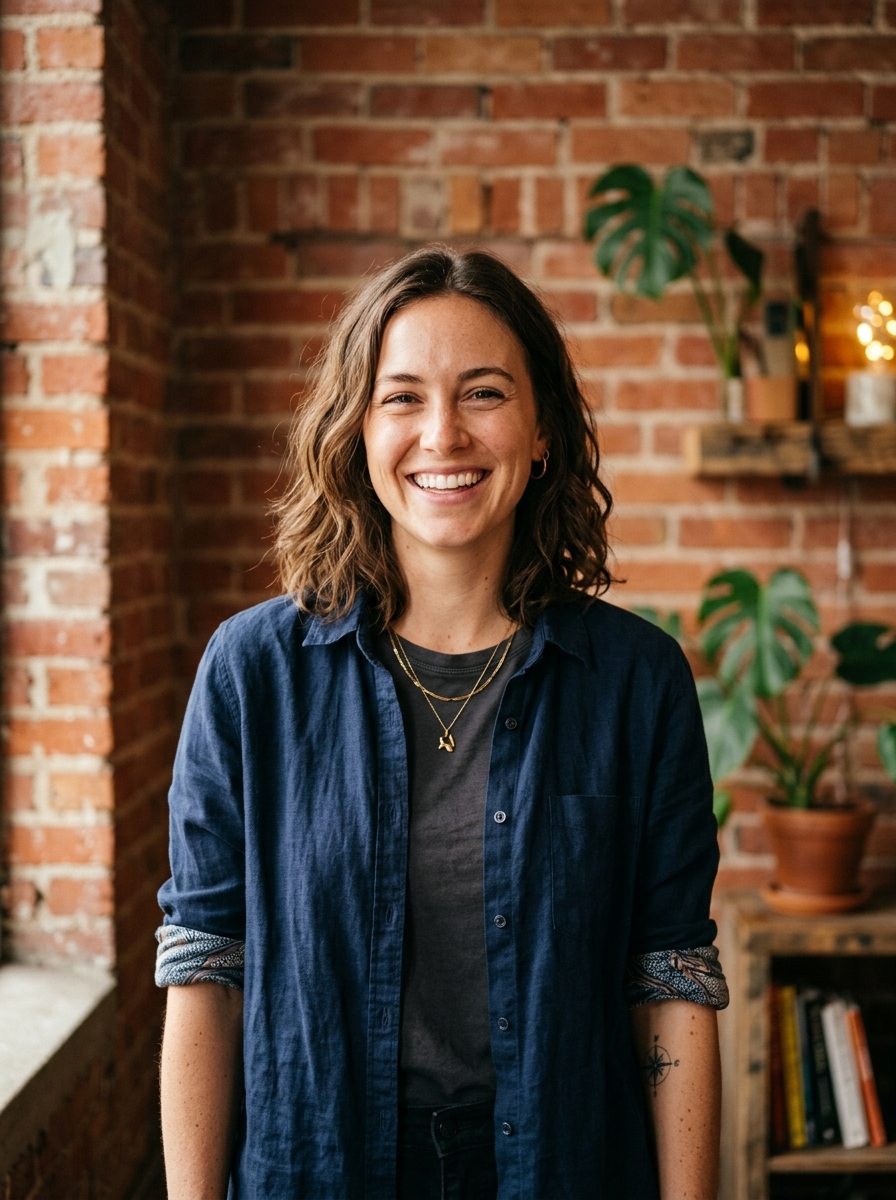
Built for TikTok 프로필 사진
20×20 minimum — sized for TikTok
Upload 1:1 (square), 1024×1024 ideal, no file-size cap published. App picker (types not listed) — no awkward zoom, no clipped chin.
Circle-crop safe framing
Super-tight center crop. The For You comment avatar is ruthless — put the face in the middle with minimal empty background.
말로 편집하기
"안경 제거", "네이비 블레이저", "밝은 배경"이라고 입력하면, AI가 해당 디테일만 업데이트하고 얼굴은 그대로 유지합니다.
고해상도, 워터마크 없음
인쇄 품질의 파일을 다운로드하세요. 작은 로고도, 구석의 "제작 도구" 스탬프도 없습니다.
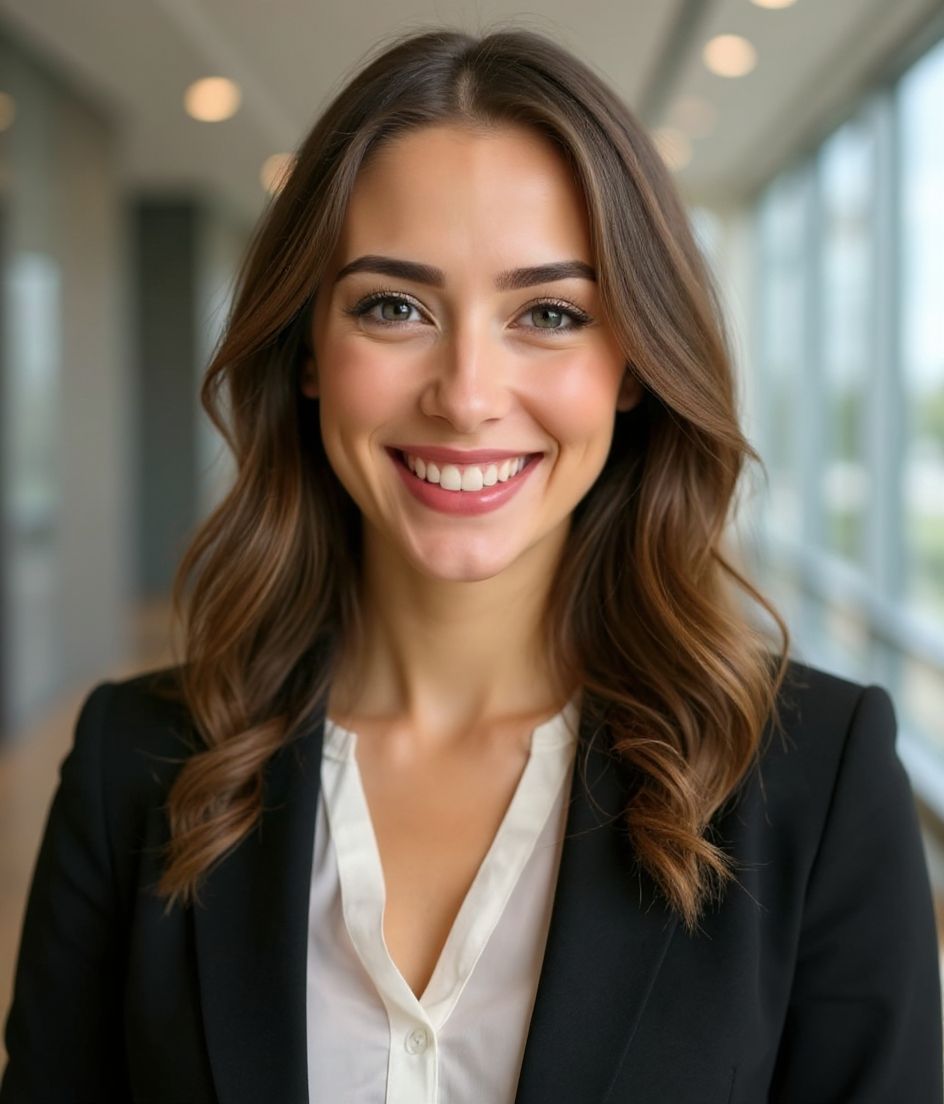
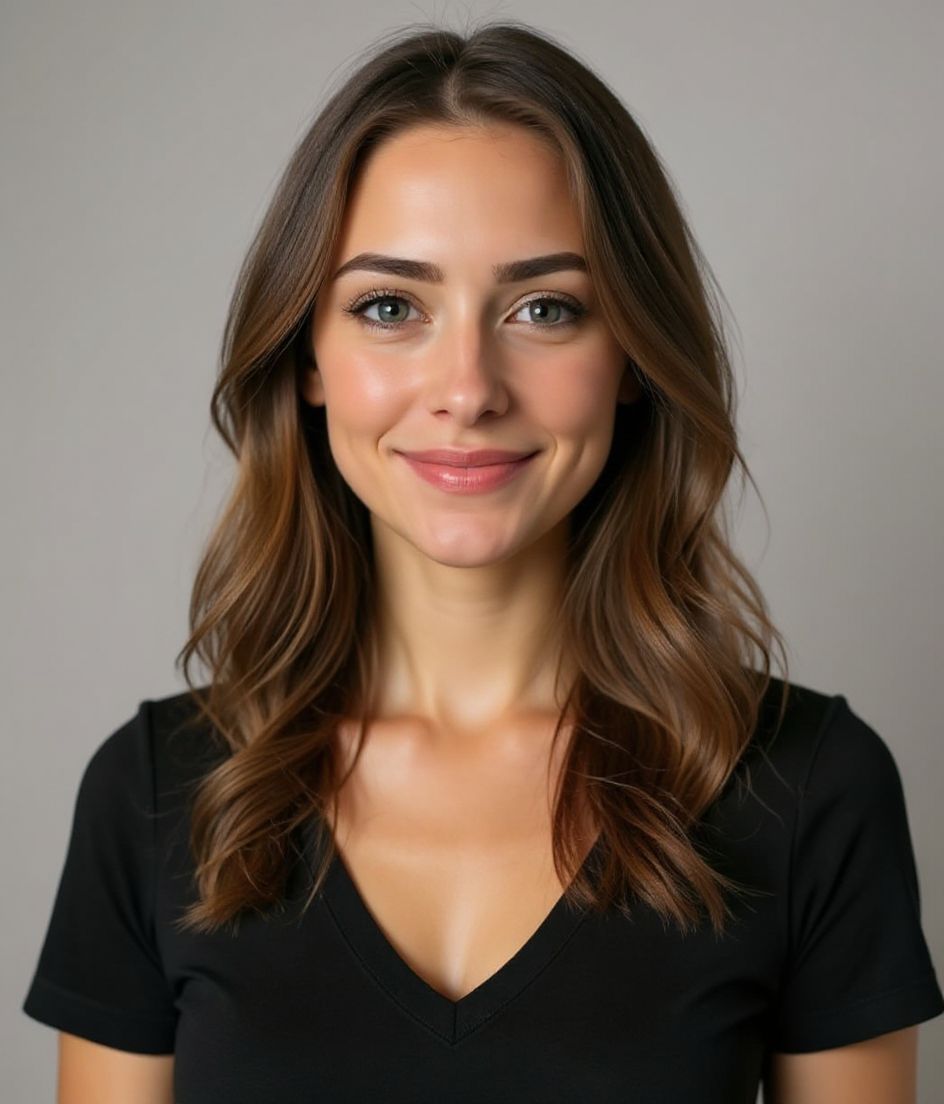
Best styles
Our picks for TikTok 프로필 사진.
팁
- 1 타이트한 크롭을 사용하세요. TikTok 아바타는 작습니다.
- 2 밝고 대비되는 배경을 사용하세요. 움직임으로 가득한 피드에서 돋보이게 하세요.
- 3 TikTok, Instagram, YouTube에서 일관되게 맞추세요. 플랫폼 간 인지도가 쌓입니다.
- 4 전환할 때 갱신하세요. 그 외에는 그대로 두세요.
FAQ
What size should my TikTok photo be?
TikTok expects 20×20 minimum at 1:1 (square), no file-size cap published, in App picker (types not listed). Practical upload: 1024×1024. TikTok Help, checked 2026-10-14, publishes a 20×20 floor and says a profile video hides the photo. It does not publish a pixel maximum or a file-size cap. 1024×1024 is a practical sharp square, not an official cap.
How do I keep my face inside the TikTok circle crop?
Super-tight center crop. The For You comment avatar is ruthless — put the face in the middle with minimal empty background.
TikTok에서 통과될까요?
네. 결과물은 만화나 필터가 아닌 실제 당신의 모습을 사실적으로 담아냅니다. Foundations나 Corporate 스타일을 선택하면 일반 스튜디오 촬영처럼 보입니다.
얼굴을 똑같이 유지할 수 있나요?
네. 얼굴, 헤어, 피부 톤은 그대로 고정됩니다. 의상, 조명, 배경만 바뀝니다.
생성 속도는 얼마나 빠른가요?
대부분의 프로필 사진은 5~15초 안에 완성됩니다. 반복해서 만들고 "말로 편집하기"로 미세 조정까지, 모두 1분 이내에 끝낼 수 있습니다.
관련
헤드샷 만들기
스튜디오 없이. 셀카 한 장으로 몇 초 만에 프로 헤드샷. iOS·Android 무료 다운로드.
iOS 및 Android 무료 다운로드
- 무료 다운로드
- 셀카 1장
- 5–15초
- 워터마크 없음
스캔하여 다운로드
휴대폰 카메라를 코드에 맞추세요

