
A speaker headshot that books more stages
Conference organizers scan dozens of speaker bios before they invite anyone. A weak photo gets you skipped — even if your topic is killer.
HeadshotCam gives you a speaker headshot that reads confident on a black-and-gold conference site, on a sponsor banner, and on the back of a program. One selfie in, a polished, stage-ready photo out in under 15 seconds.
Build a small library — formal, semi-formal, dark background — so you can match whatever look the event organizer asks for, without scheduling a shoot every conference season.
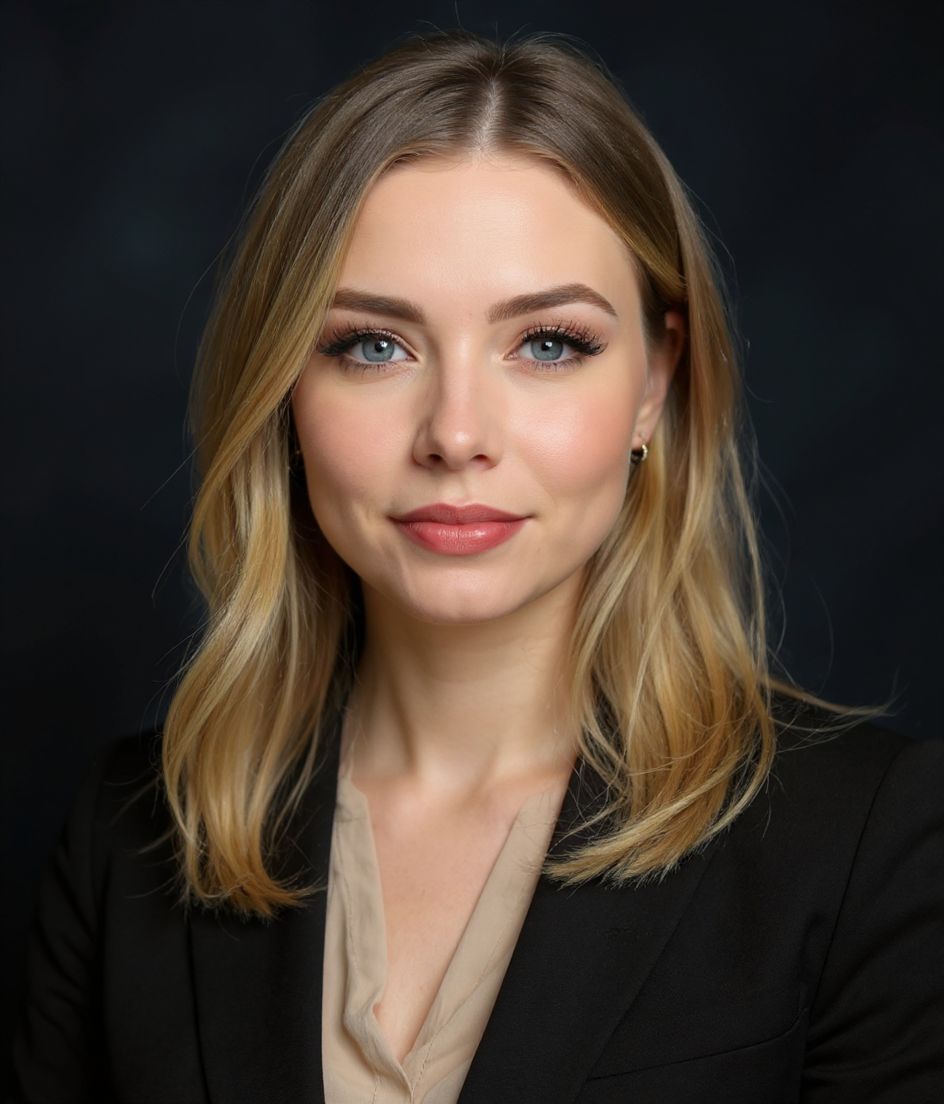
Strong & Confident
5-15s
per headshot
Generation time. Try a few looks before you settle on one.
3
styles picked
From Foundations, Foundations, Corporate — the ones that work best here.
$5.99
starts at
One-time credits if you only need a couple. Yearly plan if you want unlimited.
What you get
Reads at billboard size
High-res output that holds up on a conference backdrop, not just a website avatar.
Confident, not arrogant
Strong & Confident and CEO styles strike the line between authority and approachable.
Build a library fast
Generate three or four versions in different outfits and backgrounds so you can match any event brand.
Edit with words for sponsor branding
Some events want a black background, others off-white. Type the request and we update it.
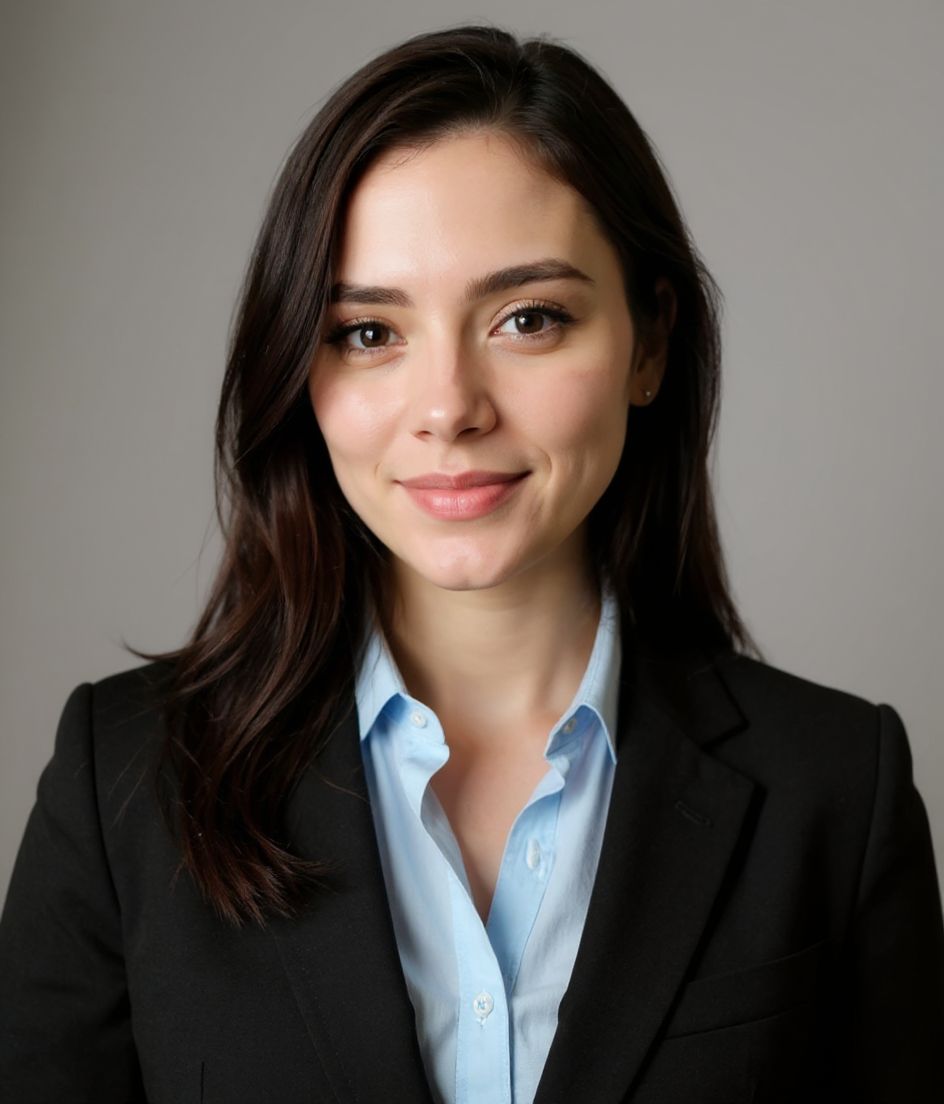
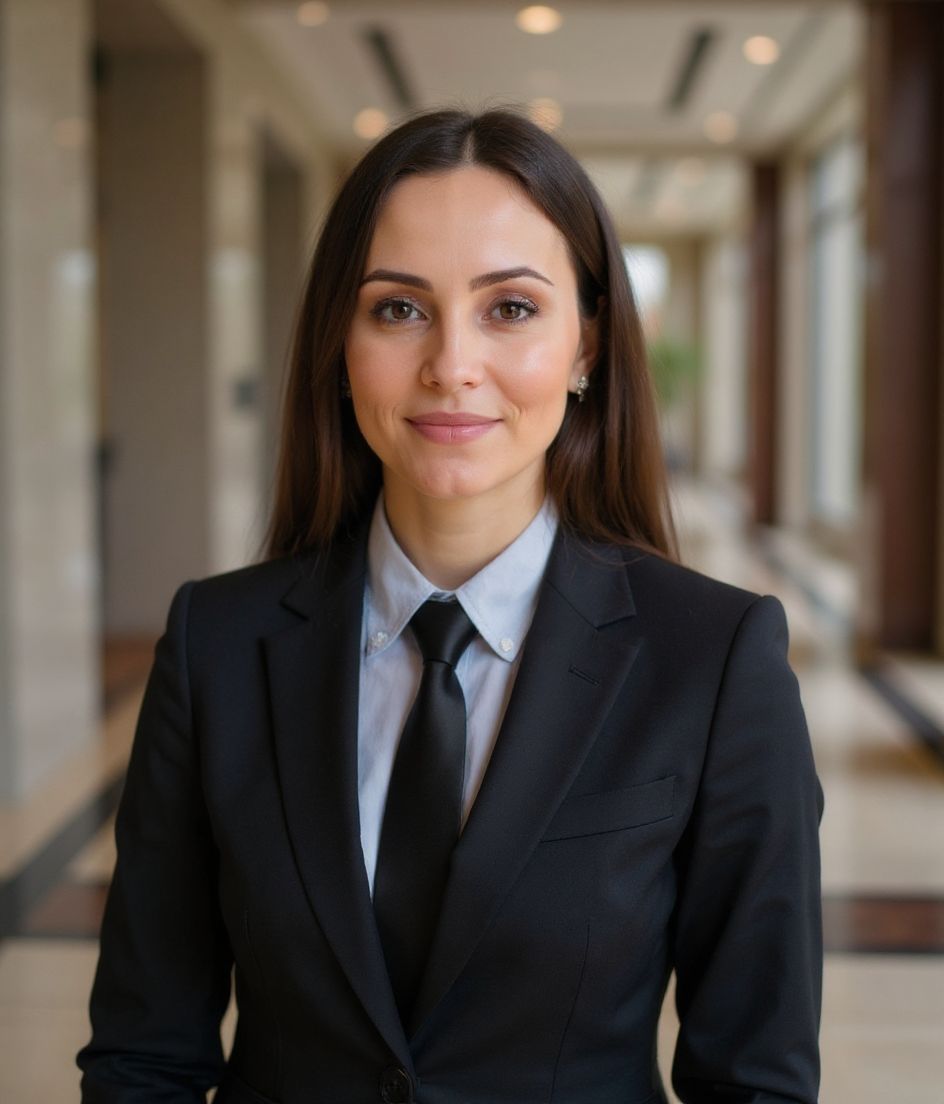
Recommended styles
The styles that work best for speaker bio photo.
Tips
- 1 Generate at least three versions: one formal, one semi-formal, one with a darker background for moody event sites.
- 2 Keep eye contact direct. Speaker photos that feel like the subject is addressing you convert better.
- 3 Crop slightly wider than a LinkedIn shot — event programs often add name and title beside the photo.
- 4 Match attire to the event vibe. Tech conferences = open collar; finance summits = full suit.
- 5 Send organizers a folder, not a single photo. They'll thank you and run the article on time.
FAQs
Do I need a different photo for every event?
Not really. Two or three solid versions cover most events. Use edit-with-words for small tweaks — background color, jacket — instead of regenerating from scratch.
Will event organizers know it's AI?
If you pick a realistic style and it looks like you, no — and they don't typically ask. The output reads as a normal studio headshot.
What about video and stage lighting?
AI photos are for static media — programs, websites, social. For live video, your real lighting matters more than your headshot.
How fast can I turn this around?
Selfie to download in under 15 seconds per generation. You can build a full press kit in 10 minutes.
Related
Create your headshot
Skip the studio. Pro headshots in seconds, from one selfie. Free to download on iOS and Android.
Free to download on iOS & Android
- Free download
- 1 selfie
- 5–15 seconds
- No watermark
Scan to download
Point your phone camera at a code

