
Crunchbase specs
資金調達の発表のためのCrunchbase創業者写真
Photo size & upload specs
- Pixel dimensions
- 400×400 or larger
- Aspect ratio
- 1:1 (square)
- File size cap
- Under 5 MB
- Ideal upload
- 1000×1000 to 2000×2000
- Formats
- JPG or PNG
- Crop safe area
- Square founder tile with even margins. Leave headroom; press syndication often re-crops, so keep the face centered with quiet edges.
Often shown as a rounded square on company and person profiles.
Crunchbaseのプロフィールはクロールされ、再掲載されます。あなたの創業者写真はすべての資金調達ラウンドとすべての報道引用の隣に載るため、シャープで最新であることは譲れません。
HeadshotCamは、自撮り1枚から創業者水準のポートレートを生成します。ファウンダー、CEO、洗練プロのスタイルとニュートラルな背景を選べば、次のラウンドに使える写真が手に入ります。

Built for Crunchbase創業者写真
400×400 or larger — sized for Crunchbase
Upload 1:1 (square), 1000×1000 to 2000×2000 ideal, under 5 mb. JPG or PNG — no awkward zoom, no clipped chin.
Crop-safe framing
Square founder tile with even margins. Leave headroom; press syndication often re-crops, so keep the face centered with quiet edges.
言葉で編集
「メガネを外す」「ネイビーのブレザー」「背景を明るく」と入力するだけ。AIがあなたの顔はそのままに、細部だけを更新します。
高解像度・透かしなし
印刷品質のファイルをダウンロード。小さなロゴも、隅の「作成済み」スタンプもありません。
Best styles
Our picks for Crunchbase創業者写真.
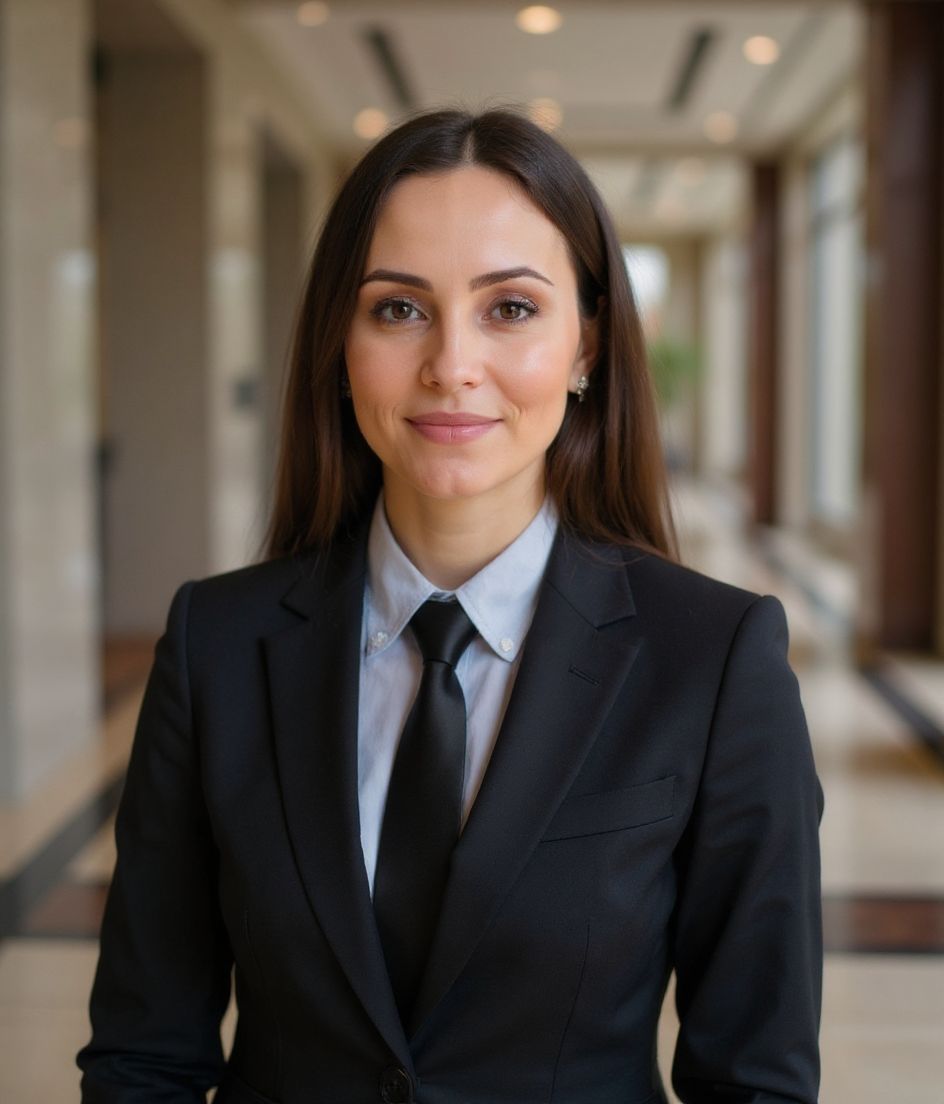

コツ
- 1 シャープで洗練され、最新であること。Crunchbaseの写真は報道引用に登場します。
- 2 口を閉じた自信ある表情を。創業者略歴の定番です。
- 3 Crunchbase、LinkedIn、プレスキットで同じ写真を使いましょう。
- 4 資金調達ごとに更新を。各ラウンドにふさわしい最新の写真を。
よくある質問
What size should my Crunchbase photo be?
Crunchbase expects 400×400 or larger at 1:1 (square), under 5 mb, in JPG or PNG. Practical upload: 1000×1000 to 2000×2000. Often shown as a rounded square on company and person profiles.
How should I frame a Crunchbase photo?
Square founder tile with even margins. Leave headroom; press syndication often re-crops, so keep the face centered with quiet edges.
Crunchbaseで通用しますか?
はい。出力はあなた本人のリアルな写し姿で、イラストやフィルターではありません。FoundationsまたはCorporateのスタイルを選べば、通常のスタジオ撮影のように見えます。
顔をまったく同じに保てますか?
はい。顔、髪、肌の色はそのまま固定されます。変わるのは服装、ライティング、背景だけです。
生成はどのくらい速いですか?
ほとんどのヘッドショットは5〜15秒で完成します。何度も試して、「言葉で編集」で微調整しても、すべて1分以内で済みます。
関連
ヘッドショットを作成
スタジオ不要。セルフィー1枚から数秒でプロ仕様。iOS / Android で無料ダウンロード。
iOS / Android で無料ダウンロード
- 無料ダウンロード
- セルフィー1枚
- 5〜15秒
- 透かしなし
スキャンしてダウンロード
スマホのカメラをコードに向けてください

