
Headshot AI Curato e Professionale
Sicuro di sé e professionale.
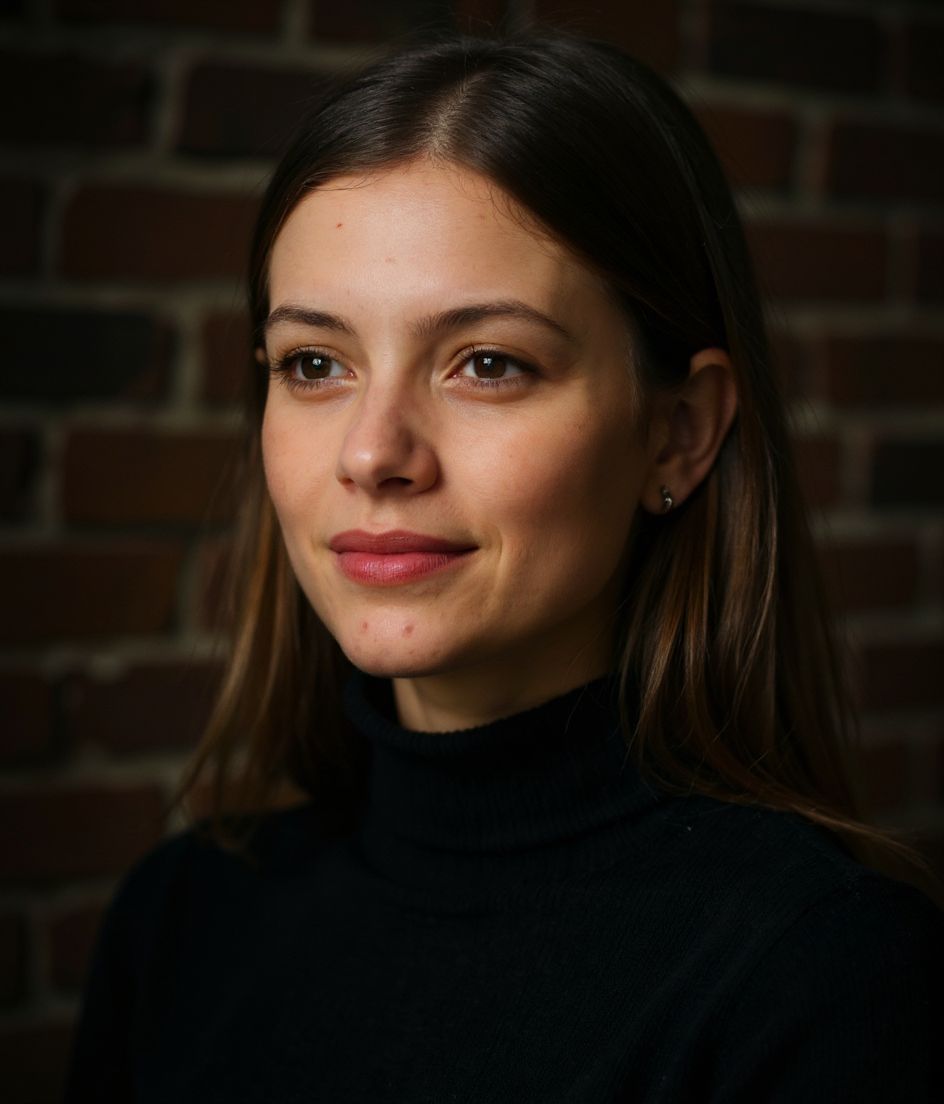
Un selfie in entrata. Un headshot Curato e Professionale curato in uscita — in circa 10 secondi.
Abito da lavoro senza cravatta
Sfondo sfumato
Sorriso sicuro
Studio morbido
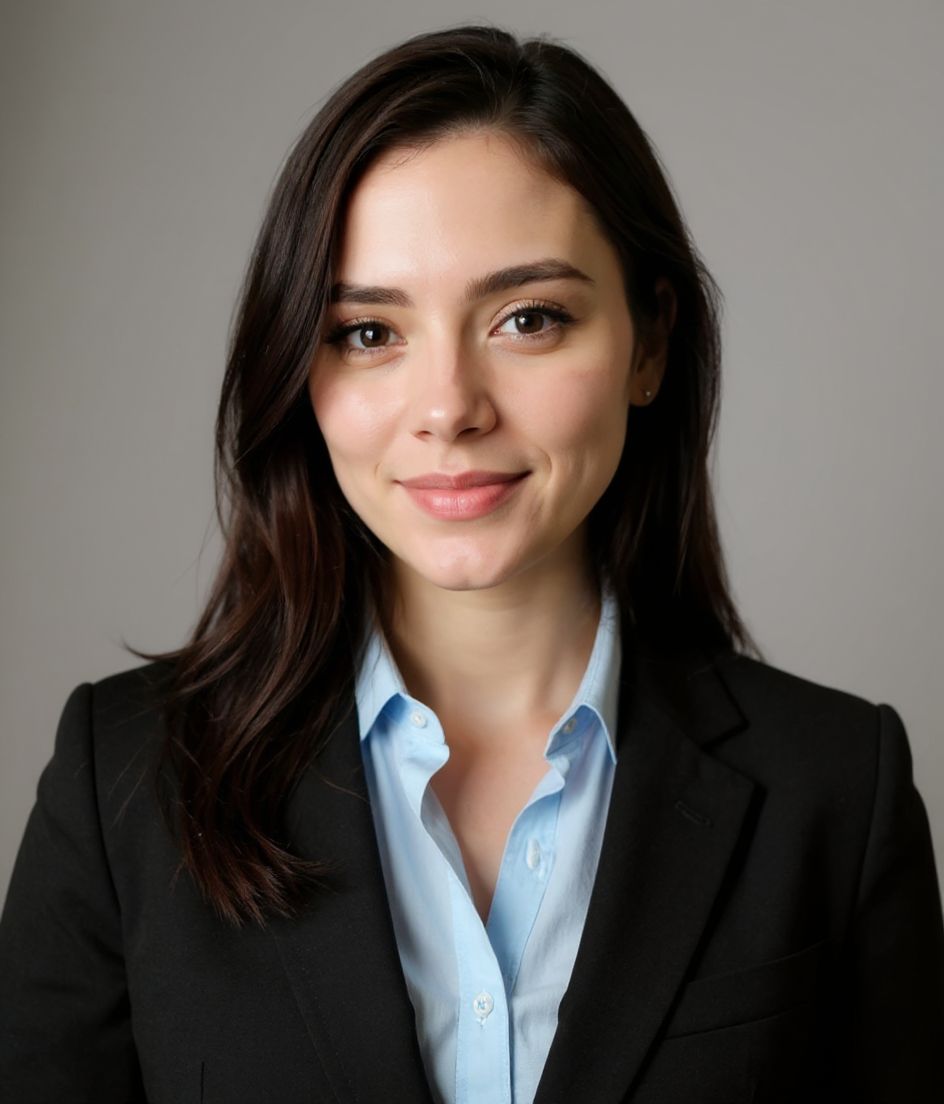
Curato e Professionale is for a default LinkedIn or résumé photo when you want a collared, confident look that travels across industries. The recipe locks abito da lavoro senza cravatta, a sfondo sfumato backdrop, sorriso sicuro, and studio morbido lighting — not a generic “foundations” look. Polished & Pro keeps a business suit (no tie) on a gradient with a confident smile. Clean & Modern drops to a professional top on light gray with a slight smile — quieter, more product-design than client-ready.
Need a curato e professionale headshot from one selfie? HeadshotCam applies abito da lavoro senza cravatta against a sfondo sfumato backdrop with studio morbido lighting and a sorriso sicuro expression so the result reads as sicuro di sé e professionale.
1
selfie necessario
Upload one clear shoulder-up photo and HeadshotCam applies the Curato e Professionale style around your real face.
4
controlli di stile
Wardrobe, backdrop, expression, and lighting are tuned together so the final image feels intentional.
60+
libreria di stili
If Curato e Professionale is close but not perfect, skip it when you already know you need a lab coat, a legal necktie, or a deliberately casual founder crop — then compare the rest of the Foundations collection.
Ideale per lo stile Curato e Professionale
- a default LinkedIn or résumé photo when you want a collared, confident look that travels across industries
- people who specifically need abito da lavoro senza cravatta with a sfondo sfumato backdrop and studio morbido lighting
- fast LinkedIn, résumé headers, generic About pages refreshes without a studio booking
Skip if
- you already know you need a lab coat, a legal necktie, or a deliberately casual founder crop
- you refuse a clear shoulder-up selfie (bad source photos still produce bad Curato e Professionale results)
- you actually want the Clean & Modern recipe (professional top, solid light gray, clamshell lighting)
Ricetta del prompt
Curato e Professionale headshot with abito da lavoro senza cravatta, sfondo sfumato background, studio morbido lighting.
Keep my face the same, use a sorriso sicuro expression, and make the image feel sicuro di sé e professionale.
Generate a polished foundations profile photo with clean crop, natural skin texture, and no watermark.
Common mistakes
Picking Polished & Pro because it is first in the grid, then wondering why a no-tie suit still looks too salesy for a research CV or too stiff for a studio roster. The Foundations trap is using this as the “safe” pick when your industry actually expects clinical, legal, or creative cues. Also: a soft phone selfie with harsh overhead light will fight studio morbido lighting — start with a clean face-forward frame.
Shot notes
Shoulder-up, even window or open-shade light, collar sitting flat. Soft studio will polish skin; a harsh overhead selfie will fight it. Aim for shoulder-up, eyes to camera, hair off the face. Curato e Professionale steers toward sorriso sicuro with studio morbido. If the first result is close, refine wardrobe or background with a short edit prompt rather than regenerating from a worse selfie.
About the Curato e Professionale style
When is the Curato e Professionale style the right headshot?
When you need sicuro di sé e professionale for LinkedIn, résumé headers, generic About pages. Curato e Professionale pairs abito da lavoro senza cravatta with a sfondo sfumato backdrop and studio morbido. Polished & Pro keeps a business suit (no tie) on a gradient with a confident smile. Clean & Modern drops to a professional top on light gray with a slight smile — quieter, more product-design than client-ready. If your workplace is more formal or more casual than that wardrobe, pick the neighbor instead of forcing this one.
What should my selfie look like for a good Curato e Professionale result?
Shoulder-up, even window or open-shade light, collar sitting flat. Soft studio will polish skin; a harsh overhead selfie will fight it. Use a sharp, face-forward, shoulder-up photo with even light and no sunglasses. The AI can restyle abito da lavoro senza cravatta and sfondo sfumato, but it cannot invent detail that is not in a blurry or heavily filtered source.
How is Curato e Professionale different from other Foundations styles?
The nearest contrast is Clean & Modern. Polished & Pro keeps a business suit (no tie) on a gradient with a confident smile. Clean & Modern drops to a professional top on light gray with a slight smile — quieter, more product-design than client-ready. Curato e Professionale specifically locks abito da lavoro senza cravatta, sfondo sfumato, sorriso sicuro, and studio morbido. Clean & Modern locks professional top, solid light gray, slight smile, and clamshell lighting.
Can I change the Curato e Professionale look after generation?
Yes. Keep the face, then edit with short prompts (background color, jacket color, remove glasses). Switching from Curato e Professionale to Clean & Modern is better than endless edits on the wrong base recipe.
More Foundations styles
If Curato e Professionale doesn't quite fit, browse these next.
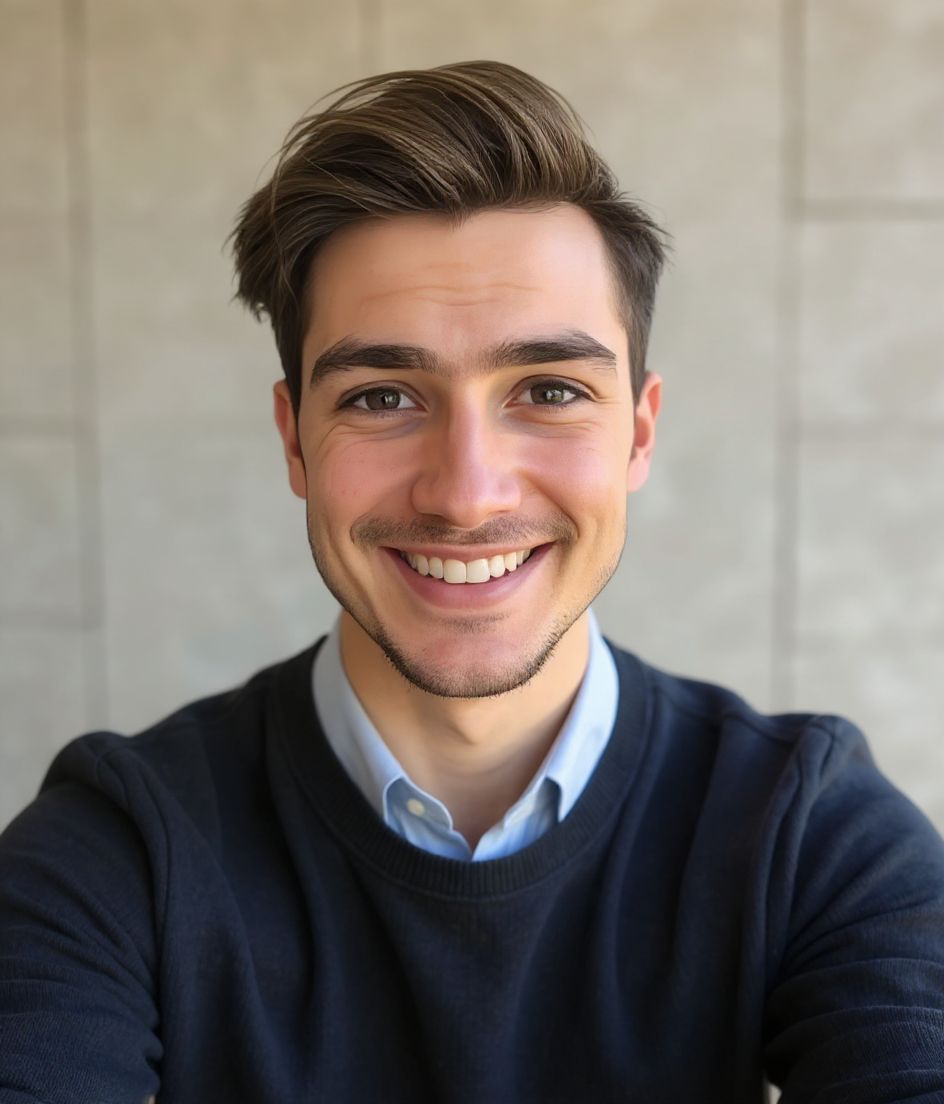
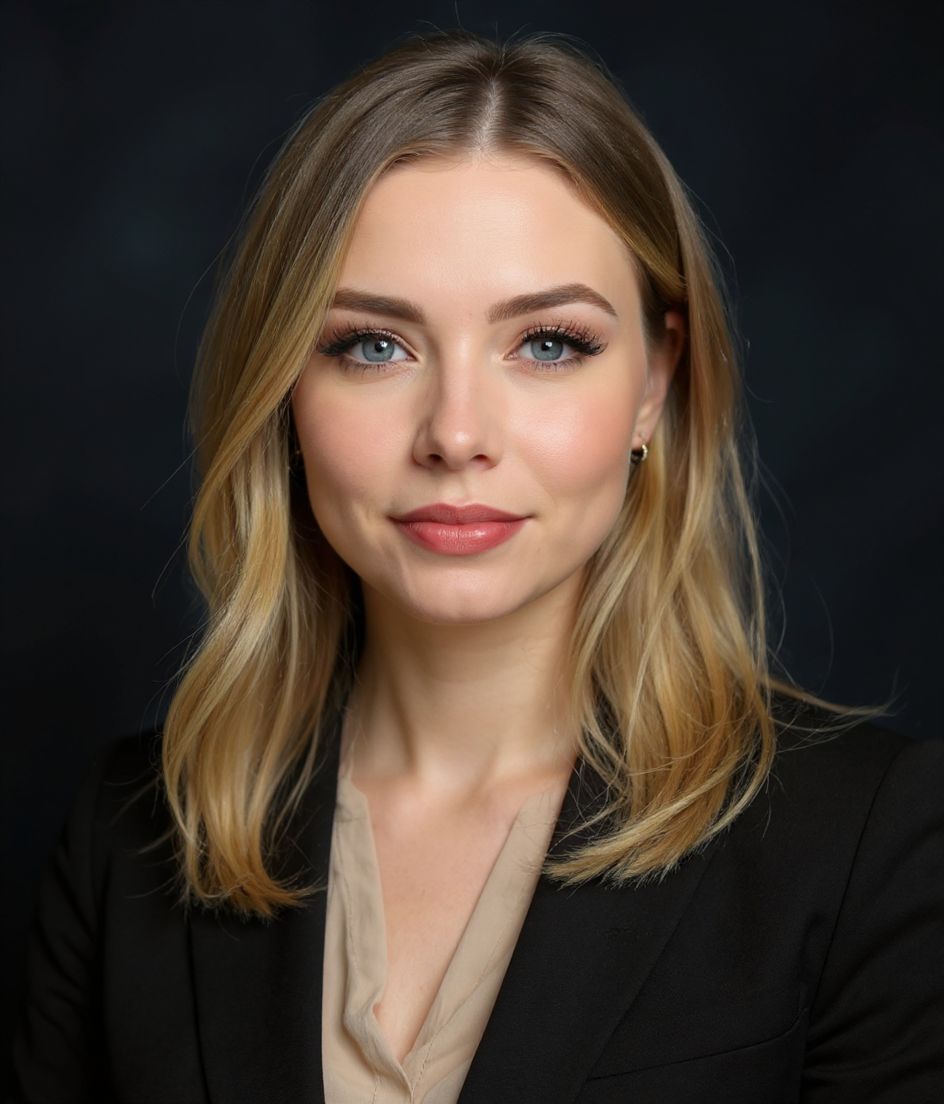
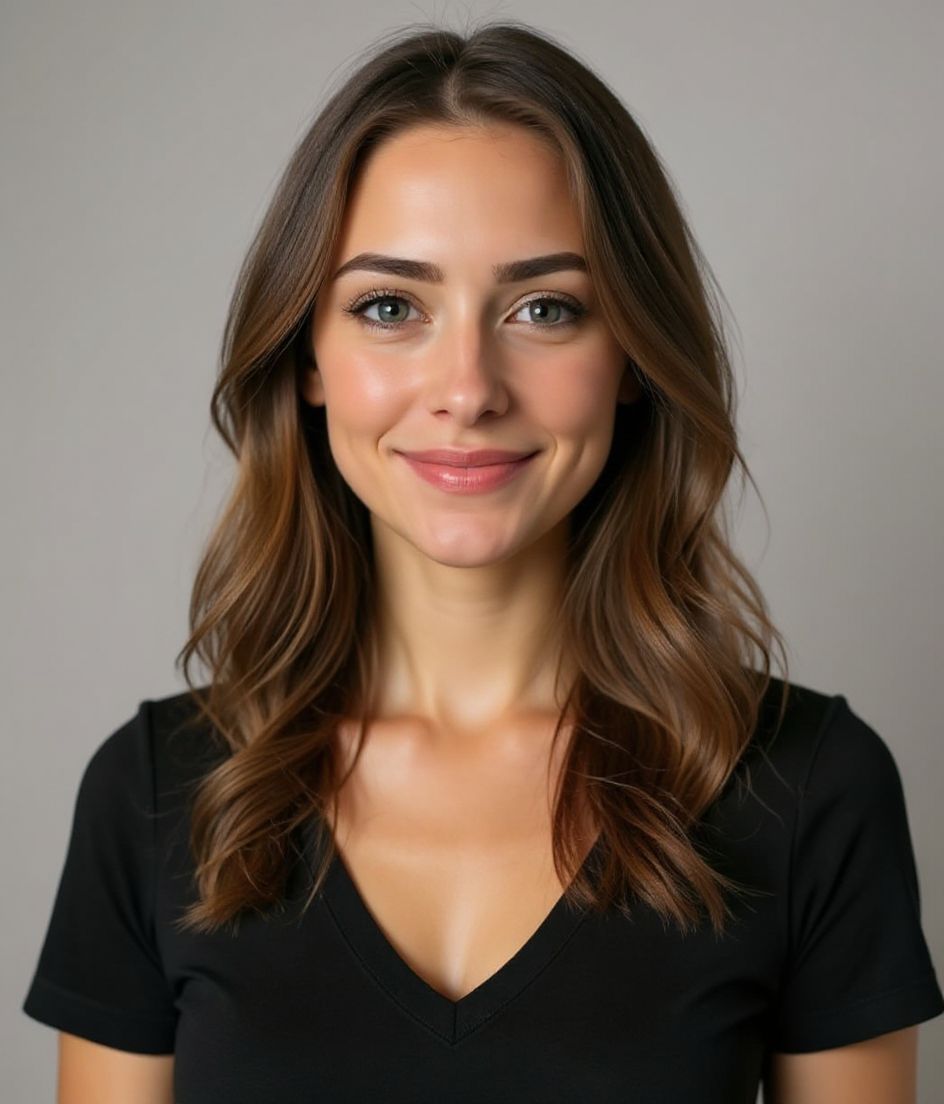
Correlati
Crea il tuo headshot
Salta lo studio. Ritratti pro in pochi secondi da un selfie. App gratuita su iOS e Android.
Download gratuito su iOS e Android
- Download gratuito
- 1 selfie
- 5–15 secondi
- Senza filigrana
Scansiona per scaricare
Punta la fotocamera del telefono su un codice

