
LinkedIn specs
Ein Recruiter-LinkedIn-Headshot, dessen Nachrichten geöffnet werden
Photo size & upload specs
- Pixel dimensions
- 400×400 to 7680×4320
- Aspect ratio
- 1:1 (square)
- File size cap
- 8 MB maximum
- Ideal upload
- 1024×1024 or 2000×2000
- Formats
- JPG or PNG (not GIF)
- Circle-crop safe area
- Eyes in the upper third, breathing room above the hair, no chin or ear cut by the circle. Keep logos and busy edges out of the corners — LinkedIn trims them.
Desktop profile surfaces show roughly 400×400 inside a circle; mobile search is smaller.
Full walkthrough: LinkedIn photo size and specs
Recruiting auf LinkedIn ist ein Thumbnail-Geschäft. Dein Foto ist das Erste, was ein Kandidat in seinem Posteingang oder in der Suche sieht — ein warmes, professionelles Bild hebt die Öffnungsraten deutlich an.
HeadshotCam nimmt ein einziges Selfie und liefert dir ein Recruiter-fertiges Porträt. Wähle Warm-Welcoming-, HR-Manager- oder Polished-Pro-Stile, einen weichen neutralen Hintergrund, und du hast ein Foto, das für Outreach gemacht ist.
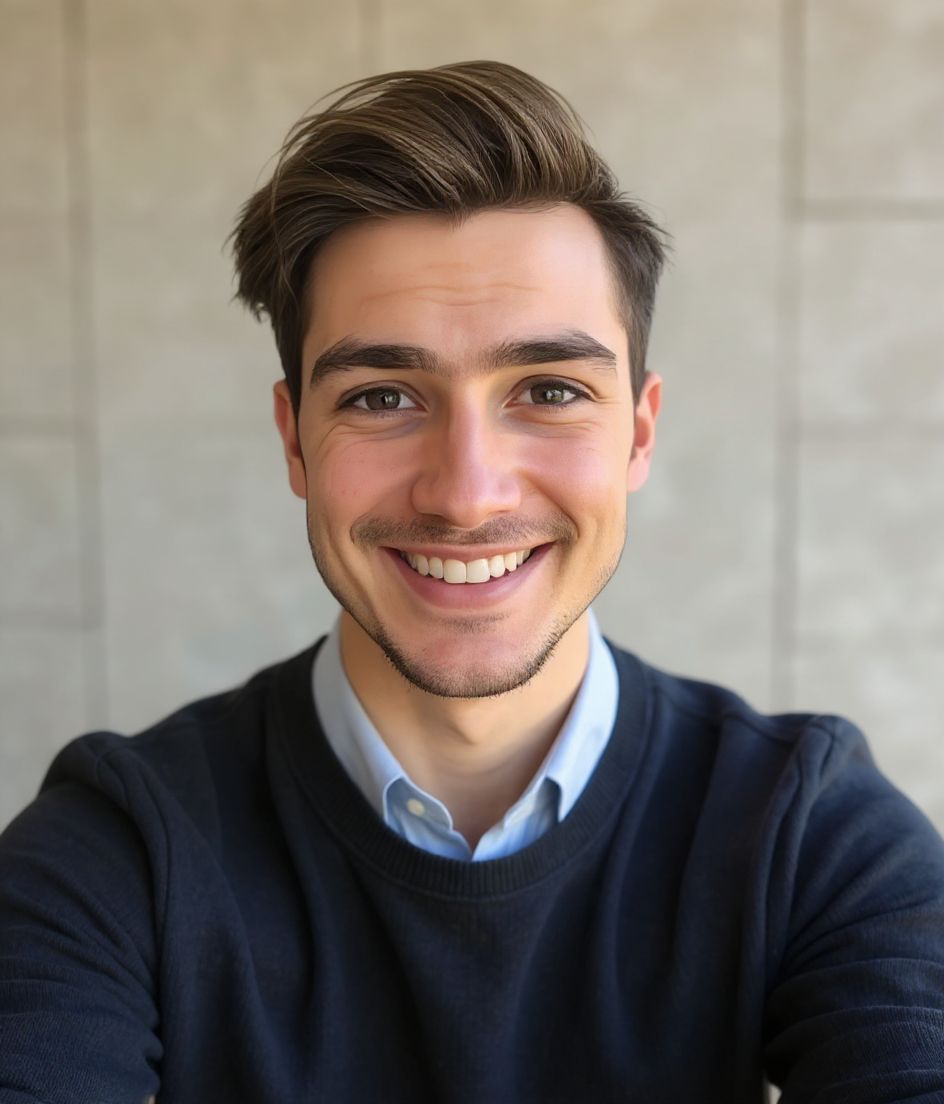
Built for LinkedIn-Headshot für Recruiter
400×400 to 7680×4320 — sized for LinkedIn
Upload 1:1 (square), 1024×1024 or 2000×2000 ideal, 8 mb maximum. JPG or PNG (not GIF) — no awkward zoom, no clipped chin.
Circle-crop safe framing
Eyes in the upper third, breathing room above the hair, no chin or ear cut by the circle. Keep logos and busy edges out of the corners — LinkedIn trims them.
Mit Worten bearbeiten
Tippe "Brille entfernen", "marineblauer Blazer" oder "hellerer Hintergrund" — die KI passt das Detail an, während dein Gesicht gleich bleibt.
Hochauflösend, kein Wasserzeichen
Lade Dateien in Druckqualität herunter — keine winzigen Logos, keine "Made with"-Stempel in der Ecke.
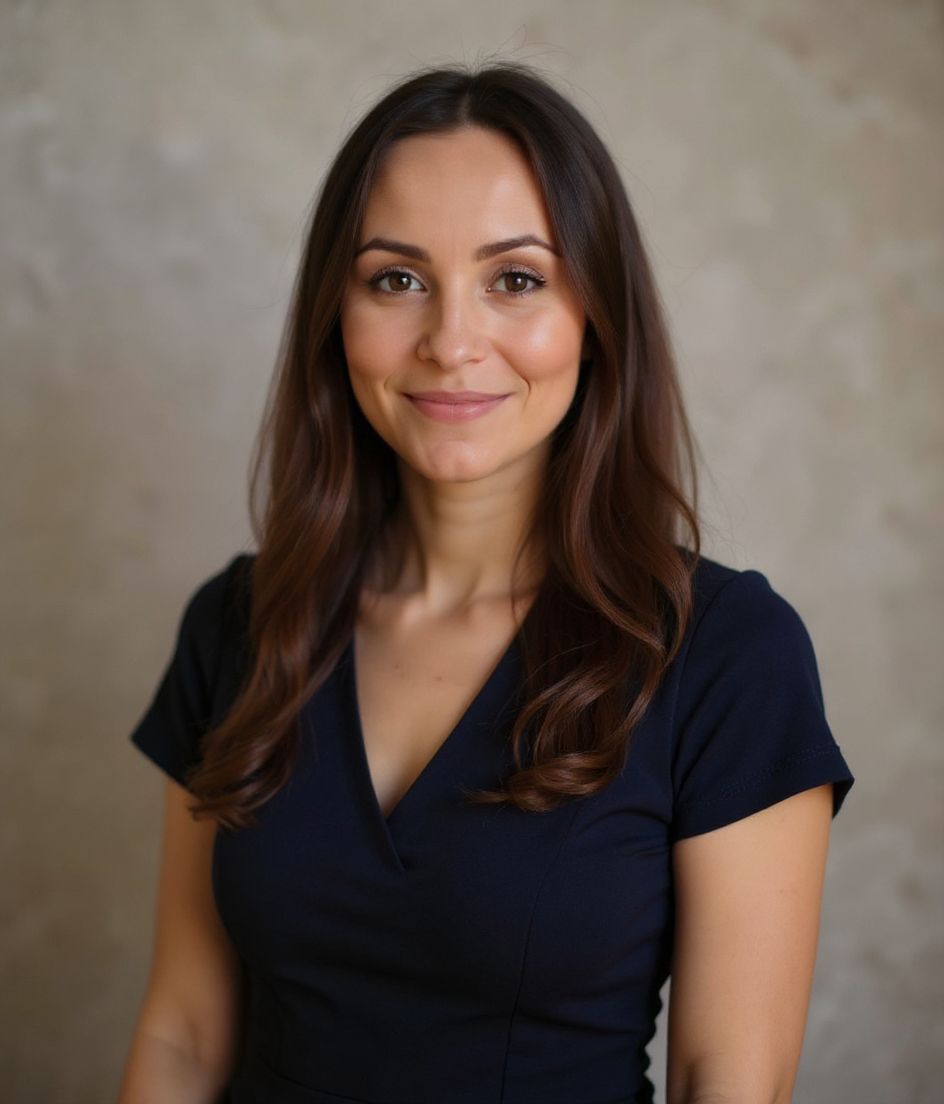
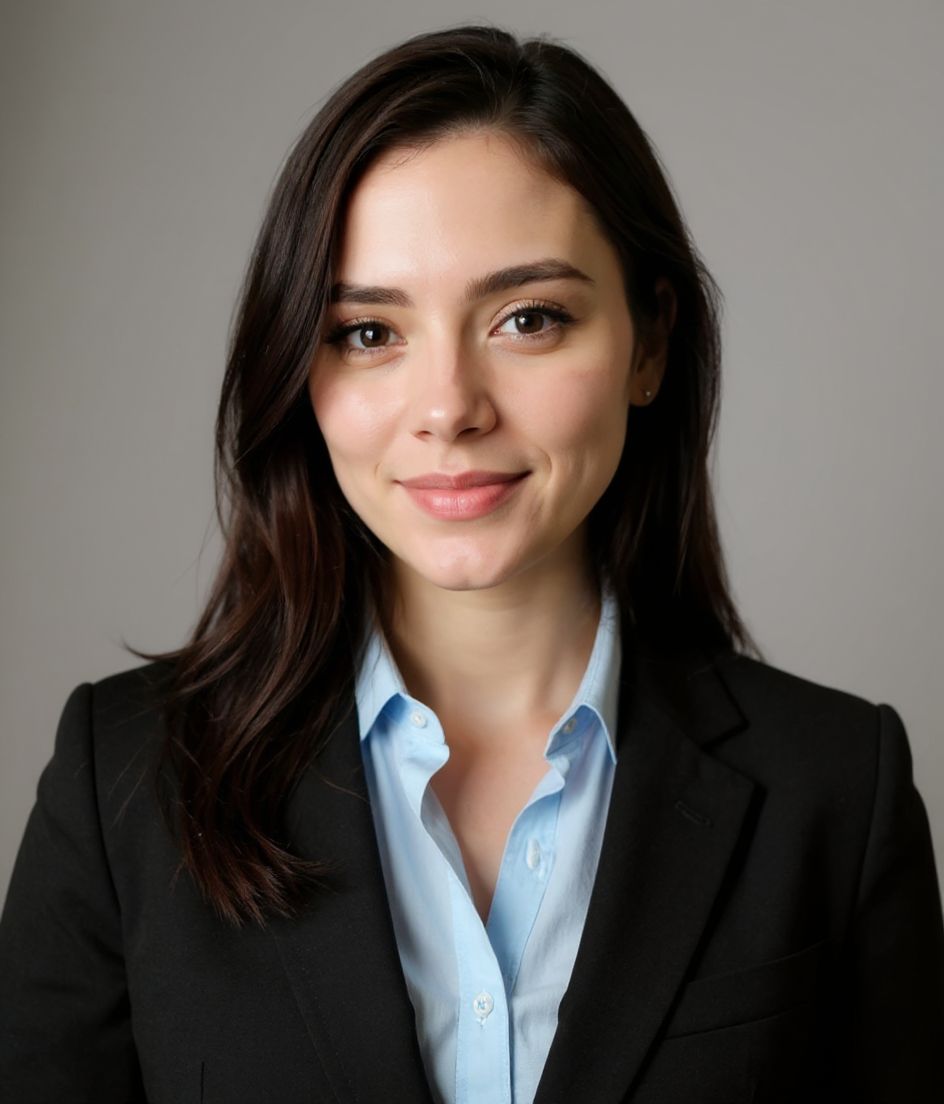
Best styles
Our picks for LinkedIn-Headshot für Recruiter.
Tipps
- 1 Warmes Lächeln, Augen mit dabei. Recruiting ist ein Beziehungsspiel; Wärme konvertiert.
- 2 Bleib bei neutralen oder sanft blauen Hintergründen. Alles Unruhige lenkt im Thumbnail ab.
- 3 Probier den Blazer-über-Shirt-Look — formell genug für Führungskräfte, freundlich genug für Kandidaten.
- 4 Erneuere alle 12 Monate. Veraltete Recruiter-Fotos verlieren still und leise an Antwortrate.
FAQs
What size should my LinkedIn photo be?
LinkedIn expects 400×400 to 7680×4320 at 1:1 (square), 8 mb maximum, in JPG or PNG (not GIF). Practical upload: 1024×1024 or 2000×2000. Desktop profile surfaces show roughly 400×400 inside a circle; mobile search is smaller.
How do I keep my face inside the LinkedIn circle crop?
Eyes in the upper third, breathing room above the hair, no chin or ear cut by the circle. Keep logos and busy edges out of the corners — LinkedIn trims them.
Funktioniert es auf LinkedIn?
Ja. Das Ergebnis ist ein realistisches Abbild von dir, kein Cartoon und kein Filter. Wähle einen Foundations- oder Corporate-Stil, und das Foto wirkt wie ein ganz normales Studio-Shooting.
Kann ich mein Gesicht exakt gleich lassen?
Ja — dein Gesicht, deine Haare und dein Hautton bleiben unverändert. Nur Kleidung, Beleuchtung und Hintergrund ändern sich.
Wie schnell ist die Generierung?
Die meisten Headshots sind in 5 bis 15 Sekunden fertig. Du kannst iterieren und dann mit "Mit Worten bearbeiten" Feinheiten anpassen, alles in unter einer Minute.
Ähnliches
Erstellen Sie Ihren Headshot
Ohne Studio. Profi-Headshots in Sekunden aus einem Selfie. App kostenlos für iOS und Android.
Kostenloser Download für iOS & Android
- Kostenloser Download
- 1 Selfie
- 5–15 Sekunden
- Kein Wasserzeichen
Zum Download scannen
Handy-Kamera auf einen Code richten

