
Slack specs
一张用于工作区的 Slack 个人资料照片
Photo size & upload specs
- Pixel dimensions
- 512×512 recommended
- Aspect ratio
- 1:1 (square)
- File size cap
- Under 1 MB preferred
- Ideal upload
- 512×512 to 1024×1024
- Formats
- JPG, PNG, or GIF
- Circle-crop safe area
- Eyes and mouth inside the circle for DM and channel lists. Solid background; Slack avatars stay small all day.
Slack 个人资料做着微小但持续的工作。你的头像出现在每一条消息、私信和频道回复旁边——一张时新、亲切的照片能切实提升回复速度。
HeadshotCam 只需一张自拍,就能为你生成一张适合 Slack 的肖像。从温暖亲和、精致专业或简洁现代风格中挑选,搭配中性背景,你就拥有了一张适用于任何工作区的照片。
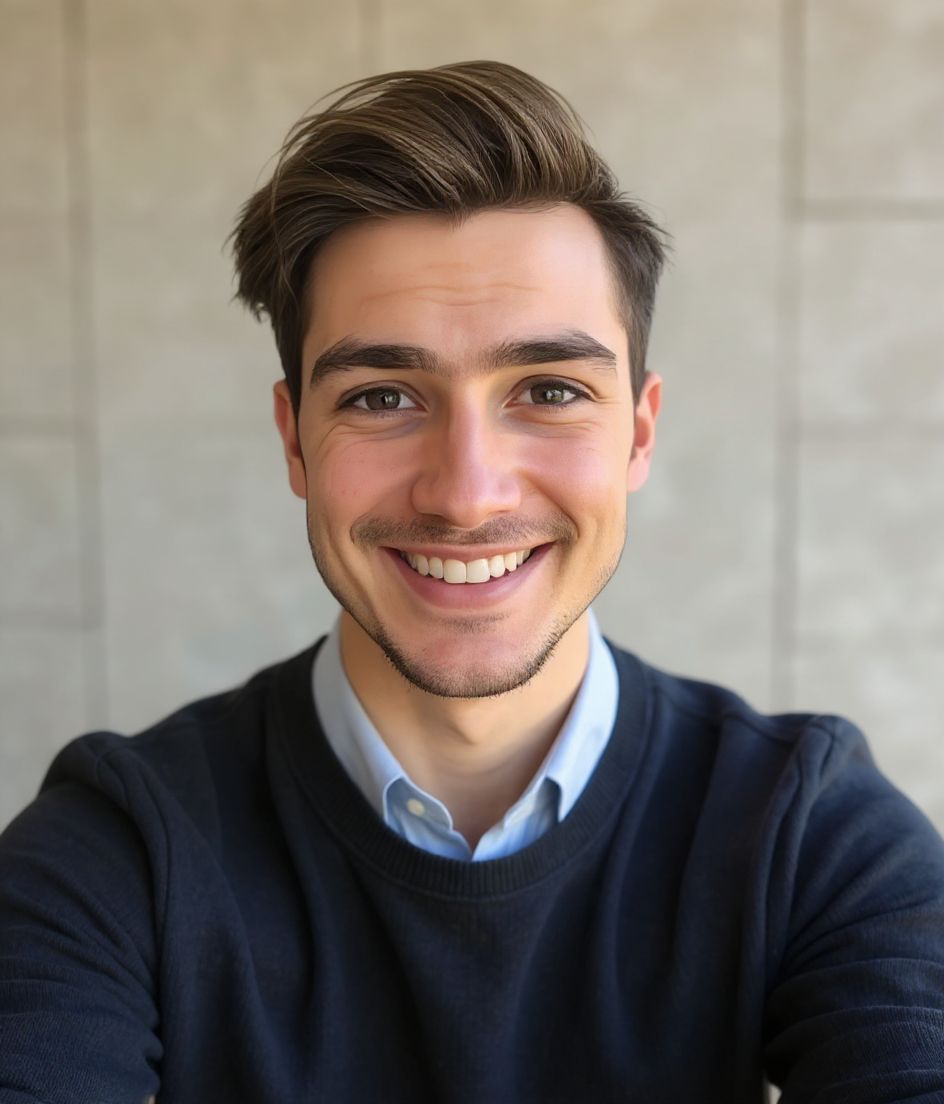
Built for Slack 工作区照片
512×512 recommended — sized for Slack
Upload 1:1 (square), 512×512 to 1024×1024 ideal, under 1 mb preferred. JPG, PNG, or GIF — no awkward zoom, no clipped chin.
Circle-crop safe framing
Eyes and mouth inside the circle for DM and channel lists. Solid background; Slack avatars stay small all day.
用文字编辑
输入"摘掉眼镜""海军蓝西装外套"或"更亮的背景"——AI 会更新对应细节,而你的脸保持不变。
高分辨率、无水印
下载印刷级质量的文件——没有小图标,角落也不会有"由……制作"的标记。
Best styles
Our picks for Slack 工作区照片.
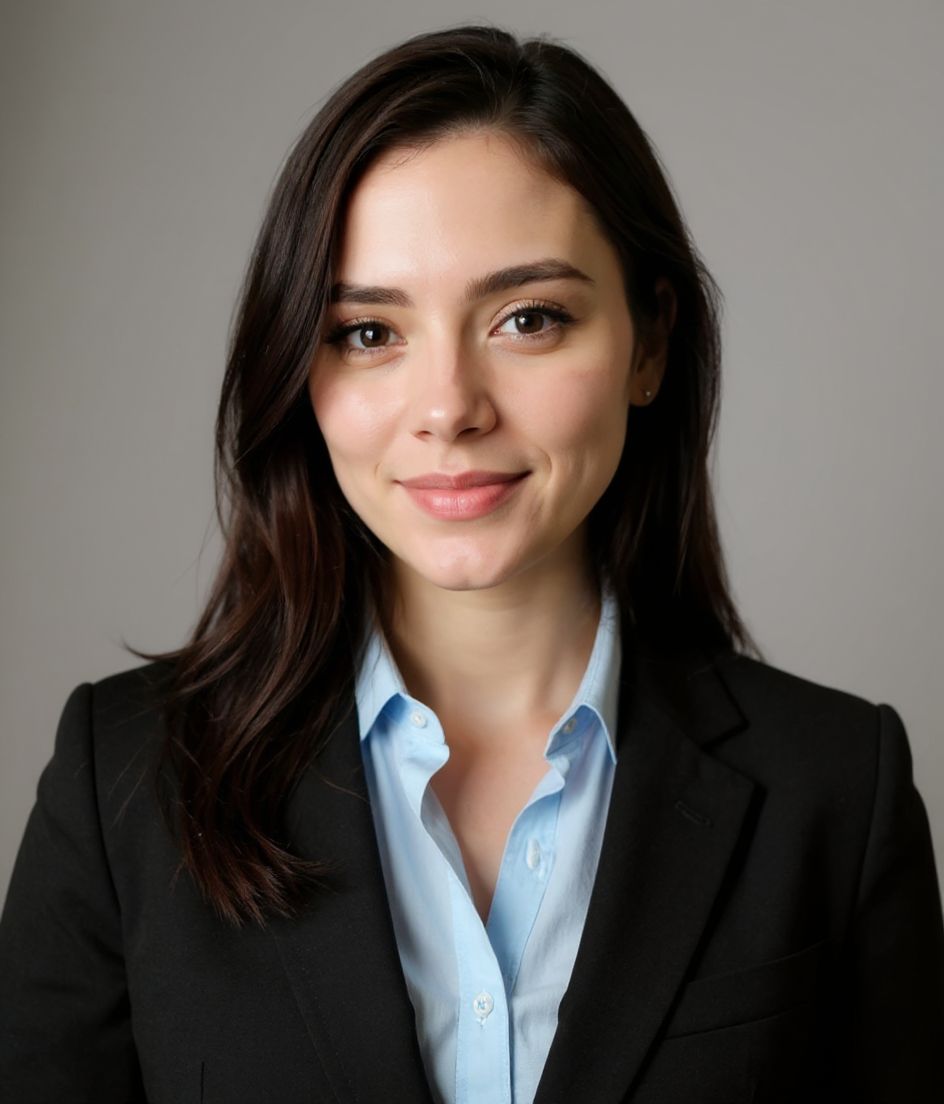
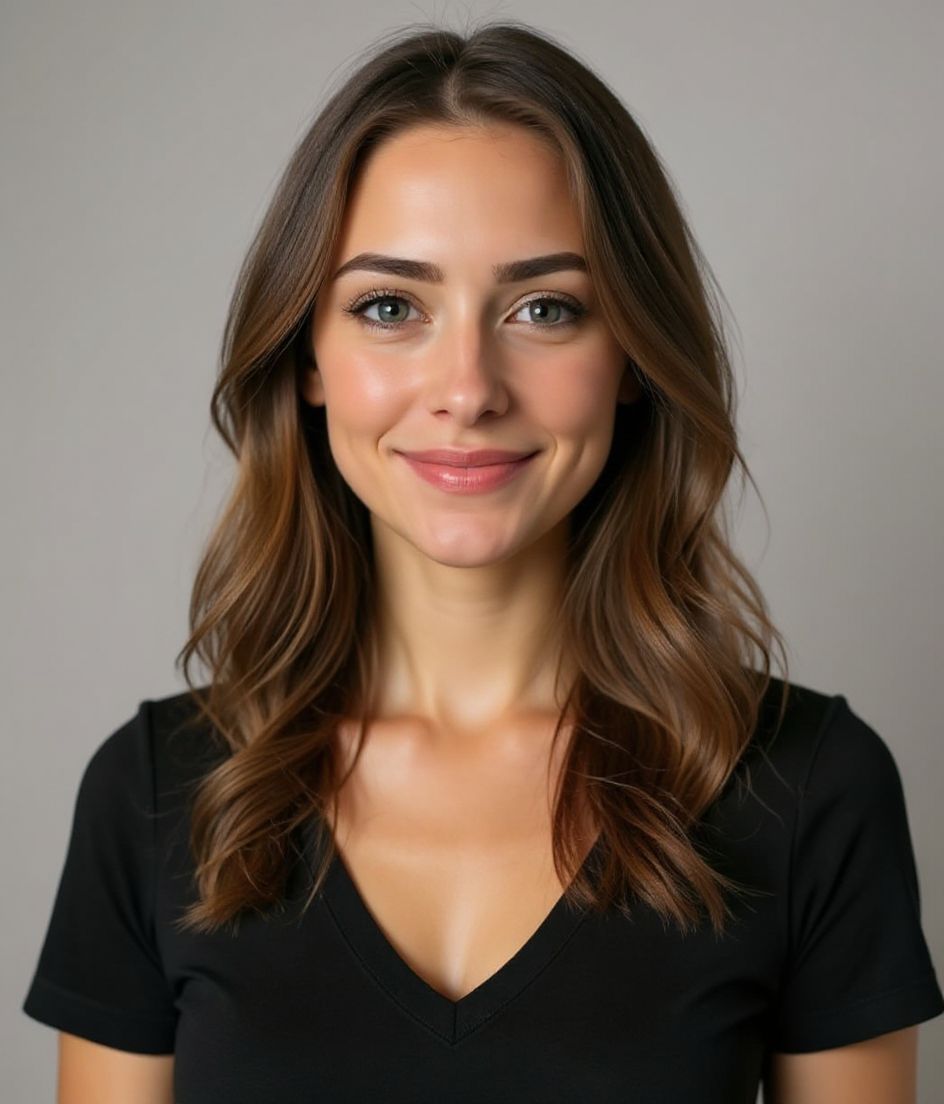
小贴士
- 1 亲切的微笑,露出眼睛。
- 2 纯色背景。在小尺寸下保持清晰。
- 3 与公司团队页面上的照片保持一致。
- 4 换公司时再更新。否则就别动它。
常见问题
What size should my Slack photo be?
Slack expects 512×512 recommended at 1:1 (square), under 1 mb preferred, in JPG, PNG, or GIF. Practical upload: 512×512 to 1024×1024.
How do I keep my face inside the Slack circle crop?
Eyes and mouth inside the circle for DM and channel lists. Solid background; Slack avatars stay small all day.
它能在 slack 上通过吗?
可以。输出是逼真还原你本人的形象,而不是卡通或滤镜效果。挑选 Foundations 或 Corporate 风格,照片看起来就像一次正常的影棚拍摄。
我能让我的脸完全保持不变吗?
可以——你的脸、发型和肤色都会被锁定。只有服装、光线和背景会改变。
生成有多快?
大多数头像照在 5 到 15 秒内就绪。你可以反复尝试,再用"用文字编辑"做微调,全程不到一分钟。
相关推荐
创建你的头像
无需影棚。一张自拍,几秒专业头像。iOS 与 Android 免费下载。
iOS 与 Android 免费下载
- 免费下载
- 1 张自拍
- 5–15 秒
- 无水印
扫码下载
用手机相机对准二维码

