
Use case
Create an AI X profile picture from one selfie
On X, your profile picture appears beside your replies, posts, and notifications. It needs to stay recognizable when the interface displays it as a small circle.
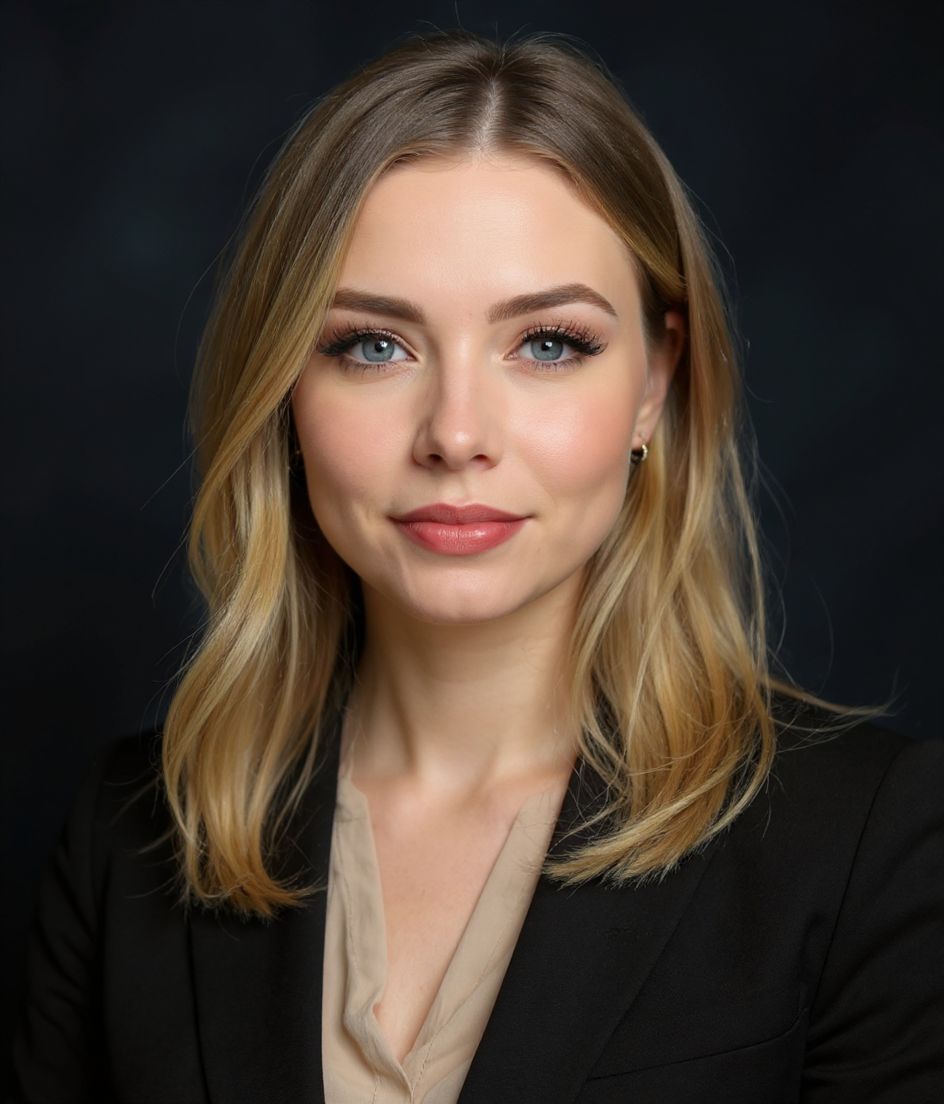
HeadshotCam gives you a sharp profile photo from one selfie. Pick Strong & Confident for a formal look, Creative Bold for a more expressive portrait, or Natural & Authentic for a relaxed one.
Compare the styles at full size, then preview your favorite as a small circle before you upload it to X.
5-15s
per headshot
Generation time. Try a few looks before you settle on one.
3
styles picked
From Foundations, Foundations, Foundations — the ones that work best here.
$5.99
starts at
One-time credits if you only need a couple. Yearly plan if you want unlimited.
What you get
Reads in the timeline
Twitter shows your photo at around 48x48 in replies. We use tight crops so your face pops at that size.
Match your account vibe
Tech bro? Strong & Confident. Designer? Creative Bold. Writer? Author. 60+ styles, pick the one that fits your tweets.
Edit with words for niche tweaks
Add a hoodie, swap to a black background — match the dev-Twitter, design-Twitter, or VC-Twitter look.
Square-crop ready
Clean square output that crops cleanly to the circle X uses for avatars.
Recommended styles
The styles that work best for x / twitter profile picture.
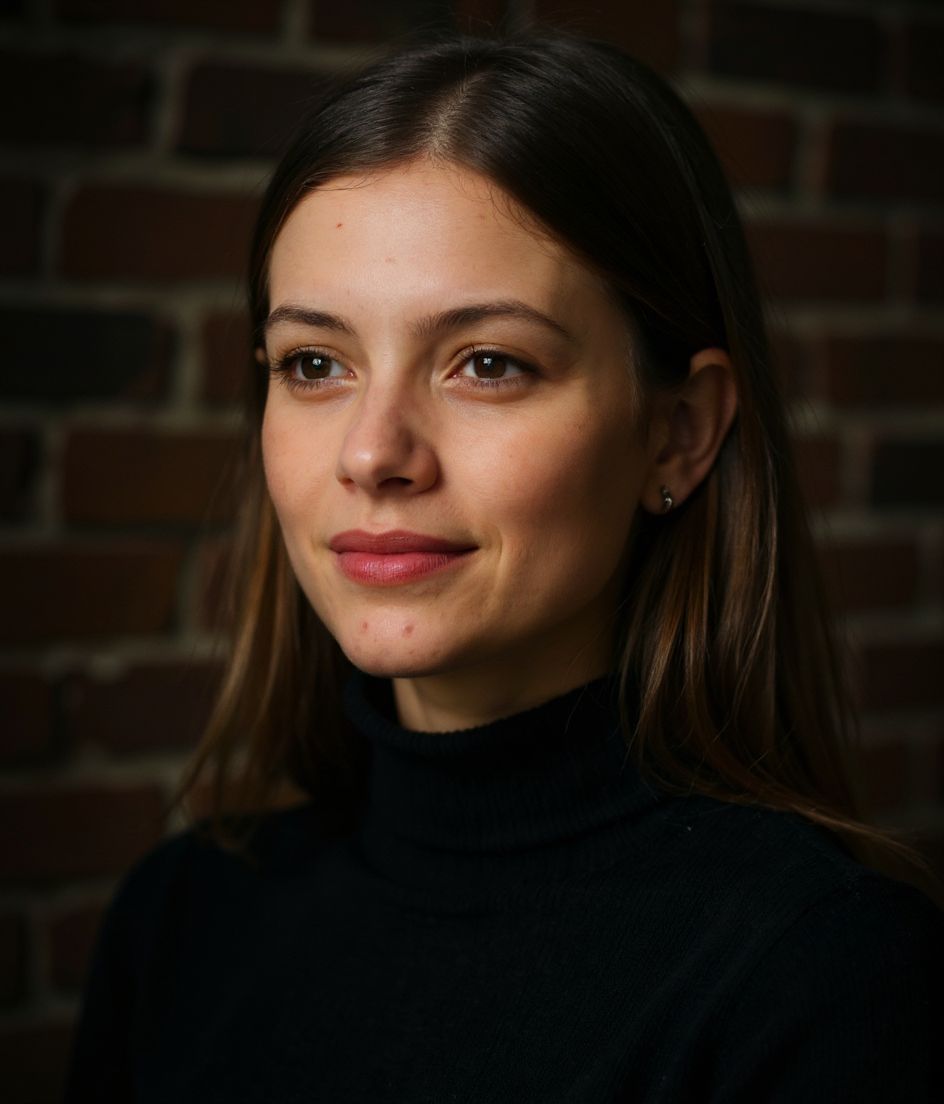
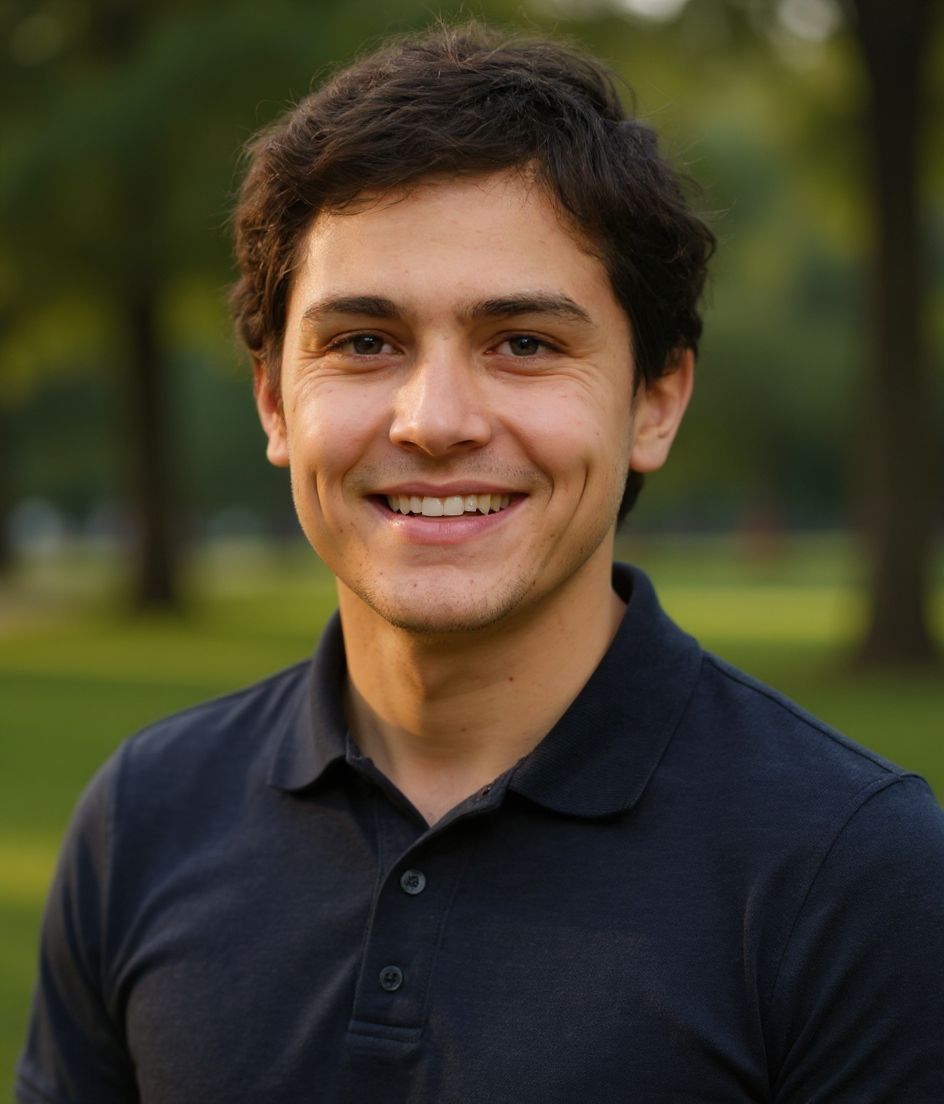
Tips
- 1 Crop tight — at 48x48 in the timeline, anything wider becomes a smudge.
- 2 Pick a background that contrasts with X's white timeline (avoid pure white).
- 3 Match the vibe of your bio. Tech founder bio + creative photo = confused first impression.
- 4 Use the same photo across X, GitHub, and your personal site for cross-platform recognition.
- 5 Refresh the photo when your appearance or the visual style of your account changes.
FAQs
Should an AI profile picture still look like me?
Yes. Start with your own selfie and choose a result that remains recognizable as you, especially if the account represents your real identity. If it drifts, the usual causes are filters, bad angles, or occluded eyes — see /guides/why-does-my-ai-headshot-not-look-like-me/.
Should I use a portrait or an illustrated avatar?
Use a portrait when people need to recognize you across X, GitHub, and your website. An illustrated avatar can make more sense when the account is built around a separate character or brand.
What size should I upload?
At least 400x400. X resizes down for the timeline but uses higher-res in profile views.
Can I match my GitHub photo?
Yes — and you should. Same photo on X and GitHub builds cross-platform recognition for tech accounts.
Related
Create your headshot
Skip the studio. Pro headshots in seconds, from one selfie. Free to download on iOS and Android.
Free to download on iOS & Android
- Free download
- 1 selfie
- 5–15 seconds
- No watermark
Scan to download
Point your phone camera at a code

