
Instagram specs
Instagram profile picture: no published pixel size
Photo size & upload specs
- Pixel dimensions
- Not published
- Aspect ratio
- Not published
- File size cap
- Not published
- Ideal upload
- A sharp square is a habit, not a rule in this article
- Formats
- Not listed
- Crop safe area
- The profile-picture article does not publish a crop diagram. Keep the face centered so a small avatar still reads. A circle you see in the app is not a size rule from this article.
Instagram Help, “Add a profile picture or change your current picture on Instagram,” checked 2026-10-24, does not publish a pixel size, a file-size cap, or a format list. 320×320, 1080×1080, and an 8 MB cap are not in that article.
Instagram Help’s article “Add a profile picture or change your current picture on Instagram” (checked 2026-10-24) explains Edit Profile and Accounts Center. It says you can take a photo, pick one from your library, or import the Facebook profile picture. It says the picture can be associated with you and is public on or off Instagram.
That article does not publish a pixel minimum, a pixel maximum, a file-size cap, or a format list. 320×320 and 1080×1080 show up on third-party size charts. They are feed-photo numbers, not a line in this article. An 8 MB cap is not in the article either.
HeadshotCam still makes a sharp square from one selfie — Clean & Modern, Content Creator, or Brand Strategist — because a small avatar has to read. That square is a habit, not an Instagram rule.
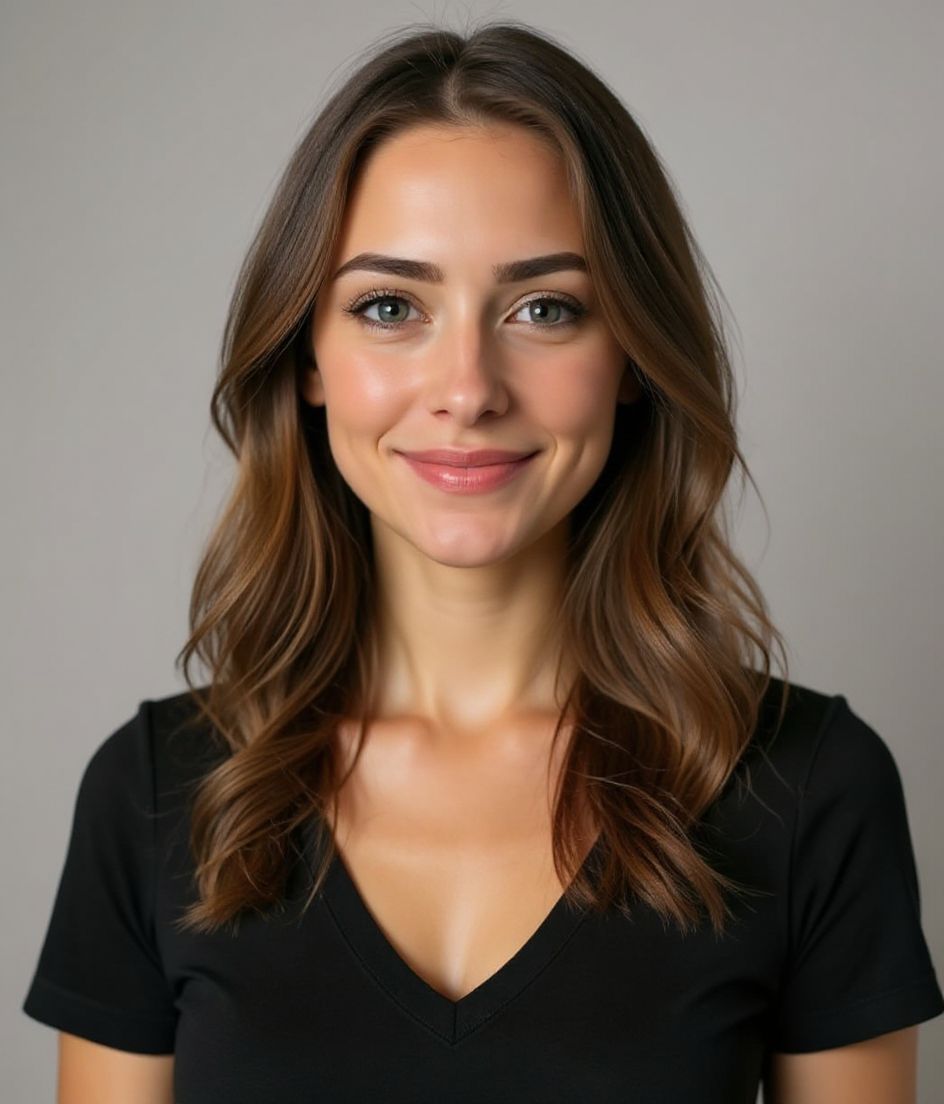
Built for Instagram Profile Picture
No published pixel size
The profile-picture article does not print 320×320, 1080×1080, or an 8 MB cap. Do not treat a size chart as Instagram Help.
No published crop diagram
The article does not publish a circle-crop rule. Keep the face centered so a small avatar still reads if the app masks the corners.
Edit with words
Type "remove glasses", "navy blazer", or "lighter background" — the AI updates the detail while your face stays the same.
High-res, no watermark
Download print-quality files — no tiny logos, no "made with" stamps in the corner.
Best styles
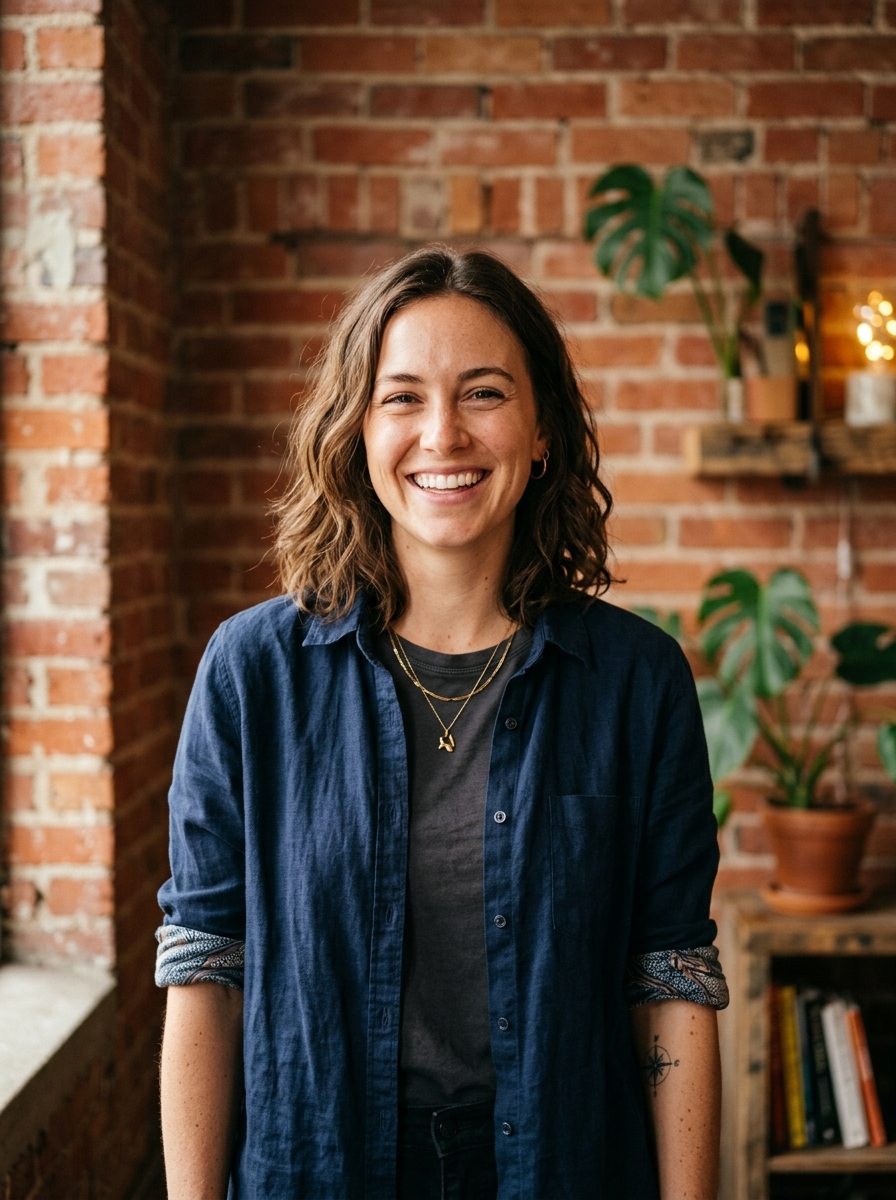
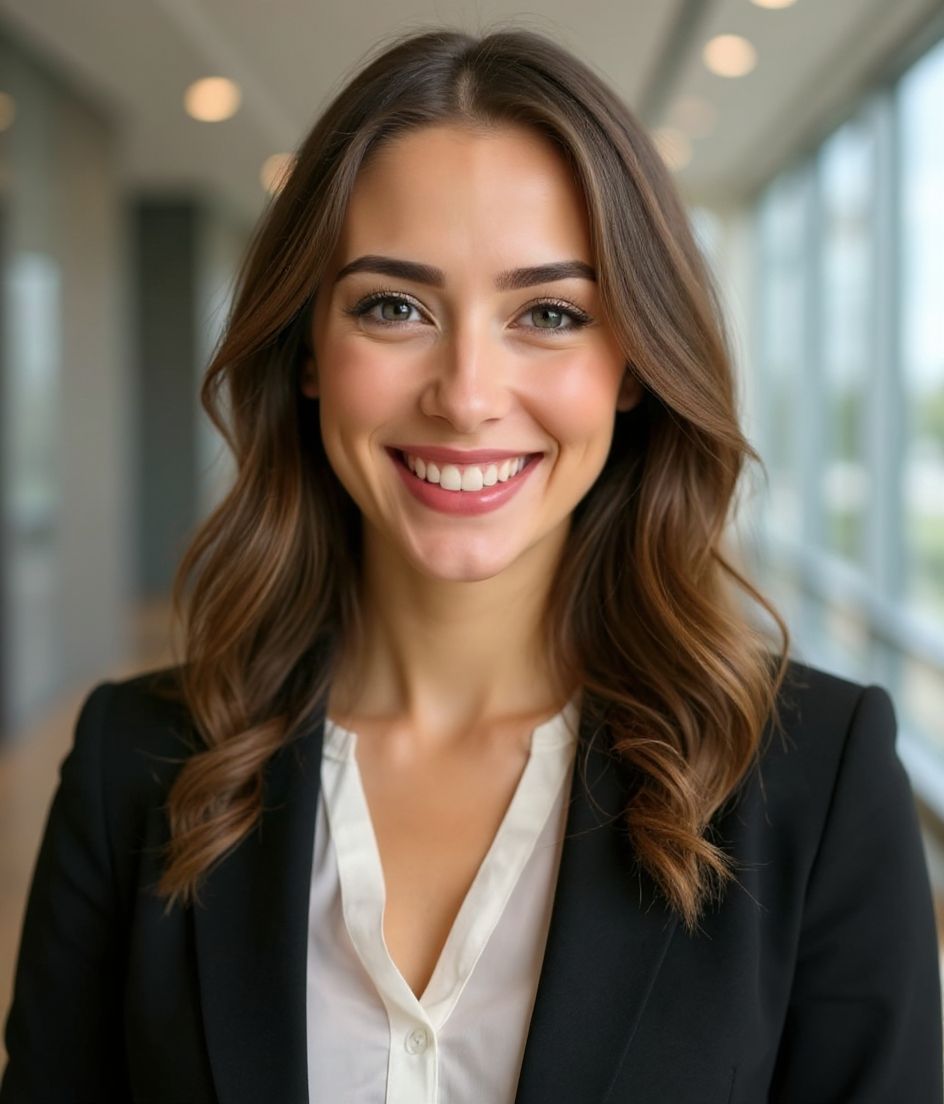
Our picks for Instagram Profile Picture.
Tips
- 1 Center the face. The help article does not publish a crop, and a small avatar still has to read.
- 2 Solid colour background that contrasts your hair.
- 3 Match across Instagram, Twitter / X, and LinkedIn for cross-platform recognition.
- 4 Refresh per brand pivot. Otherwise consistency is more valuable than novelty.
FAQs
What size is an Instagram profile picture?
Instagram Help, “Add a profile picture or change your current picture on Instagram,” checked 2026-10-24, does not publish a pixel minimum, a pixel maximum, or a file-size cap. 320×320 and 1080×1080 are not in that article. Neither is an 8 MB limit or a JPG/PNG list.
Is 320×320 or 8 MB an Instagram profile rule?
No. Those figures are repeated by size charts. The profile-picture article does not publish them. It also does not publish a circle-crop diagram. A sharp square is a practical habit for a small avatar, not a number from that article.
Will it pass on Instagram?
Yes. The output is a realistic likeness of you, not a cartoon or filter. Pick a Foundations or Corporate style and the photo reads as a normal studio shoot.
Can I keep my face exactly the same?
Yes — your face, hair, and skin tone stay locked. Only clothing, lighting, and background change.
How fast is generation?
Most headshots are ready in 5 to 15 seconds. You can iterate, then "Edit with words" for tweaks, all in under a minute.
Related
Create your headshot
Skip the studio. Pro headshots in seconds, from one selfie. Free to download on iOS and Android.
Free to download on iOS & Android
- Free download
- 1 selfie
- 5–15 seconds
- No watermark
Scan to download
Point your phone camera at a code

