
Use case
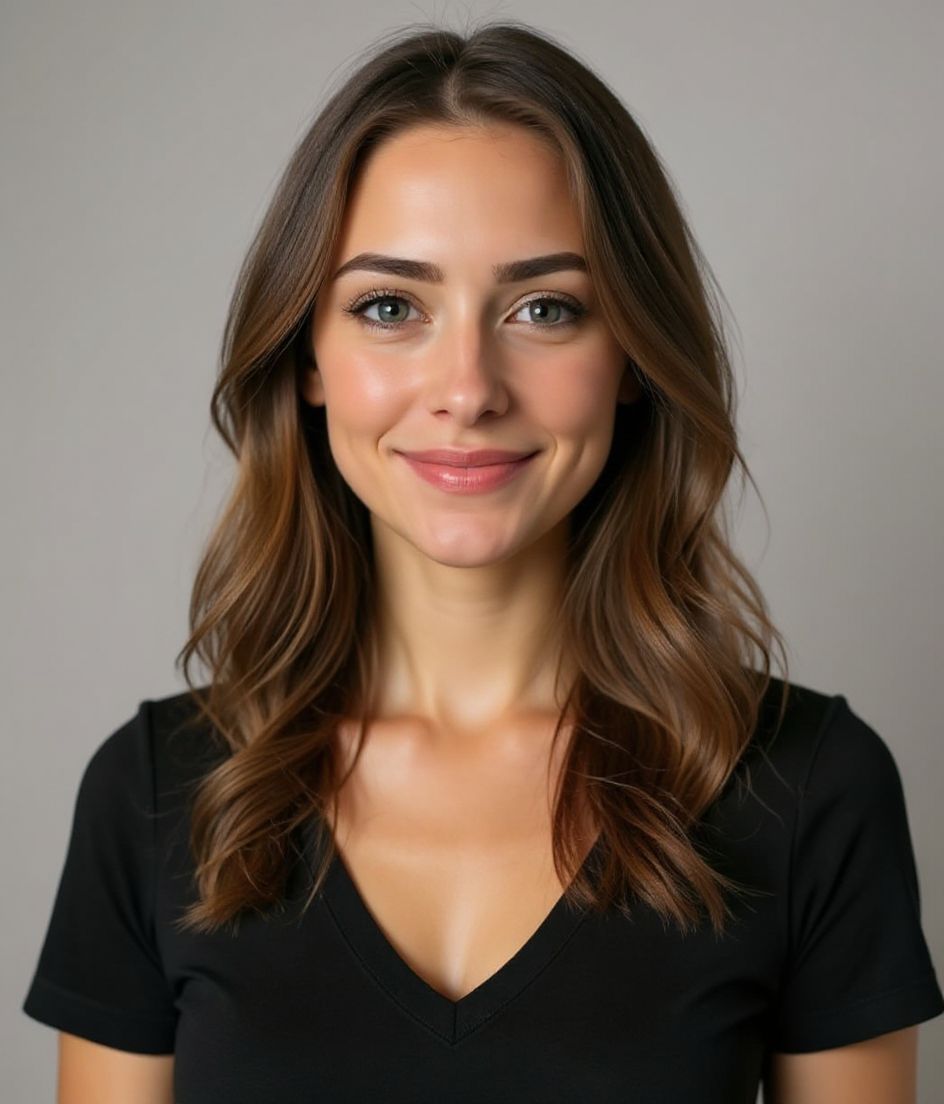
2020년 웹캠 스크린샷처럼 보이지 않는 Zoom 사진
회의의 절반은 누군가의 카메라가 꺼지고 기본 프로필 원이 화면에 뜬 채 끝납니다. 그게 2019년에 찍은 흐릿한 휴대폰 사진이라면, 그 인상이 한 시간 내내 남습니다.
HeadshotCam은 카메라가 꺼져도 버티는 Zoom 프로필 사진을 만들어줍니다. 선명하고, 조명이 좋고, 알아볼 수 있는 당신으로. 셀카 한 장을 넣으면 15초 안에 깔끔한 프로필 사진이 나옵니다.
Zoom, Google Meet, Teams, Slack 허들 — 영상이 꺼졌을 때 당신의 얼굴이 원으로 표시되는 어디서든 작동합니다.
5-15s
per headshot
Generation time. Try a few looks before you settle on one.
3
styles picked
From Foundations, Foundations, Foundations — the ones that work best here.
$5.99
starts at
One-time credits if you only need a couple. Yearly plan if you want unlimited.
What you get
작은 원에서도 멋지게
Zoom은 사진을 약 200x200으로 보여줍니다. 깔끔한 배경을 사용해 그 크기에서도 얼굴이 잘 읽힙니다.
모든 회의 앱에서 작동
같은 파일을 Zoom, Google Meet, Microsoft Teams, Slack, Discord 등 프로필이 있는 어디에든 업로드하세요.
뻣뻣하지 않고 친근하게
회의 사진은 친근하게 느껴질 때 더 좋습니다. 웜 & 웰커밍과 내추럴 스타일이 제격입니다.
워터마크 없이 깔끔하게
고해상도 파일을 다운로드해 바로 업로드하세요. 구석 로고도, 라이선스 문제도 없습니다.
추천 스타일
The styles that work best for zoom 프로필 사진.


팁
- 1 부드럽고 친근한 표정을 고르세요. Zoom은 카메라를 끄면 사진을 보여주는데, 굳은 얼굴은 무례하게 느껴집니다.
- 2 단순한 배경을 사용하세요. 산만한 배경은 200x200에서 뭉개집니다.
- 3 정사각형 크롭으로 저장하세요. Zoom과 Meet 모두 원으로 자르기 때문에 어차피 모서리가 잘립니다.
- 4 사진을 Slack과 이메일 서명에 맞추세요. 도구 전반의 일관된 정체성이 인식을 쌓습니다.
- 5 1년에 한 번 갱신하세요. 헤어스타일이 다른 4년 된 Zoom 사진은 어색합니다.
FAQ
Zoom 프로필 사진은 얼마나 커야 하나요?
최소 400x400 픽셀입니다. 그보다 작으면 Zoom이 확대할 때 흐릿해 보입니다.
회의 중에 사진이 표시되나요?
카메라가 꺼졌을 때만요. 솔직히 그게 대부분의 시간이죠. 그래서 중요합니다.
Slack에도 같은 사진을 쓸 수 있나요?
네, 그렇게 하는 게 좋습니다. Zoom, Slack, 이메일 서명에 같은 사진을 쓰면 빠르게 인식이 쌓입니다.
분위기가 캐주얼한 곳에서 일하면요?
더 따뜻한 스타일을 고르세요. 웜 & 웰커밍이나 내추럴 & 어센틱처럼요. 전문적으로 보이는 데 정장은 필요 없습니다.
관련
헤드샷 만들기
스튜디오 없이. 셀카 한 장으로 몇 초 만에 프로 헤드샷. iOS·Android 무료 다운로드.
iOS 및 Android 무료 다운로드
- 무료 다운로드
- 셀카 1장
- 5–15초
- 워터마크 없음
스캔하여 다운로드
휴대폰 카메라를 코드에 맞추세요

