
Medium specs
बायलाइन के लिए एक Medium लेखक फ़ोटो
Photo size & upload specs
- Pixel dimensions
- 1000×1000 recommended
- Aspect ratio
- 1:1 (square)
- File size cap
- Under 5 MB
- Ideal upload
- 1000×1000 to 2000×2000
- Formats
- JPG or PNG
- Circle-crop safe area
- Keep the face centered for the byline circle. Soft headroom above the hair; avoid wide environmental crops that shrink the face.
Author bylines and publication headers show a small circle; upload square and sharp.
Medium बायलाइन बहुत काम करती हैं। आपकी लेखक फ़ोटो ओपन रेट बढ़ाती है, प्रकाशन हेडर पर भरोसा बनाती है और हर शेयर पर दिखती है।
HeadshotCam एक सेल्फ़ी लेता है और आपको बायलाइन के लिए तैयार पोर्ट्रेट देता है। writer, brand-strategist या polished-pro स्टाइल और न्यूट्रल बैकग्राउंड चुनें, और आपके पास एक ऐसी फ़ोटो होगी जो किसी भी टेक, बिज़नेस या डिज़ाइन प्रकाशन में फ़िट बैठती है।
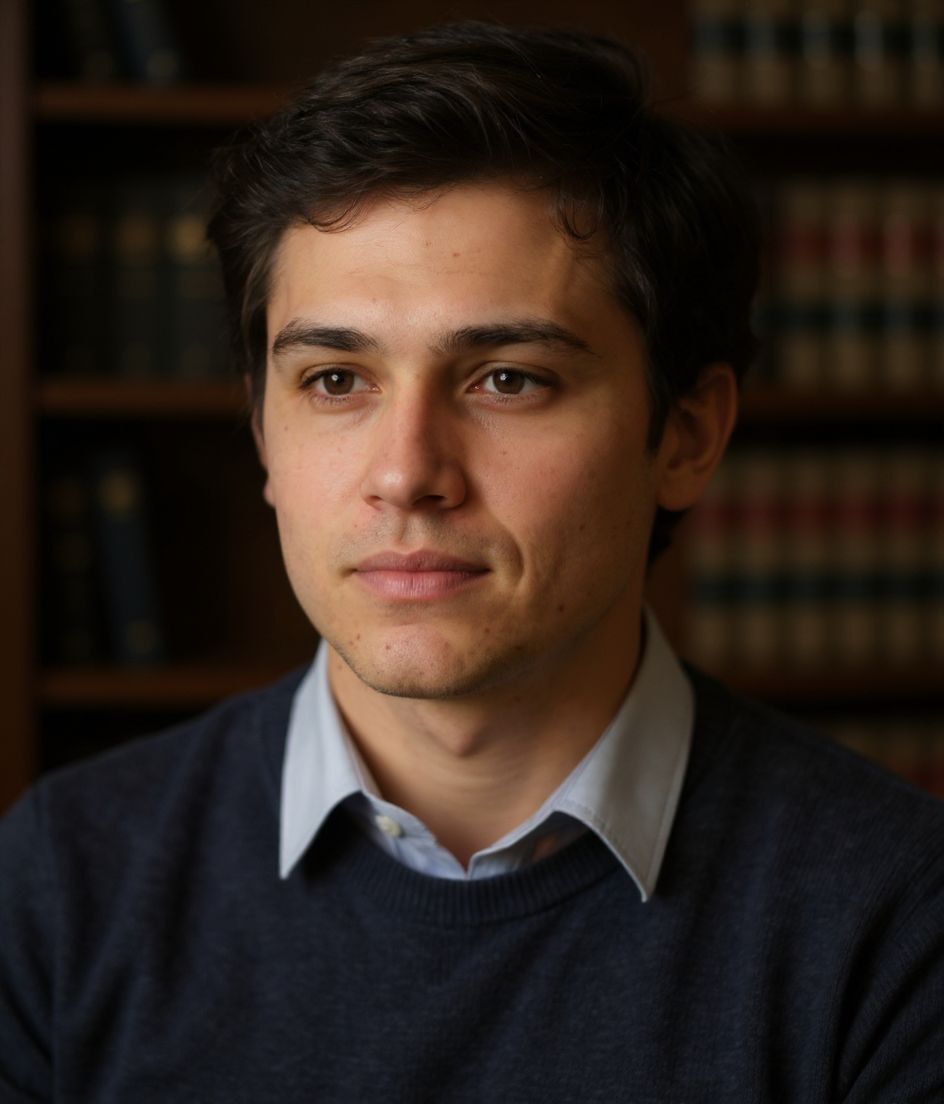
Built for Medium लेखक फ़ोटो
1000×1000 recommended — sized for Medium
Upload 1:1 (square), 1000×1000 to 2000×2000 ideal, under 5 mb. JPG or PNG — no awkward zoom, no clipped chin.
Circle-crop safe framing
Keep the face centered for the byline circle. Soft headroom above the hair; avoid wide environmental crops that shrink the face.
शब्दों से एडिट करें
"चश्मा हटाओ", "नेवी ब्लेज़र" या "हल्का बैकग्राउंड" टाइप करें — AI उस डिटेल को अपडेट करता है जबकि आपका चेहरा वैसा ही रहता है।
हाई-रेज़, कोई वॉटरमार्क नहीं
प्रिंट-क्वालिटी फ़ाइलें डाउनलोड करें — न कोई छोटा लोगो, न कोने में "made with" का ठप्पा।
Best styles
Our picks for Medium लेखक फ़ोटो.
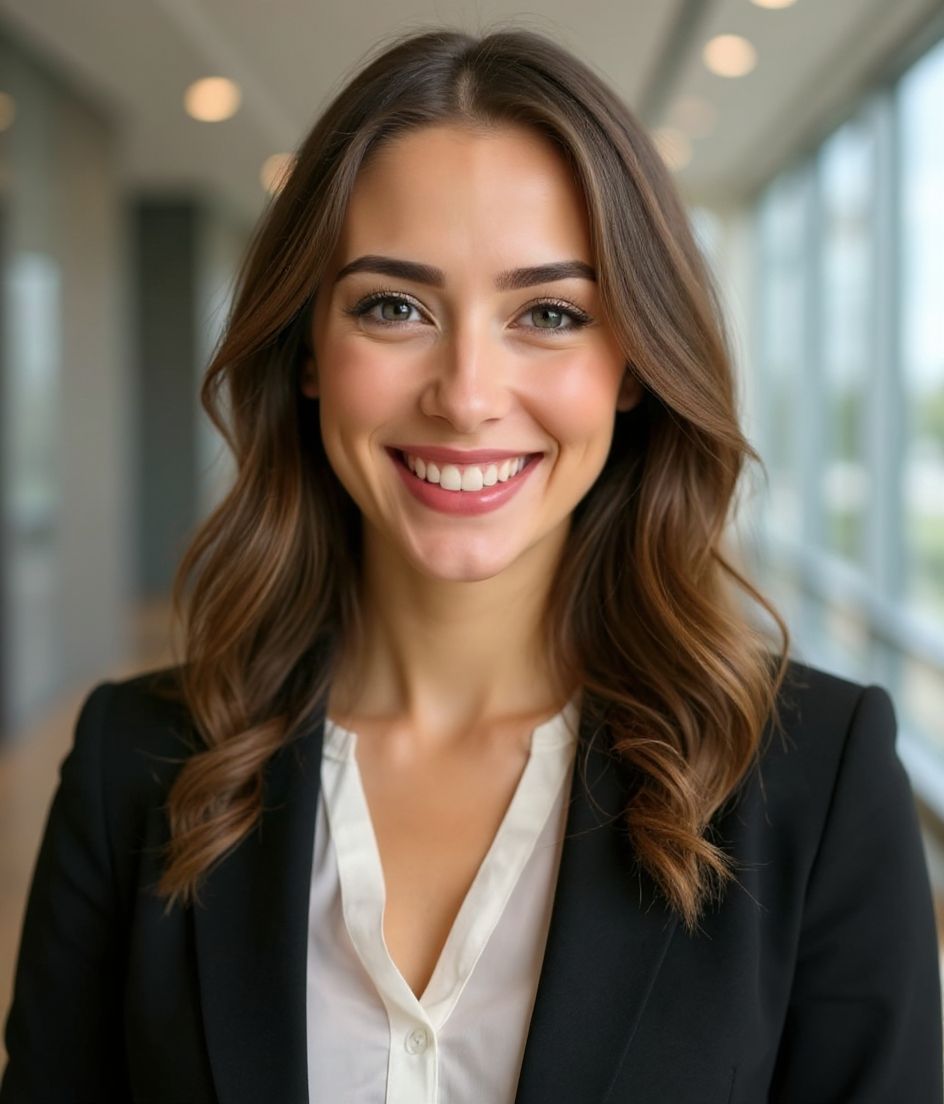
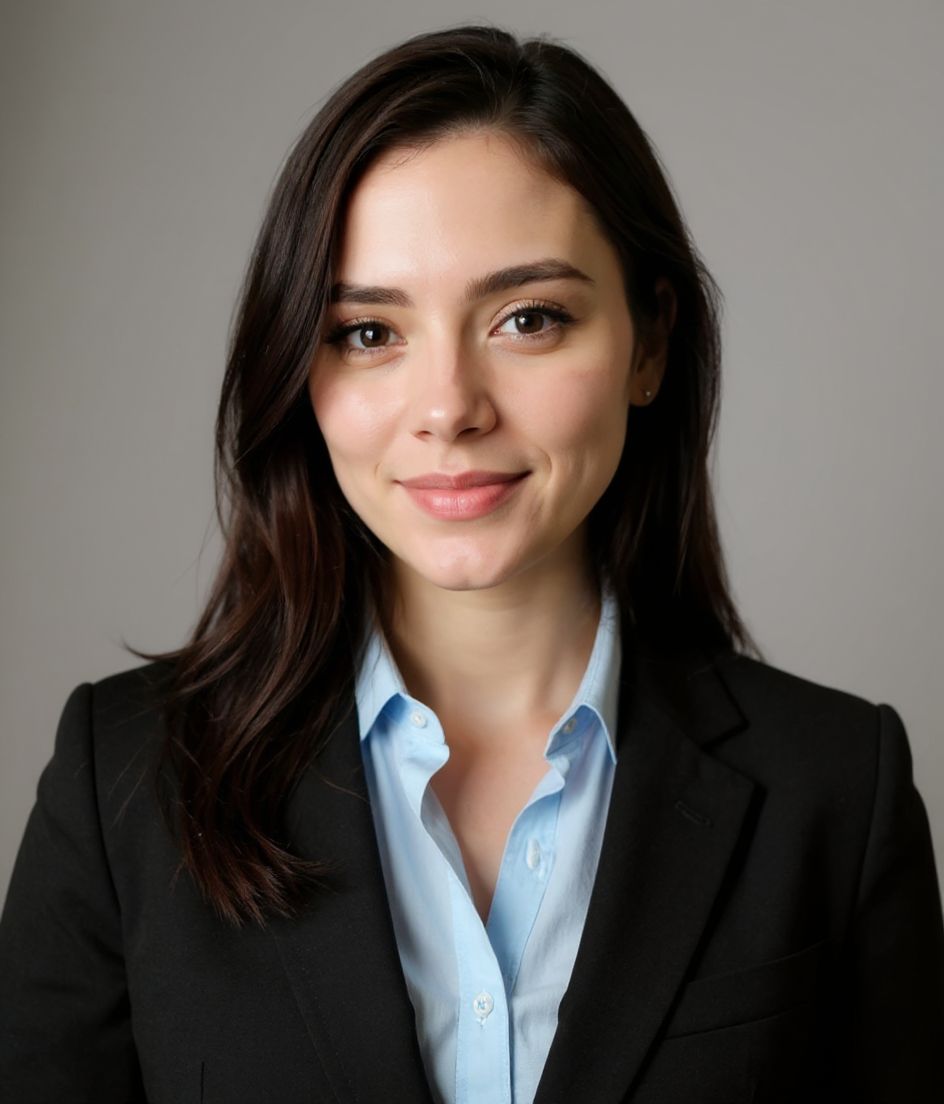
टिप्स
- 1 संपादकीय-अहसास कॉर्पोरेट-अहसास से बेहतर है। मुलायम खिड़की की रोशनी बायलाइन का क्लासिक है।
- 2 सादे रंग का टॉप — फ़ोटो आपके चेहरे के बारे में है, पहनावे के नहीं।
- 3 हल्की मुस्कान, सोचा-समझा भाव।
- 4 वही फ़ोटो Substack, Medium और LinkedIn पर इस्तेमाल करें। क्रॉस-प्लेटफ़ॉर्म दिखावा बायलाइन पहचान बनाता है।
FAQs
What size should my Medium photo be?
Medium expects 1000×1000 recommended at 1:1 (square), under 5 mb, in JPG or PNG. Practical upload: 1000×1000 to 2000×2000. Author bylines and publication headers show a small circle; upload square and sharp.
How do I keep my face inside the Medium circle crop?
Keep the face centered for the byline circle. Soft headroom above the hair; avoid wide environmental crops that shrink the face.
क्या यह medium पर चल जाएगी?
हाँ। आउटपुट आपकी असली शक्ल जैसा होता है, कोई कार्टून या फ़िल्टर नहीं। Foundations या Corporate स्टाइल चुनें और फ़ोटो एक सामान्य स्टूडियो शूट जैसी दिखती है।
क्या मैं अपना चेहरा बिल्कुल वैसा ही रख सकता हूँ?
हाँ — आपका चेहरा, बाल और त्वचा का रंग लॉक रहते हैं। केवल कपड़े, लाइटिंग और बैकग्राउंड बदलते हैं।
जनरेशन कितनी तेज़ है?
ज़्यादातर हेडशॉट 5 से 15 सेकंड में तैयार हो जाते हैं। आप दोहरा सकते हैं, फिर "शब्दों से एडिट करें" से बदलाव कर सकते हैं, सब एक मिनट से भी कम में।
संबंधित
अपना हेडशॉट बनाएँ
स्टूडियो छोड़ें। एक सेल्फ़ी से सेकंडों में प्रो हेडशॉट। iOS और Android पर मुफ़्त डाउनलोड।
iOS और Android पर मुफ़्त डाउनलोड
- मुफ़्त डाउनलोड
- 1 सेल्फ़ी
- 5–15 सेकंड
- बिना वॉटरमार्क
डाउनलोड के लिए स्कैन करें
फ़ोन कैमरा कोड पर लगाएँ

