
GitHub specs
एक GitHub प्रोफ़ाइल फ़ोटो जो दिखाए "मैं कोड भेजता हूँ"
Photo size & upload specs
- Pixel dimensions
- 500×500 or larger
- Aspect ratio
- 1:1 (square)
- File size cap
- Under 1 MB preferred
- Ideal upload
- 1024×1024
- Formats
- JPG, PNG, or GIF
- Circle-crop safe area
- Center the face tightly. GitHub avatars render as circles next to every PR and issue — forehead and chin must sit inside the inscribed circle.
Avatars shrink to ~32–48 px in feeds; upload larger so compression still looks sharp.
GitHub अवतार छोटे होते हैं। वे हर PR, हर इश्यू, हर कमिट के बगल में दिखते हैं — और दूसरे इंजीनियर आपके काम को आपकी प्रोफ़ाइल पर क्लिक करने से पहले ही उनसे आँकते हैं।
HeadshotCam एक सेल्फ़ी लेता है और आपको GitHub-स्तर का पोर्ट्रेट देता है। lead-dev, clean-modern या cto स्टाइल और न्यूट्रल बैकग्राउंड चुनें, और आपके पास एक ऐसी फ़ोटो होगी जो अवतार साइज़ पर तीक्ष्ण और भरोसेमंद दिखती है।
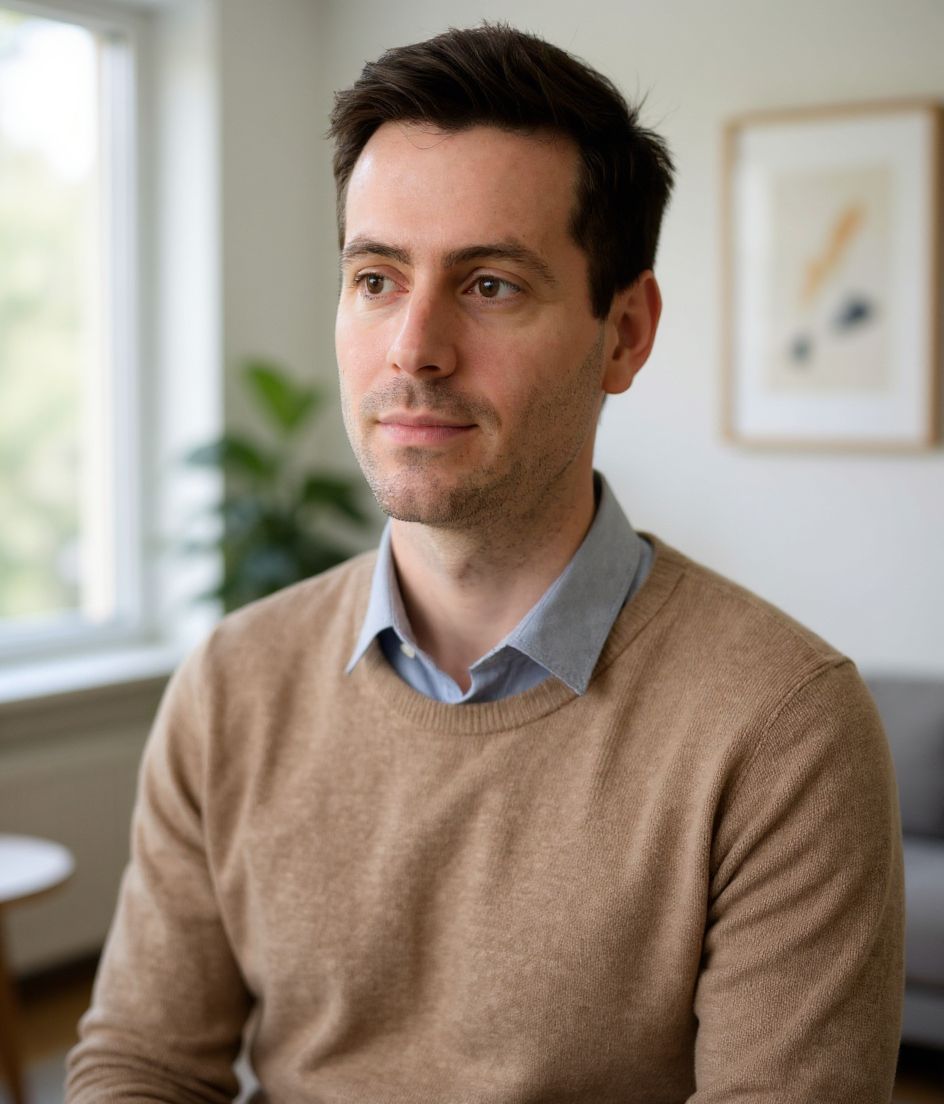
Built for GitHub प्रोफ़ाइल फ़ोटो
500×500 or larger — sized for GitHub
Upload 1:1 (square), 1024×1024 ideal, under 1 mb preferred. JPG, PNG, or GIF — no awkward zoom, no clipped chin.
Circle-crop safe framing
Center the face tightly. GitHub avatars render as circles next to every PR and issue — forehead and chin must sit inside the inscribed circle.
शब्दों से एडिट करें
"चश्मा हटाओ", "नेवी ब्लेज़र" या "हल्का बैकग्राउंड" टाइप करें — AI उस डिटेल को अपडेट करता है जबकि आपका चेहरा वैसा ही रहता है।
हाई-रेज़, कोई वॉटरमार्क नहीं
प्रिंट-क्वालिटी फ़ाइलें डाउनलोड करें — न कोई छोटा लोगो, न कोने में "made with" का ठप्पा।
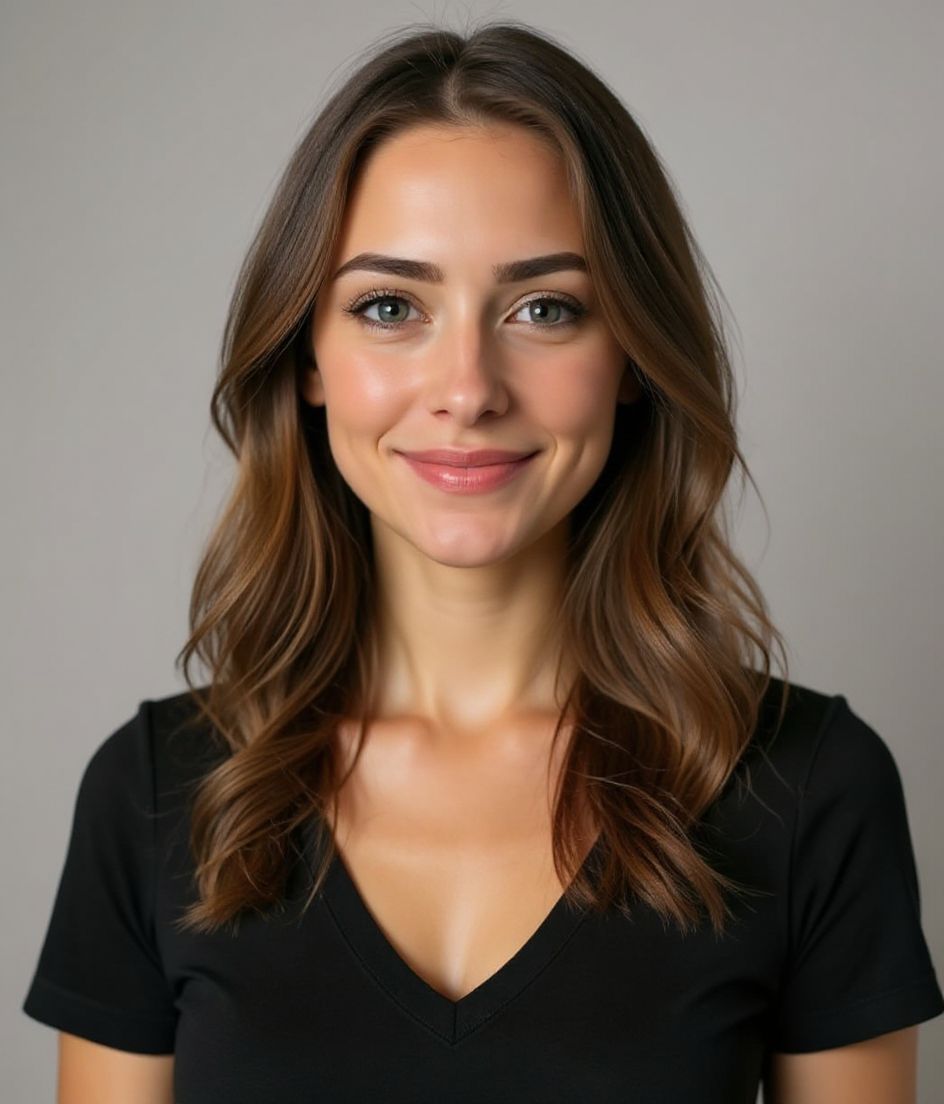
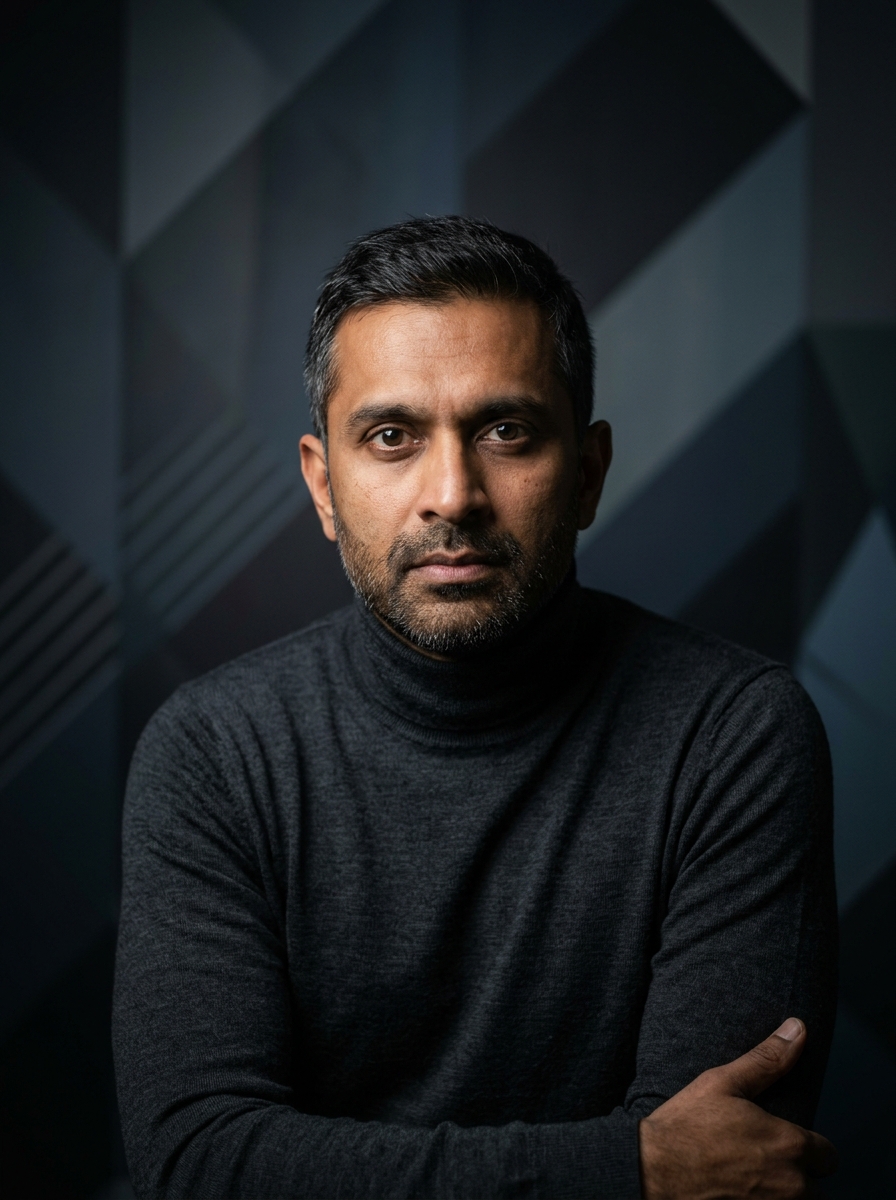
Best styles
Our picks for GitHub प्रोफ़ाइल फ़ोटो.
टिप्स
- 1 कसा हुआ, केंद्रित क्रॉप। GitHub गोल अवतार इस्तेमाल करता है — आपका चेहरा वृत्त को भरना चाहिए।
- 2 सादे रंग का टॉप, कोई पैटर्न नहीं। पैटर्न 32×32 पर शोर बन जाते हैं।
- 3 LinkedIn वाली फ़ोटो से मिलाएँ। रिक्रूटर और कॉन्ट्रिब्यूटर क्रॉस-चेक करते हैं।
- 4 कंपनी बदलने पर रिफ़्रेश करें। बाकी समय इसे वैसे ही रहने दें।
FAQs
What size should my GitHub photo be?
GitHub expects 500×500 or larger at 1:1 (square), under 1 mb preferred, in JPG, PNG, or GIF. Practical upload: 1024×1024. Avatars shrink to ~32–48 px in feeds; upload larger so compression still looks sharp.
How do I keep my face inside the GitHub circle crop?
Center the face tightly. GitHub avatars render as circles next to every PR and issue — forehead and chin must sit inside the inscribed circle.
क्या यह github अवतार पर चल जाएगी?
हाँ। आउटपुट आपकी असली शक्ल जैसा होता है, कोई कार्टून या फ़िल्टर नहीं। Foundations या Corporate स्टाइल चुनें और फ़ोटो एक सामान्य स्टूडियो शूट जैसी दिखती है।
क्या मैं अपना चेहरा बिल्कुल वैसा ही रख सकता हूँ?
हाँ — आपका चेहरा, बाल और त्वचा का रंग लॉक रहते हैं। केवल कपड़े, लाइटिंग और बैकग्राउंड बदलते हैं।
जनरेशन कितनी तेज़ है?
ज़्यादातर हेडशॉट 5 से 15 सेकंड में तैयार हो जाते हैं। आप दोहरा सकते हैं, फिर "शब्दों से एडिट करें" से बदलाव कर सकते हैं, सब एक मिनट से भी कम में।
संबंधित
अपना हेडशॉट बनाएँ
स्टूडियो छोड़ें। एक सेल्फ़ी से सेकंडों में प्रो हेडशॉट। iOS और Android पर मुफ़्त डाउनलोड।
iOS और Android पर मुफ़्त डाउनलोड
- मुफ़्त डाउनलोड
- 1 सेल्फ़ी
- 5–15 सेकंड
- बिना वॉटरमार्क
डाउनलोड के लिए स्कैन करें
फ़ोन कैमरा कोड पर लगाएँ

